Arké Screens
Screens from Arké's development builds, grouped by flow. Most were taken on signet, Bitcoin's test network, so the amounts are test coins. The app keeps changing, so every screen shows the date it was captured.
First use
Before a wallet exists, Arké asks which Ark server to use. A wallet stays with one server for its whole life, so the choice comes first.
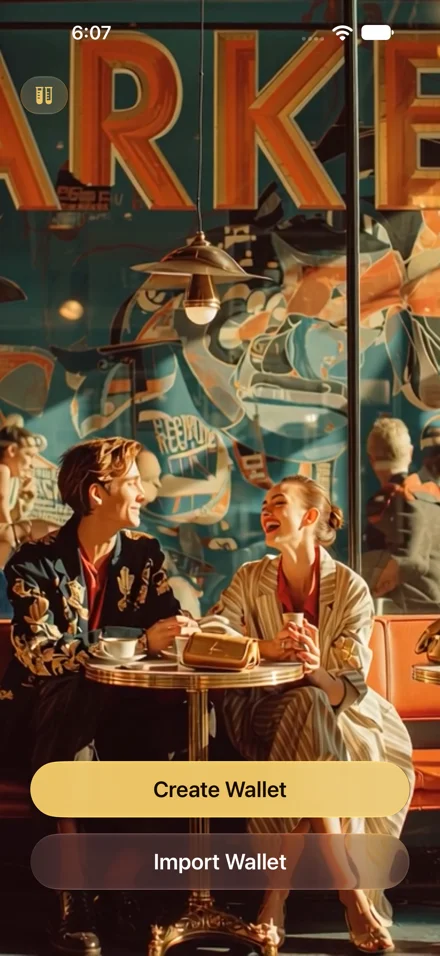
The cover, with Create and Import. The button at the top left opens the server choice.
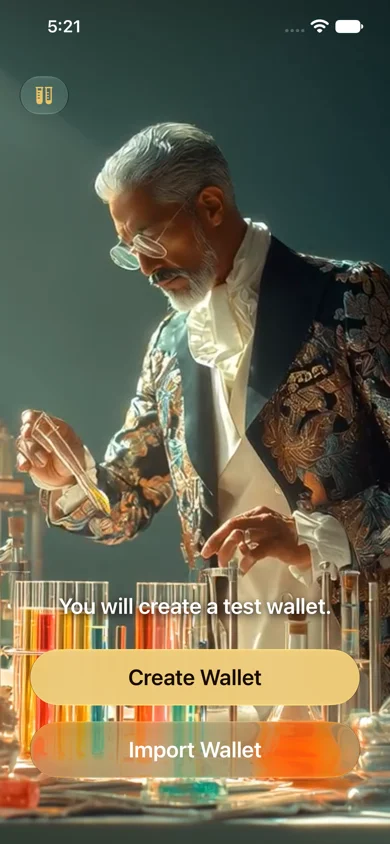
On the test server, the video and a line under the buttons change, so a test wallet is never mistaken for a real one.
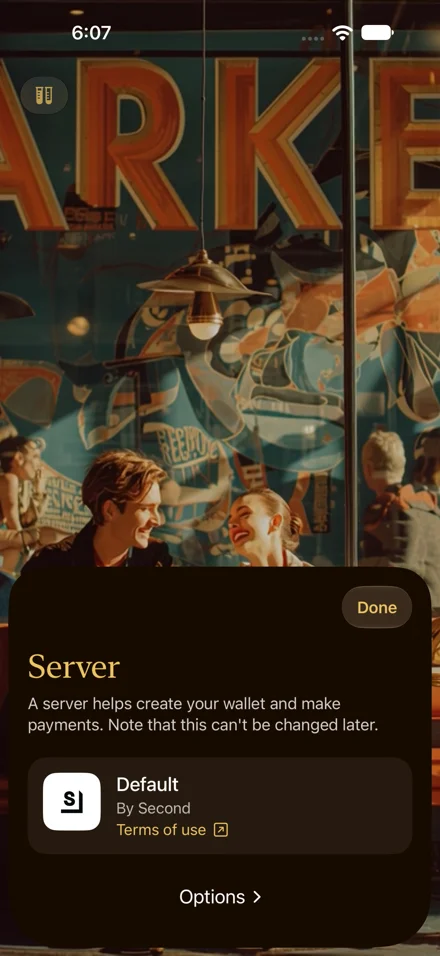
One sentence on what a server is, the default server, and a link to its operator's terms.
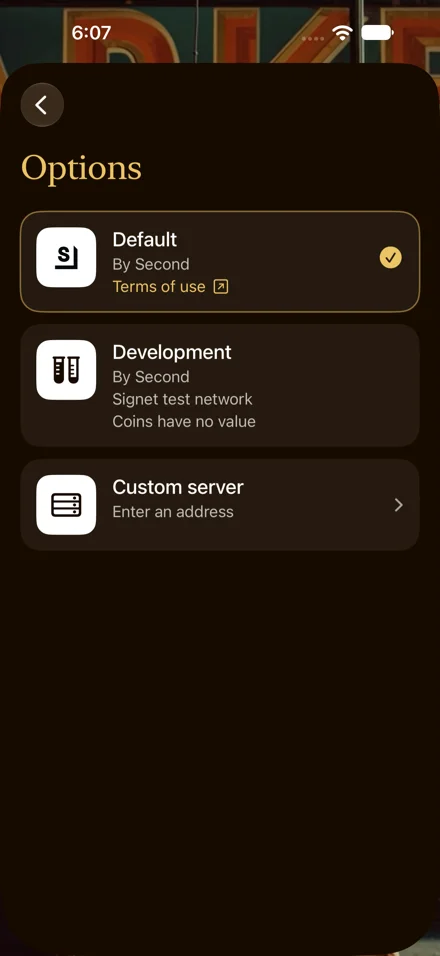
Default, Development and Custom server, each with who runs it.
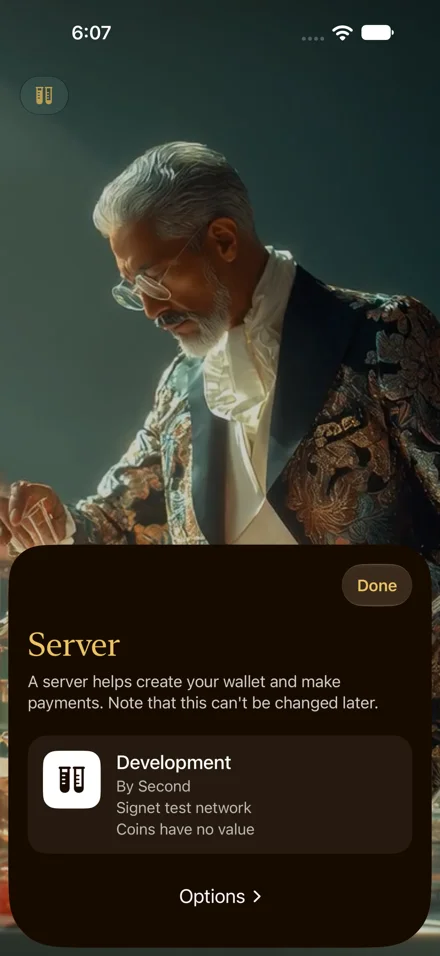
Picking Development switches to signet, where coins have no value.
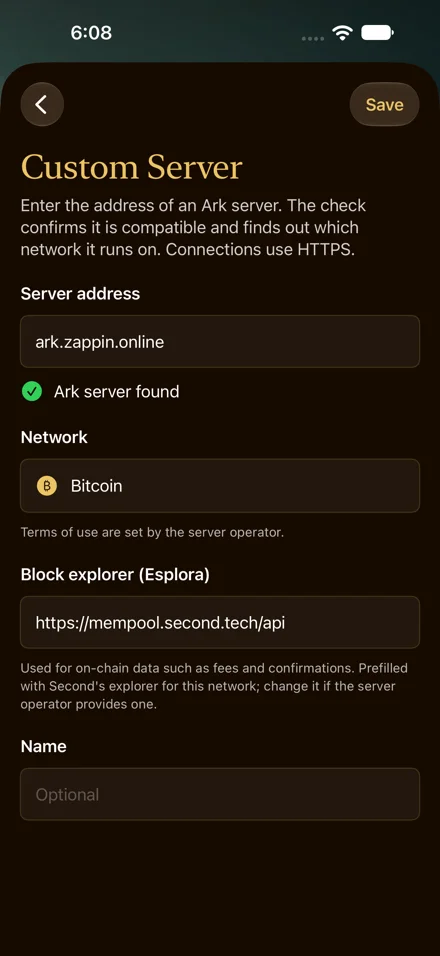
Checking a custom address reports its network and prefills the block explorer.
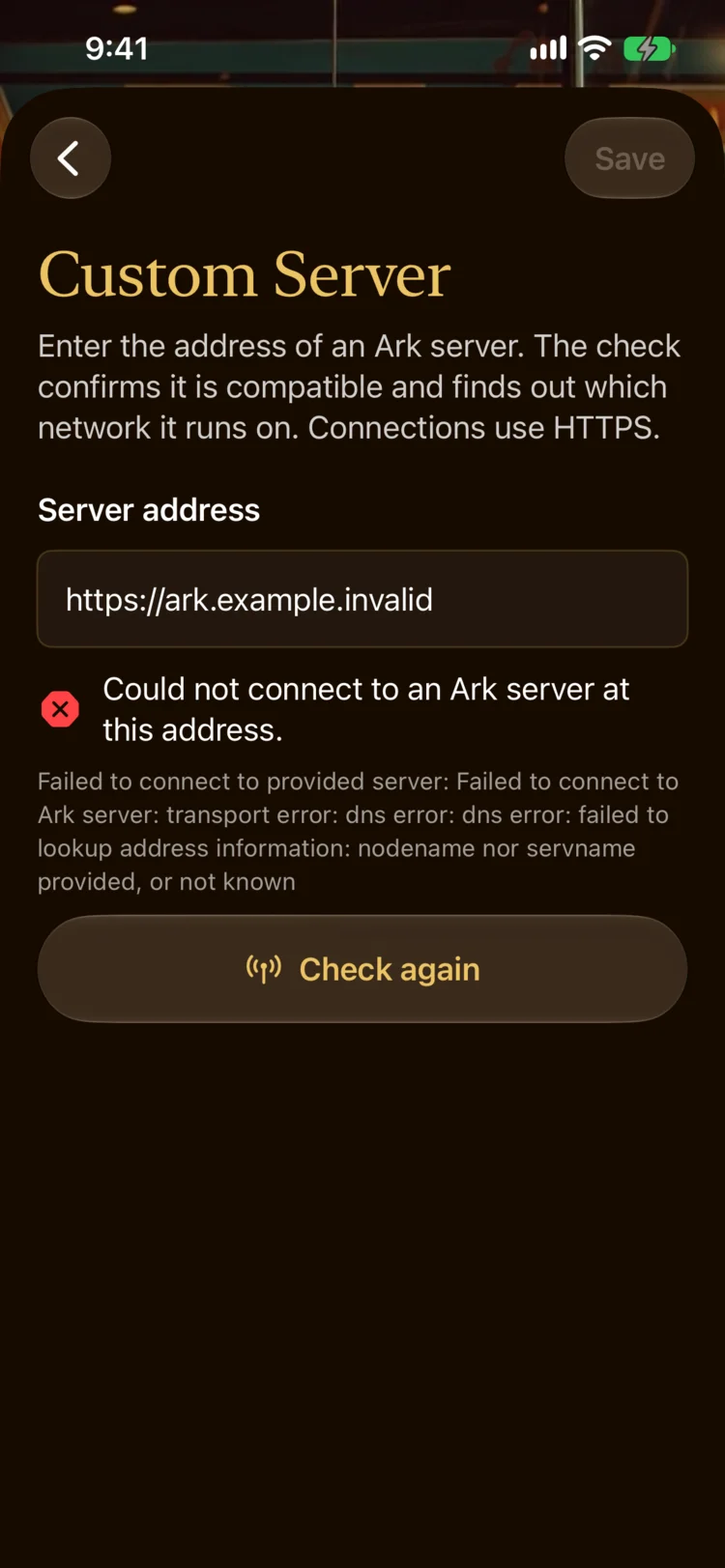
A failed check says so plainly, with the raw error underneath for those who need it.
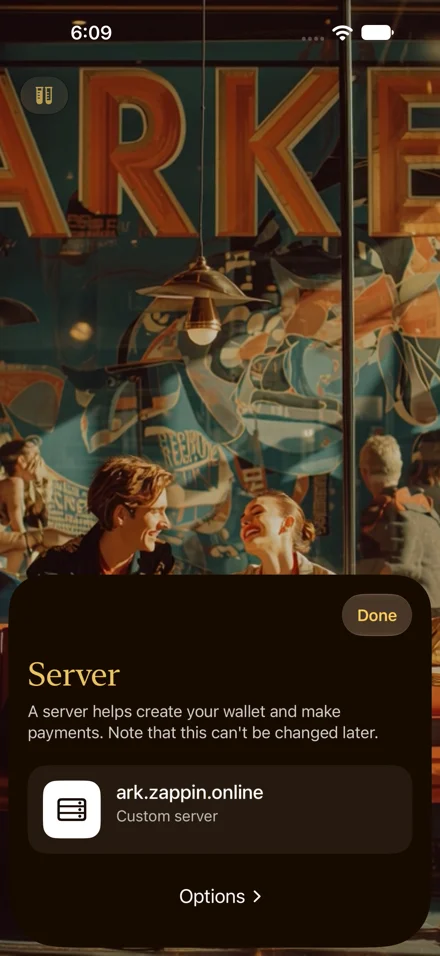
A saved custom server, shown by its host name.

A short animation plays while the wallet is created.
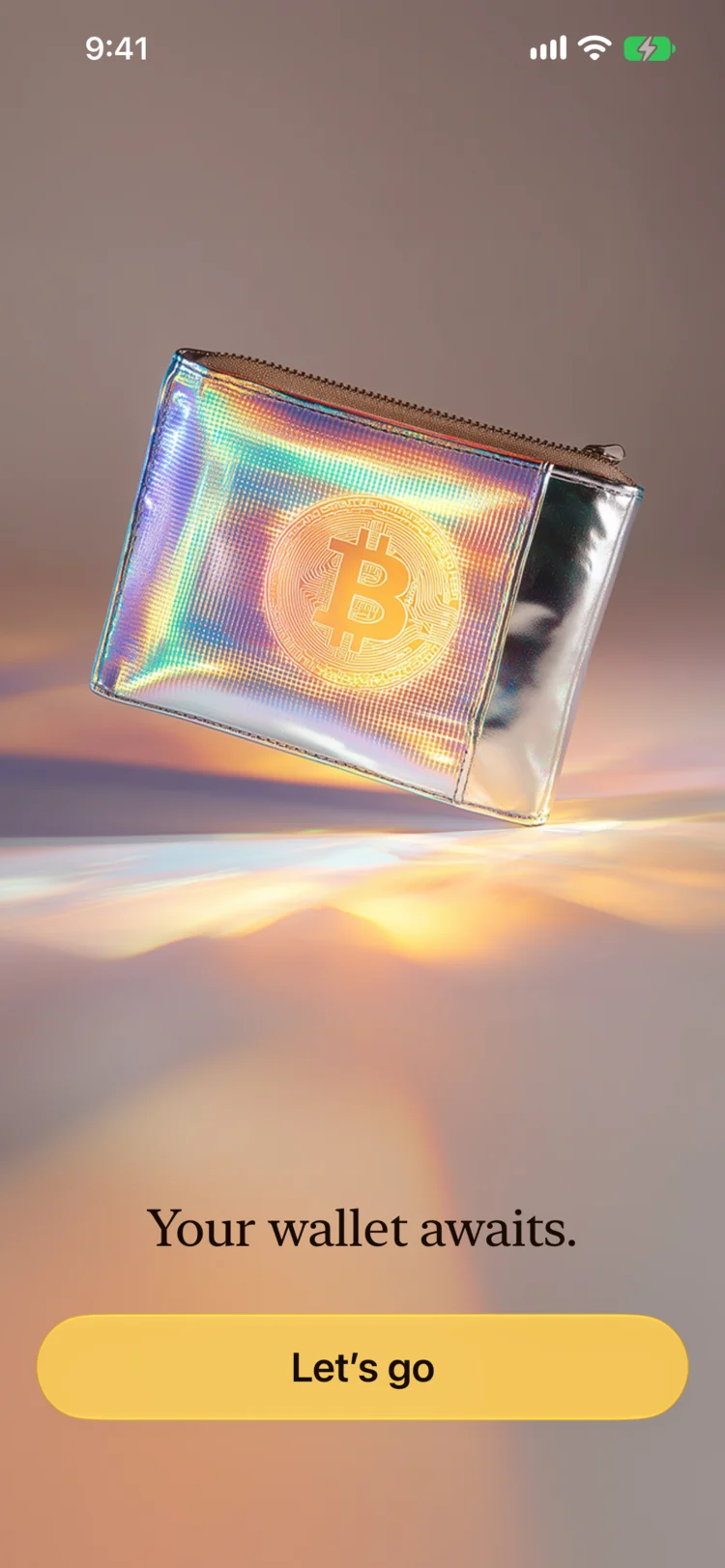
The new wallet is ready.
Restore
Restoring takes the recovery phrase and, optionally, a backup file that brings back history and anything still in progress.
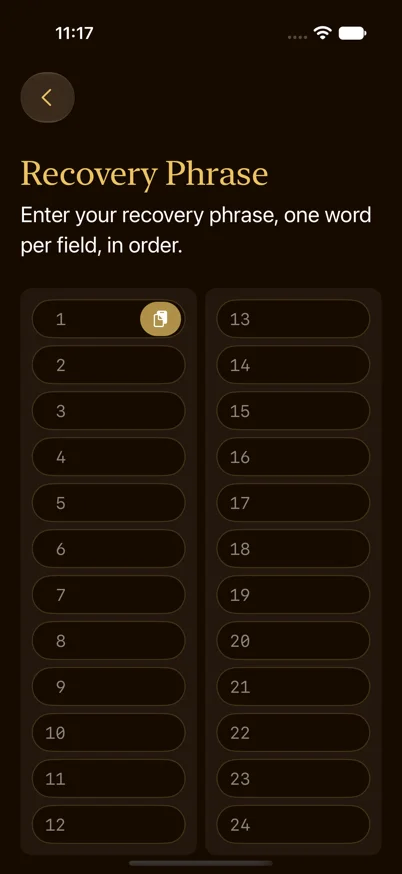
One field per word, with paste in the first field.
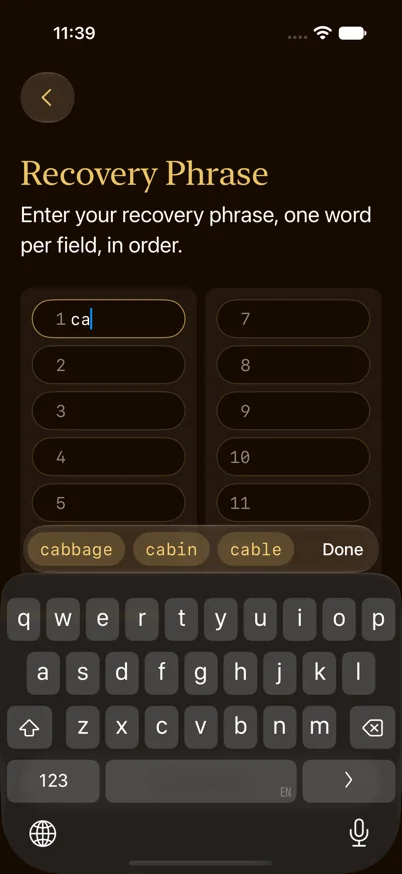
After two letters, chips suggest words from the recovery word list.
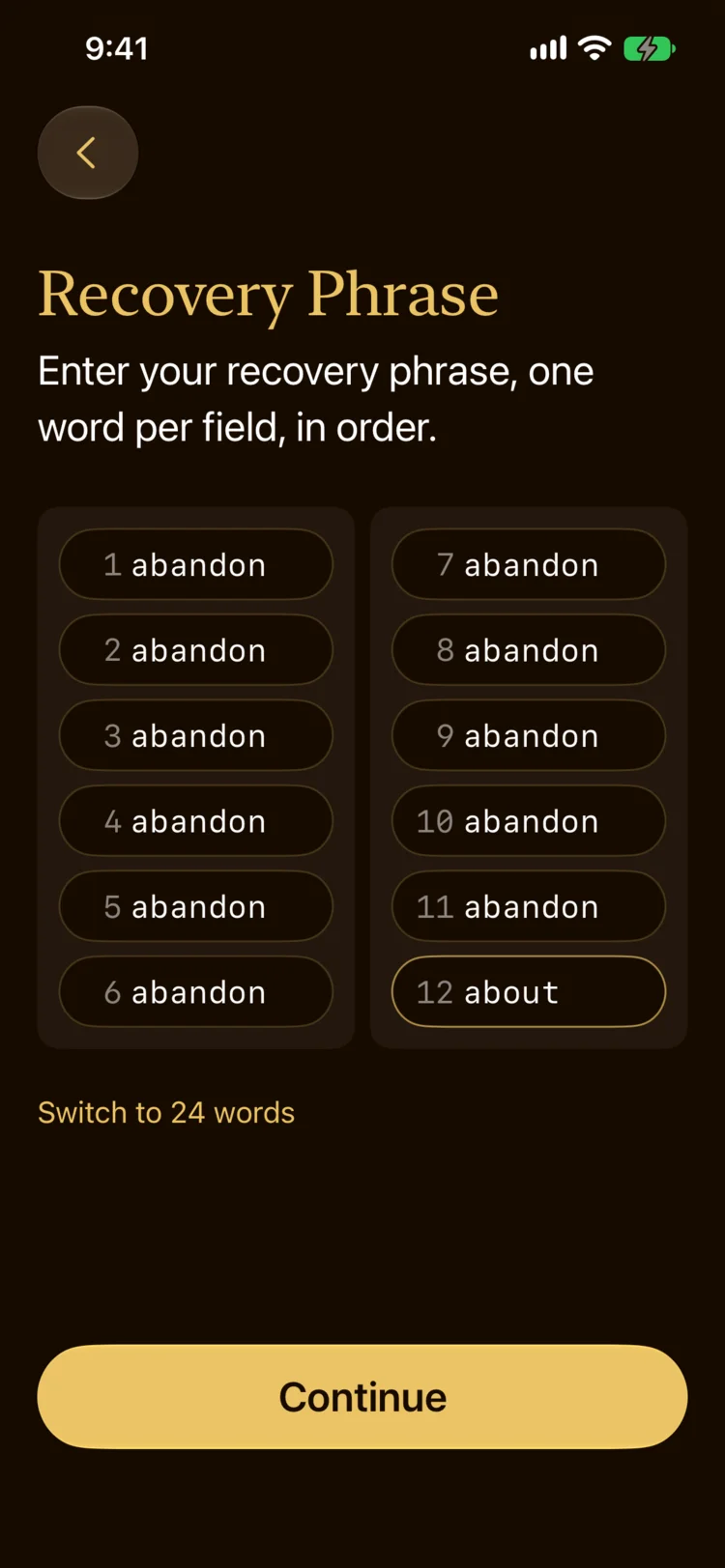
A valid phrase enables Continue. Switching to 24 words is a quiet link.
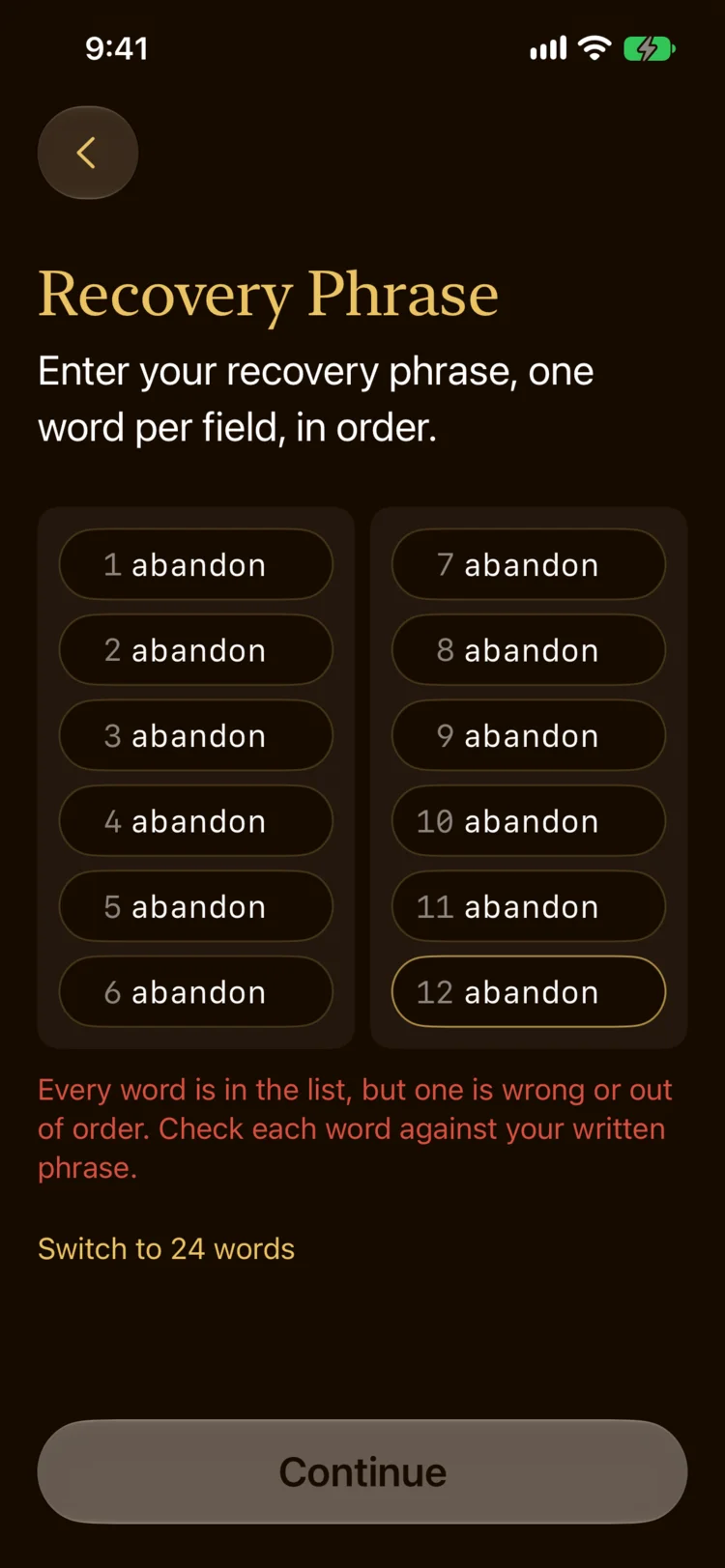
Every word is on the list, but the phrase as a whole doesn't check out.
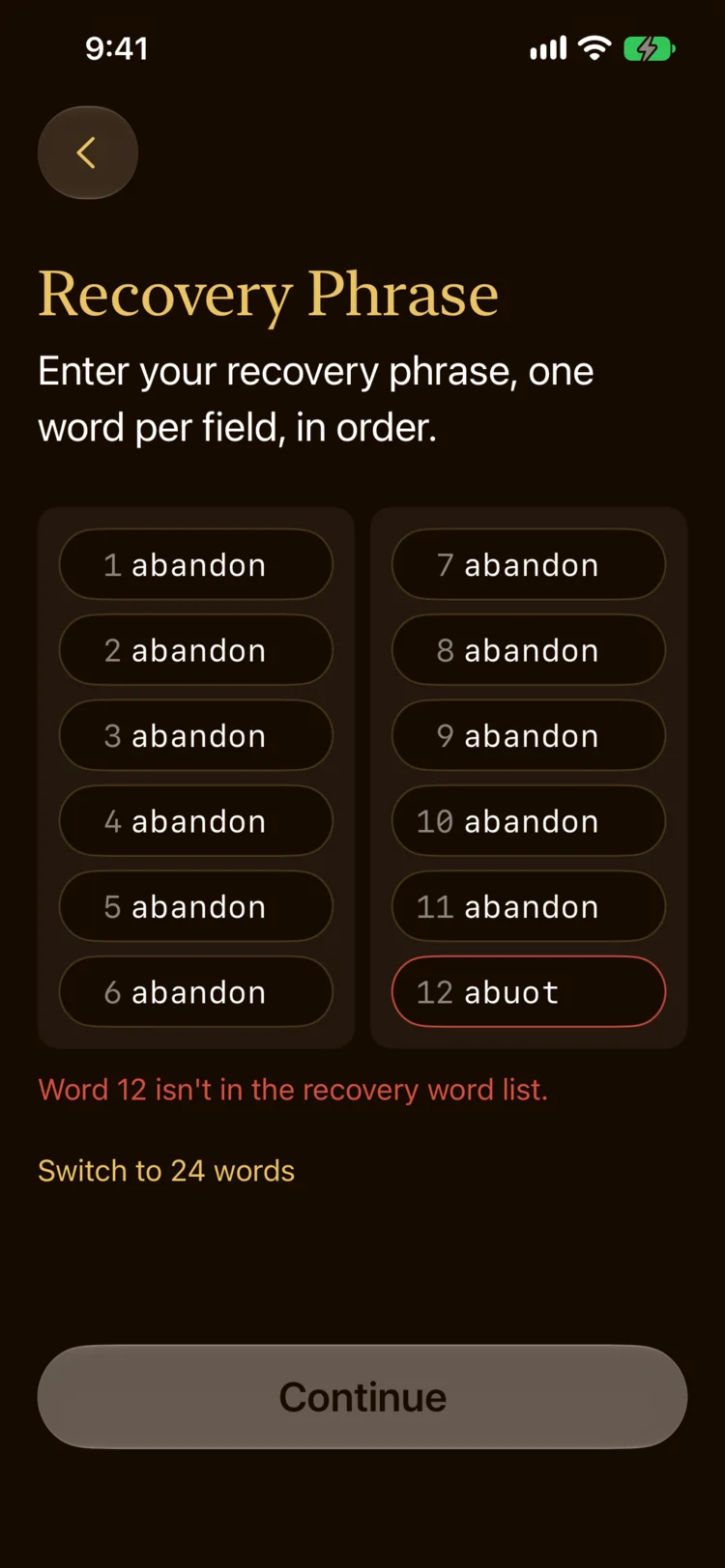
A word that isn't on the list is outlined and named.
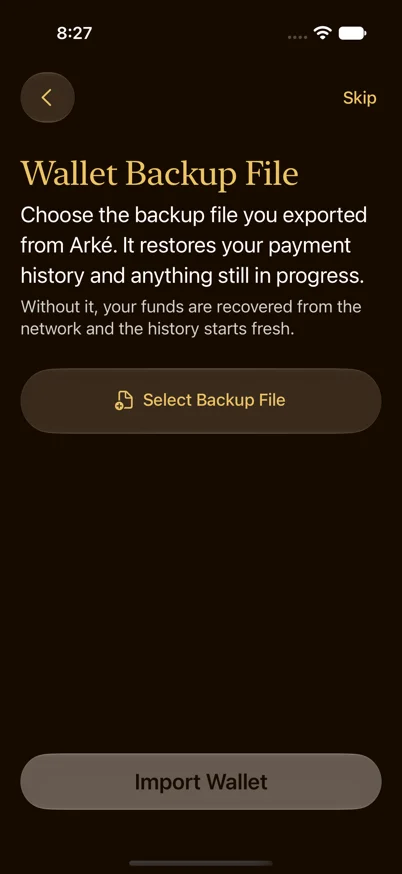
The backup file restores history and payments in progress. Without it, funds still come back from the network.
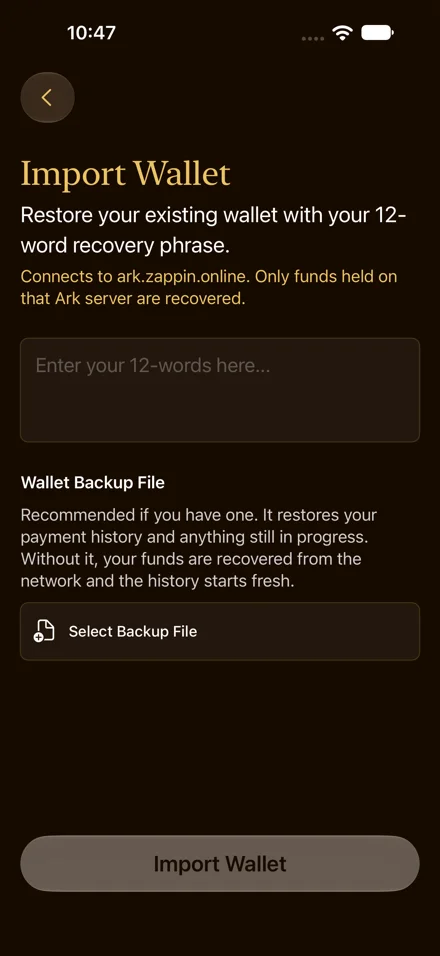
Restoring on a custom server says plainly which funds come back.
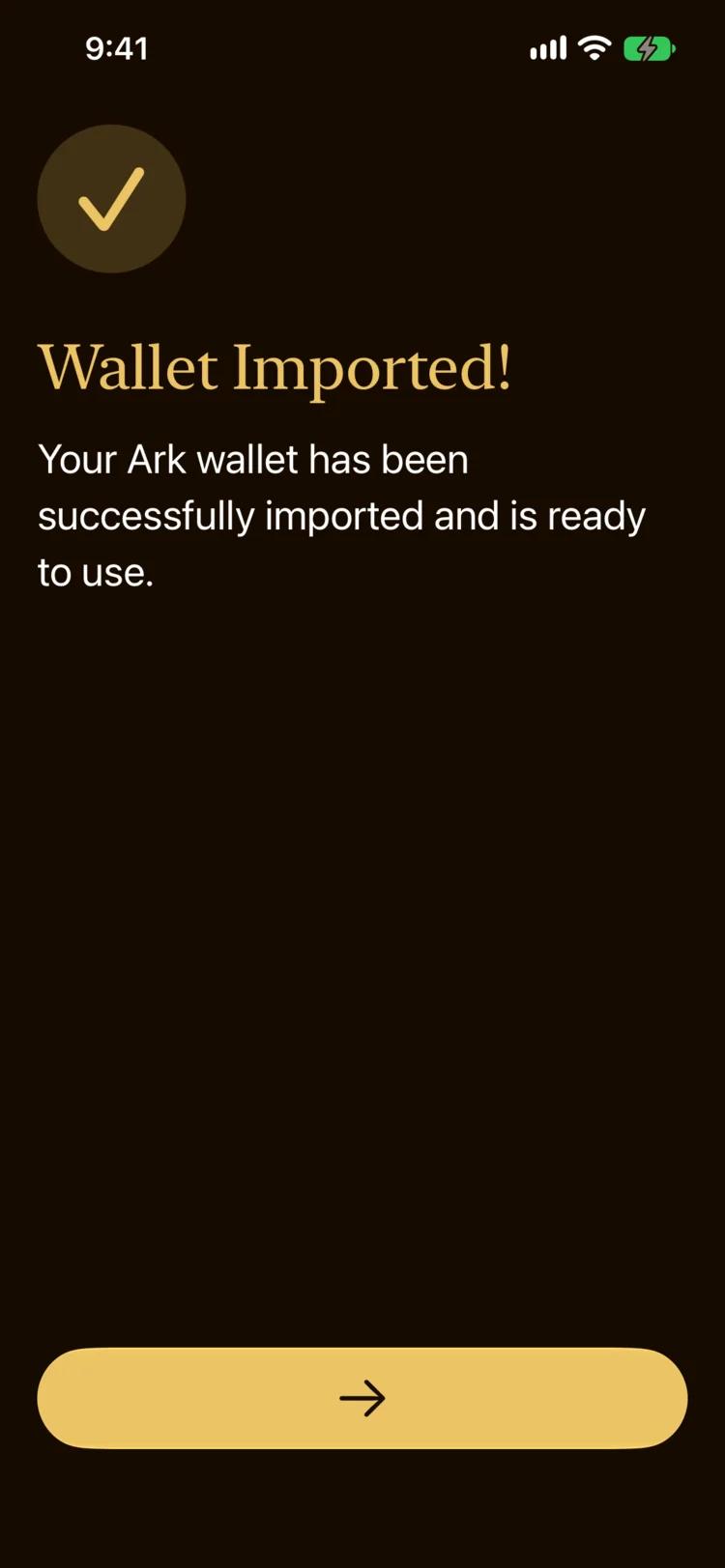
Wallet imported.
Home and activity
One balance on top, everything that happened below, including the background work Ark needs.
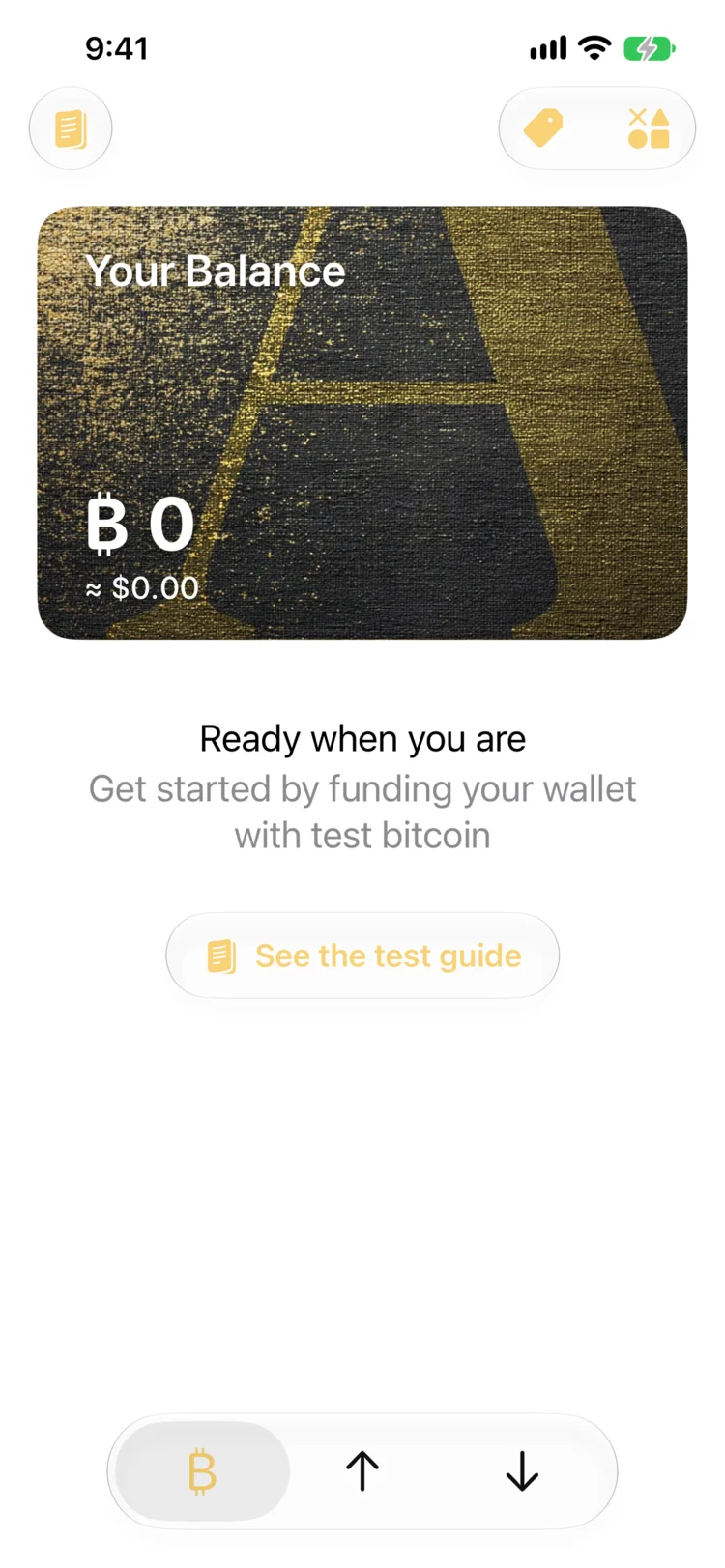
A new wallet with nothing in it points to the test guide.
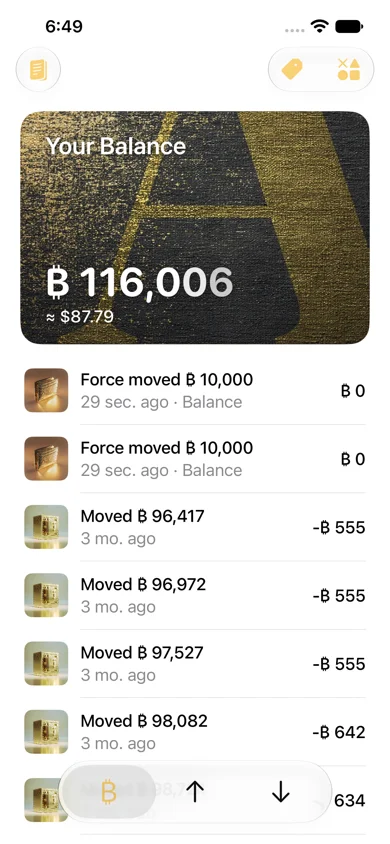
The balance card over the activity list.
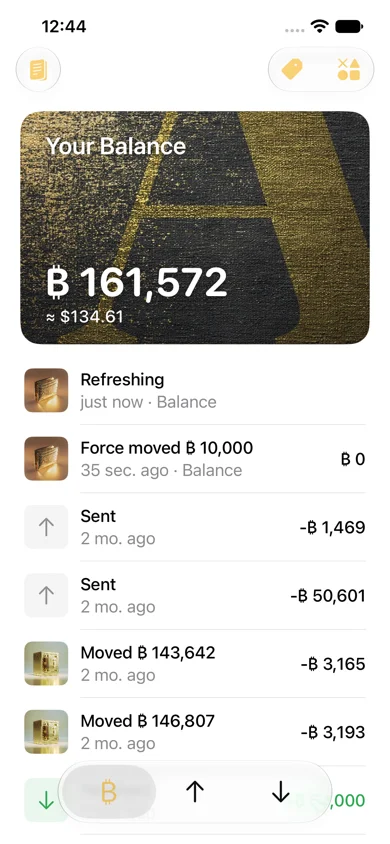
Refreshes keep coins from expiring. They run in the background and show up in activity.
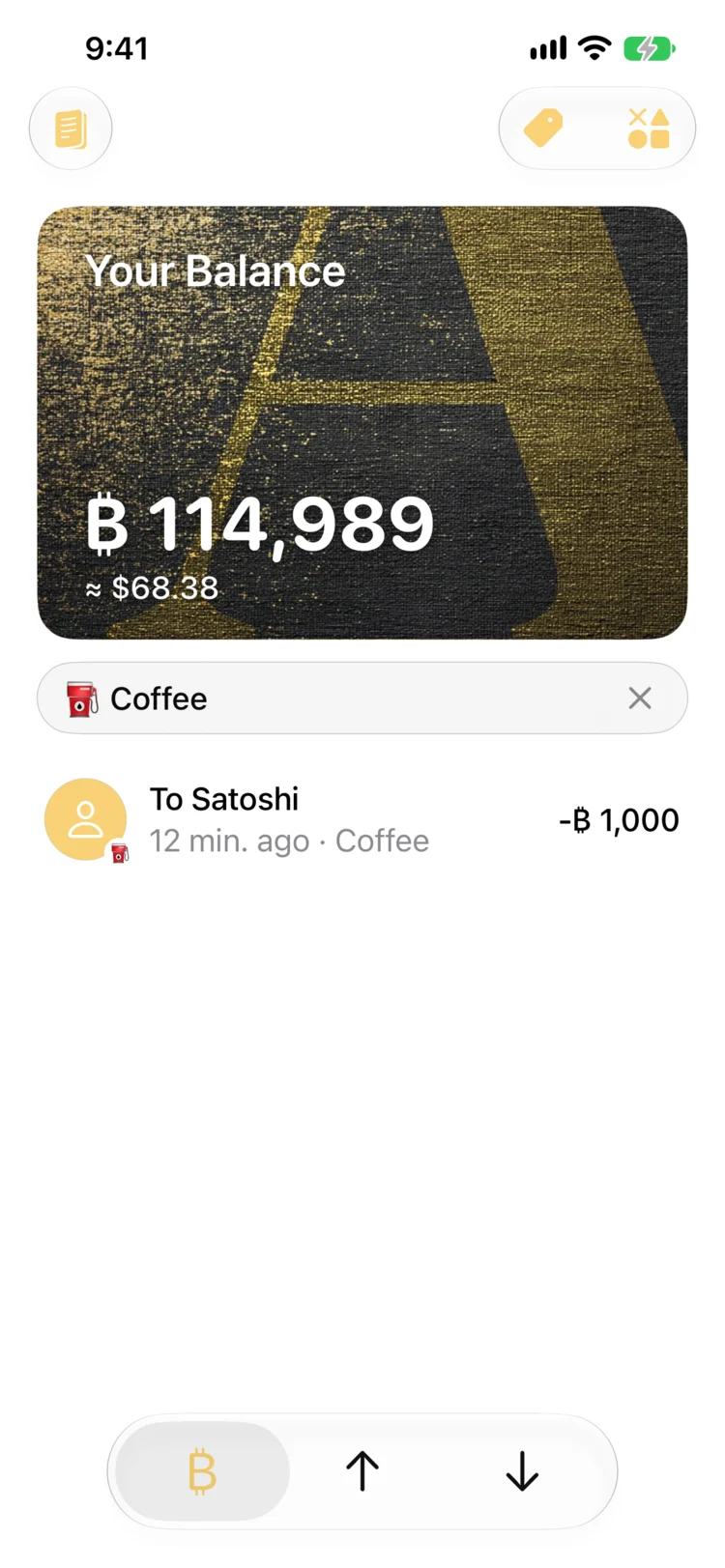
Tapping a tag filters the activity list.
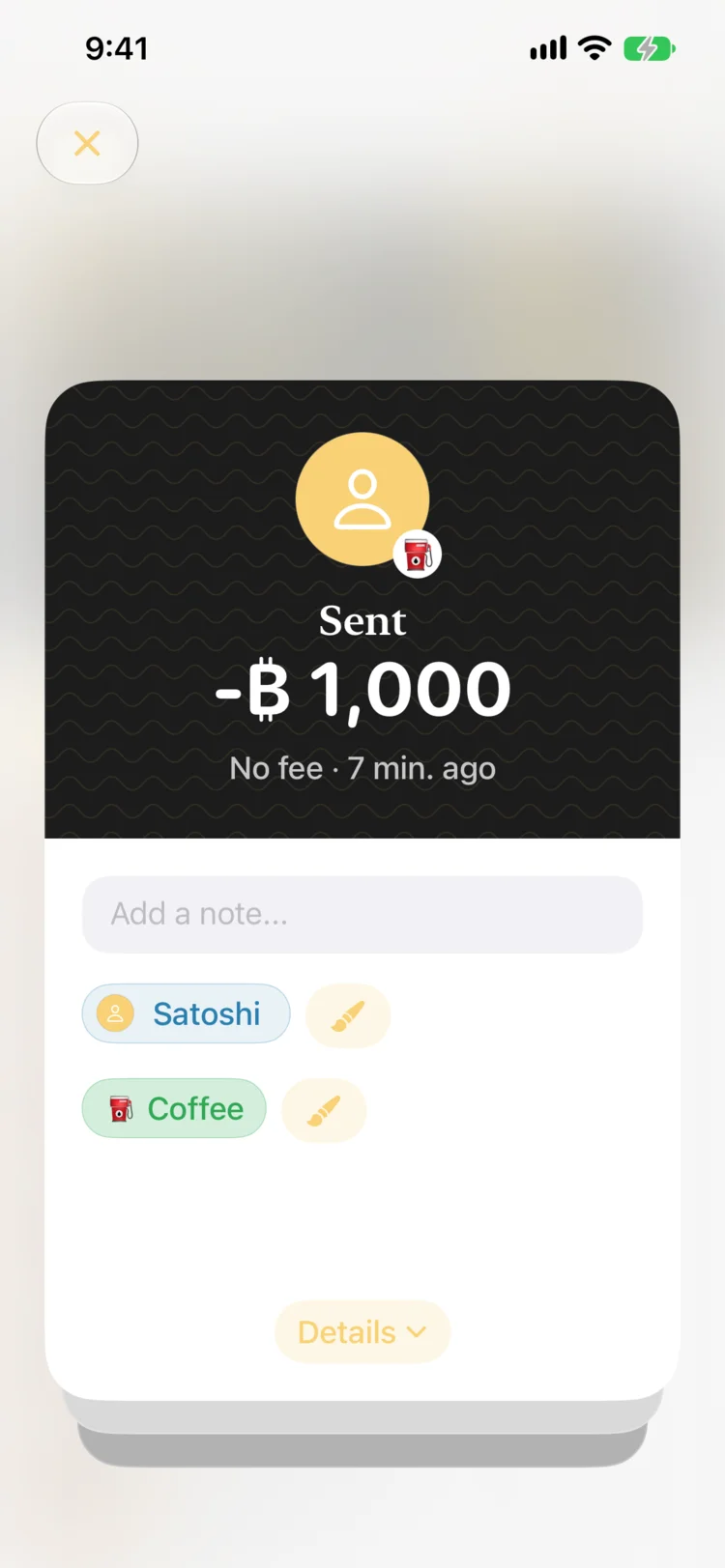
A payment with its contact and tag, and room for a note.
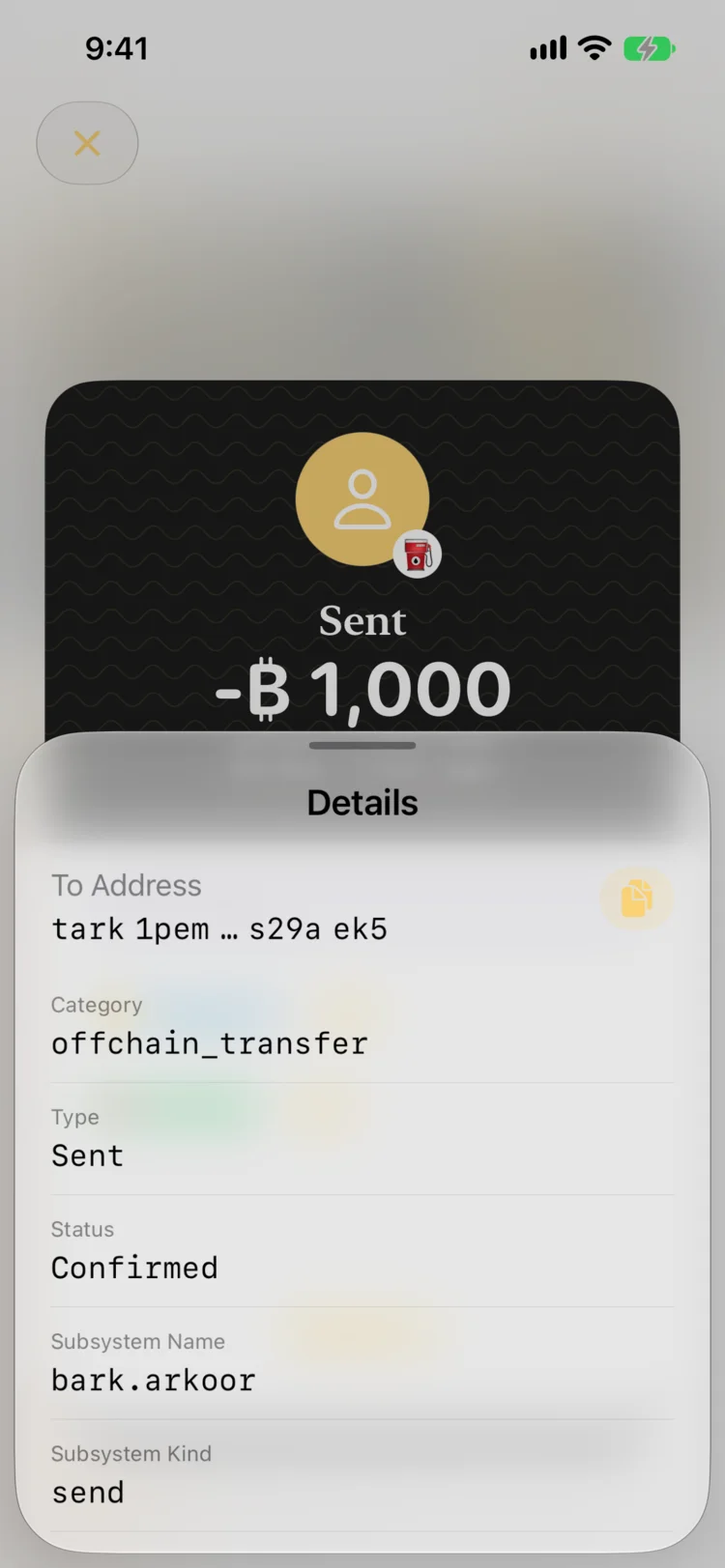
Technical details of the same payment, one tap away.
Balances, boarding and refresh
Arké holds two balances. Payments lives on Ark for fast, cheap payments. Savings is plain on-chain bitcoin. Moving funds onto Ark is called boarding, and coins on Ark need a refresh before they expire.
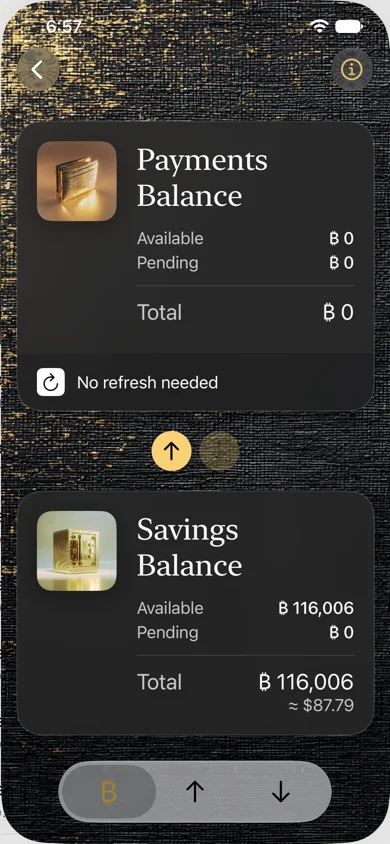
Payments and Savings side by side, with the refresh status in between.
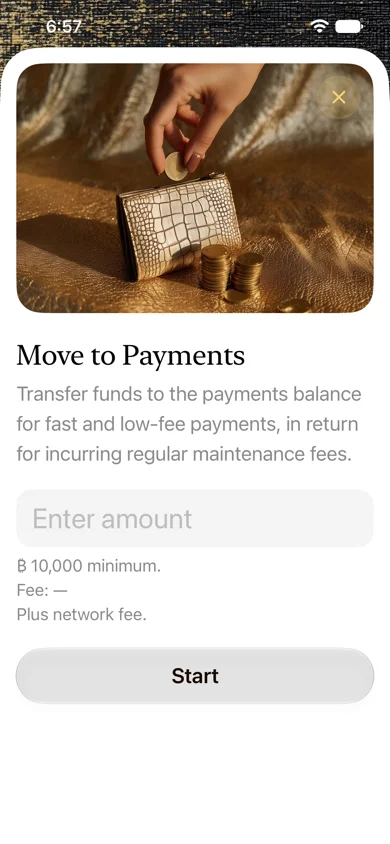
Boarding in one paragraph, with the minimum and fees up front.
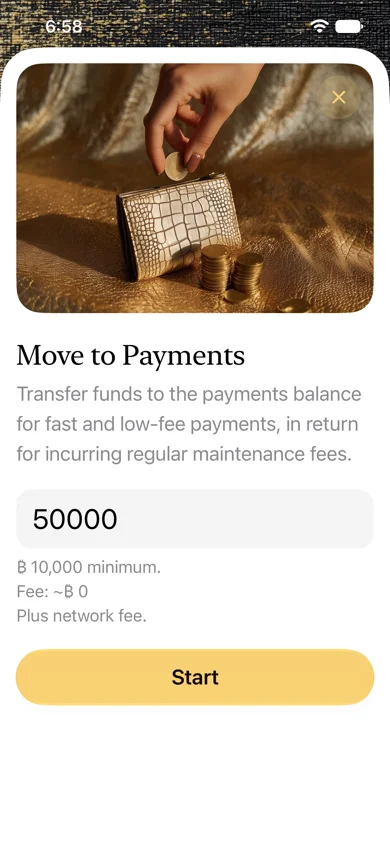
The Ark fee is shown separately from the network fee.
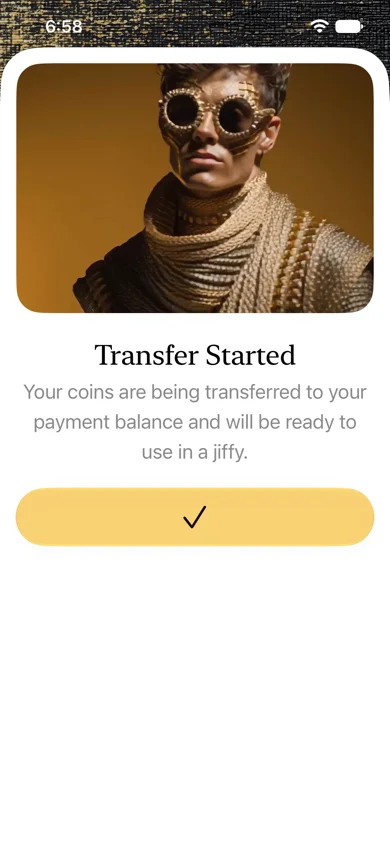
Boarding started. Funds arrive once the transaction confirms.
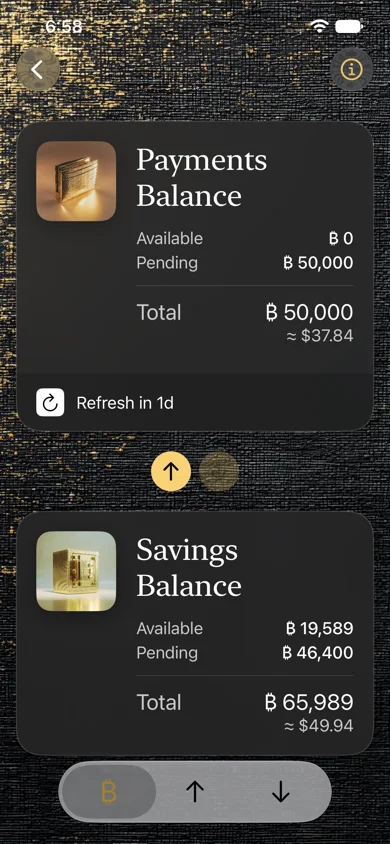
Both balances show pending amounts while boarding confirms. The next refresh is a day away.
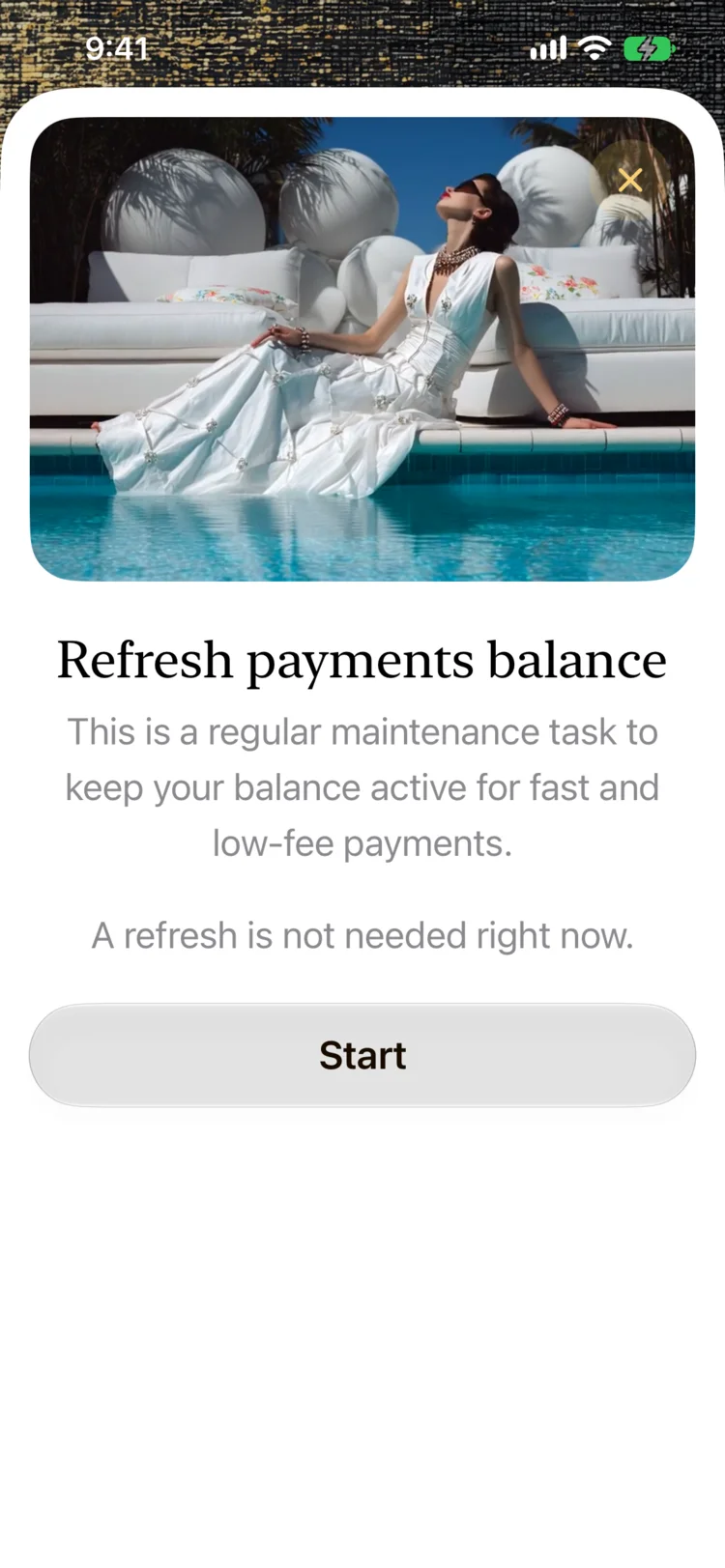
A refresh keeps the Payments balance active. When none is needed yet, Start stays off.
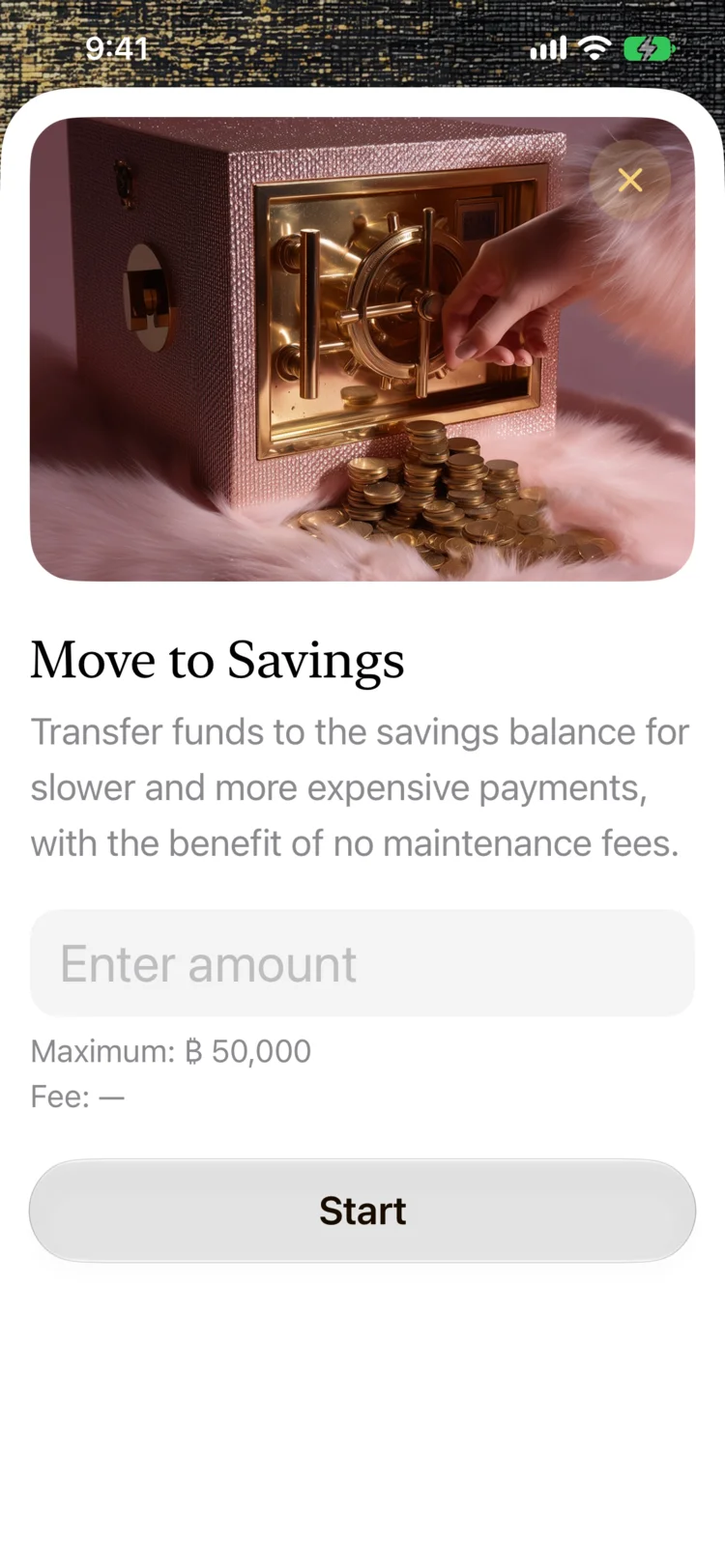
Moving funds back to Savings, with the maximum shown up front.
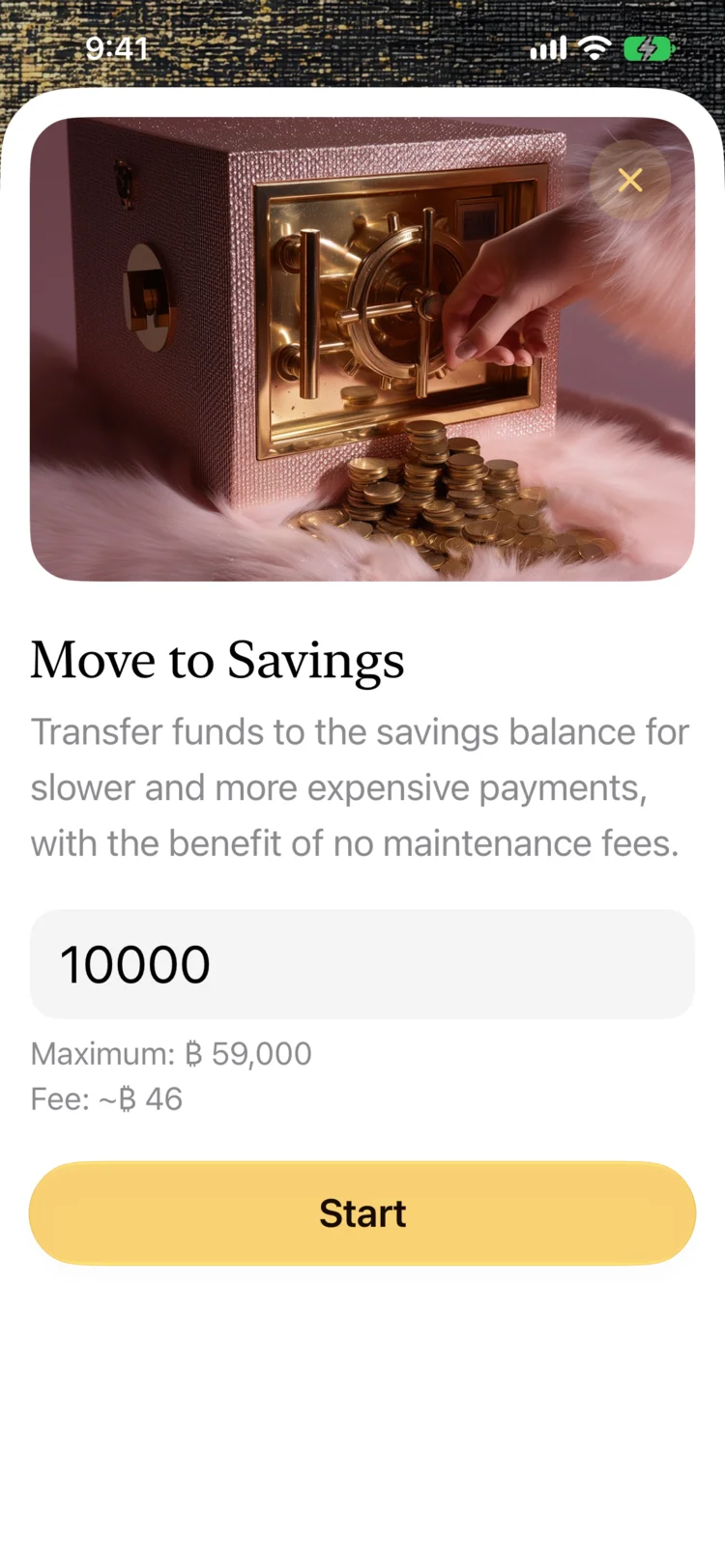
With an amount, the fee estimate appears.
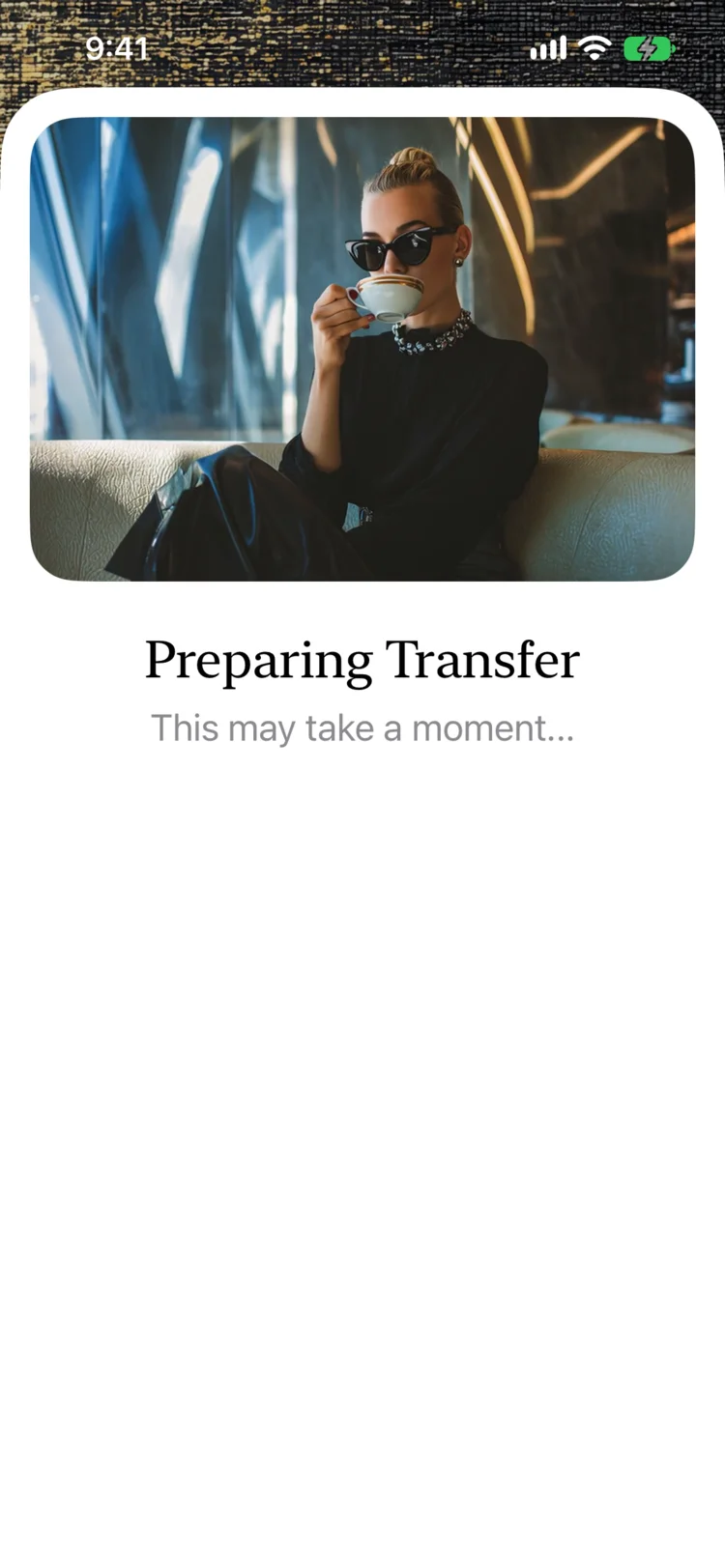
Preparing the transfer.
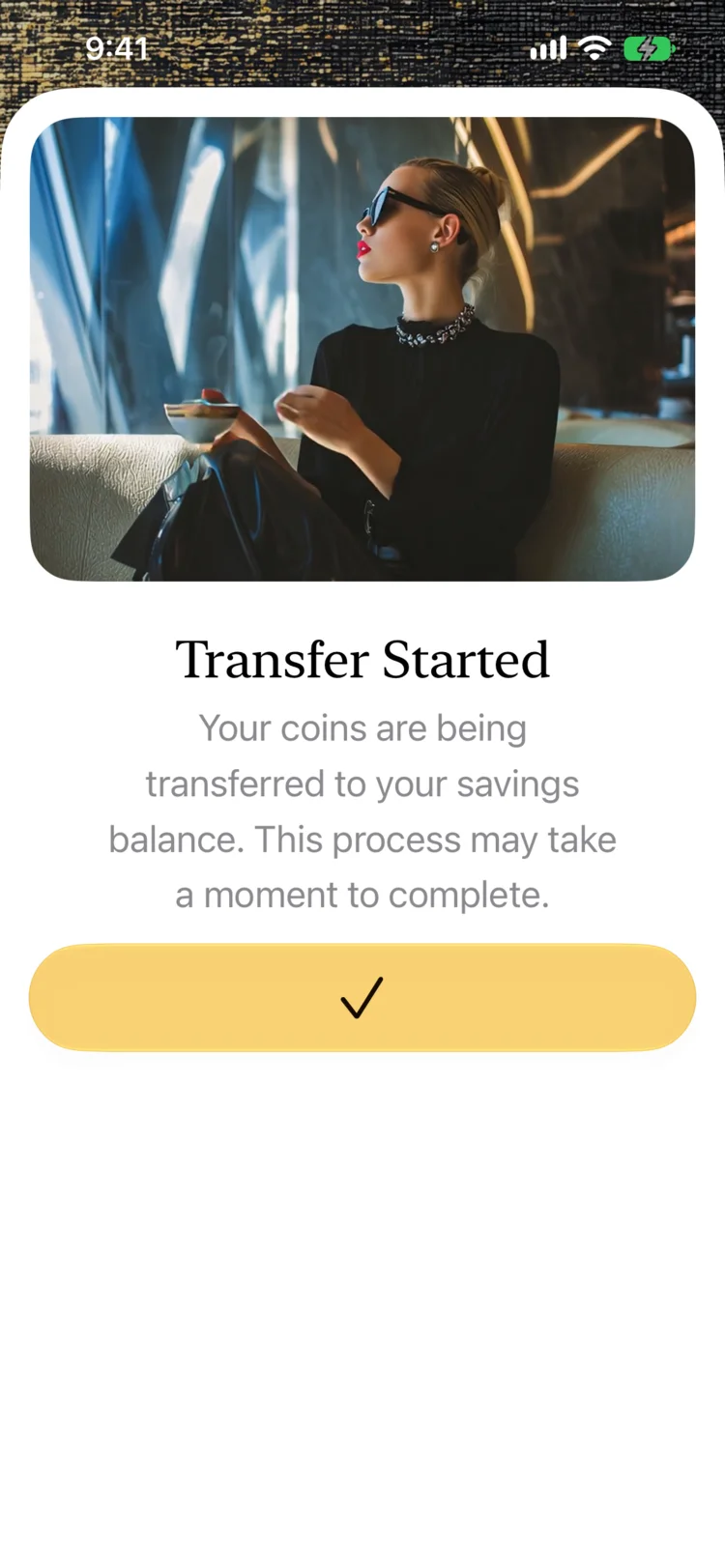
The transfer has started and completes on its own.
Receive
Ask for an amount, or share addresses.
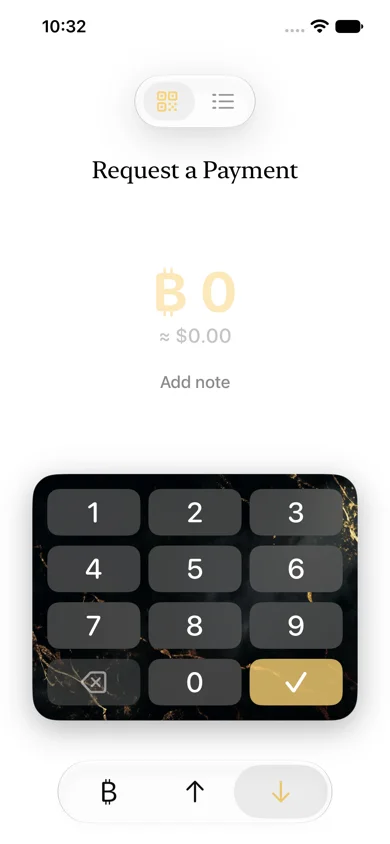
A payment request starts with the amount.
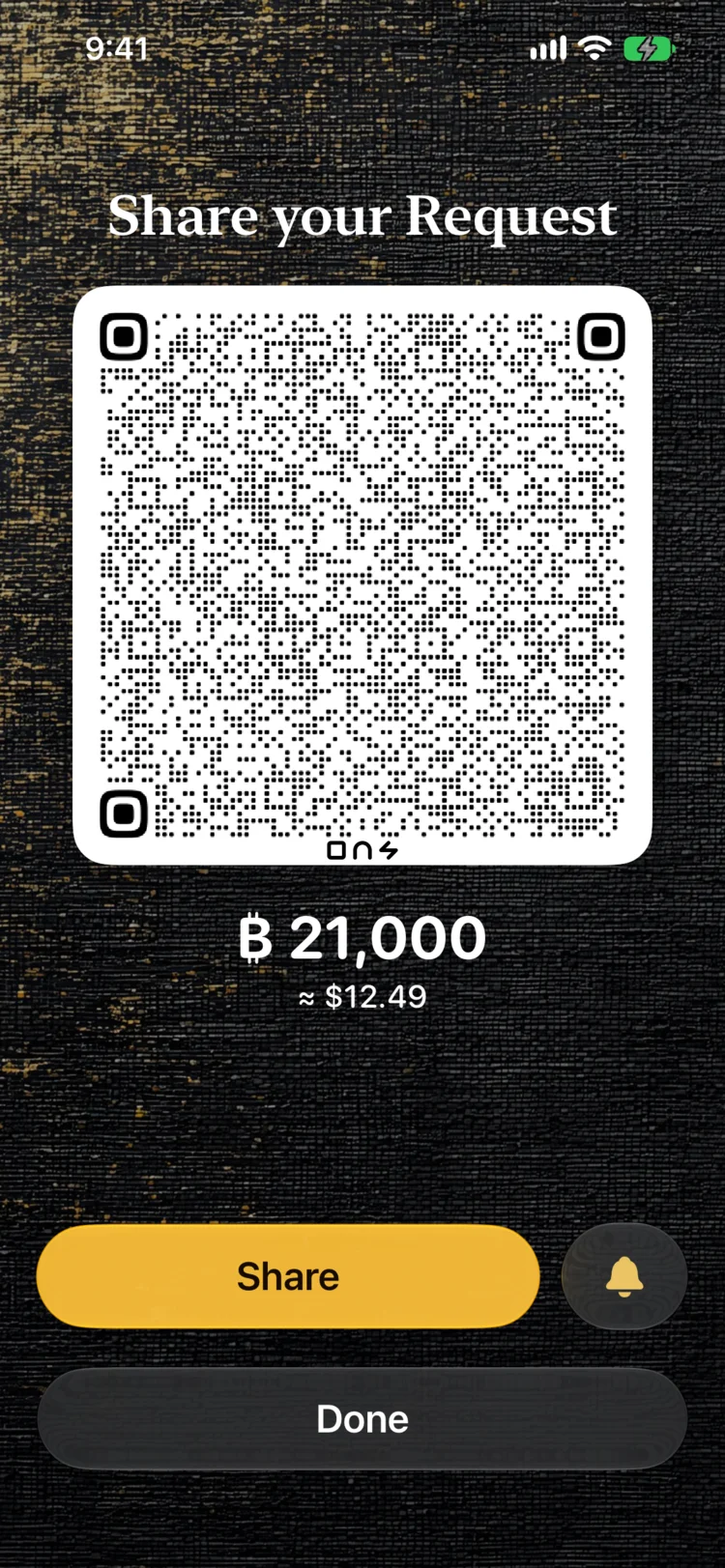
A Lightning request as a QR code, with the amount underneath.
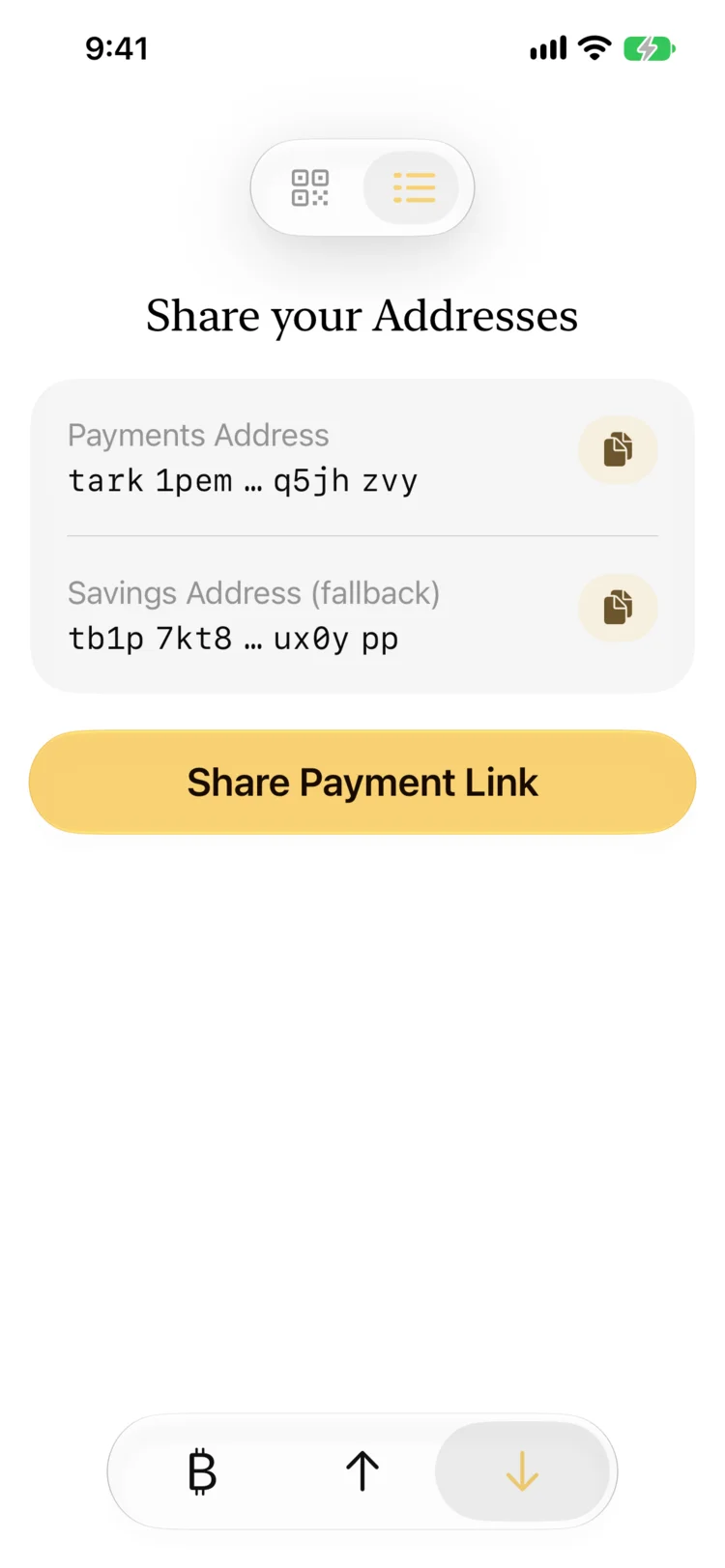
An Ark address and an on-chain fallback, each with its own copy button.
Send
One field takes any address or payment request. The fee is shown as early as possible and only as exact as it can be.
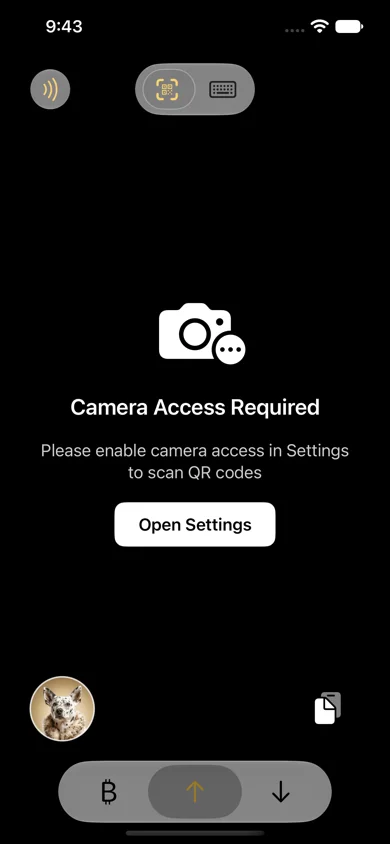
Without camera access, the scan view explains why and links to Settings.
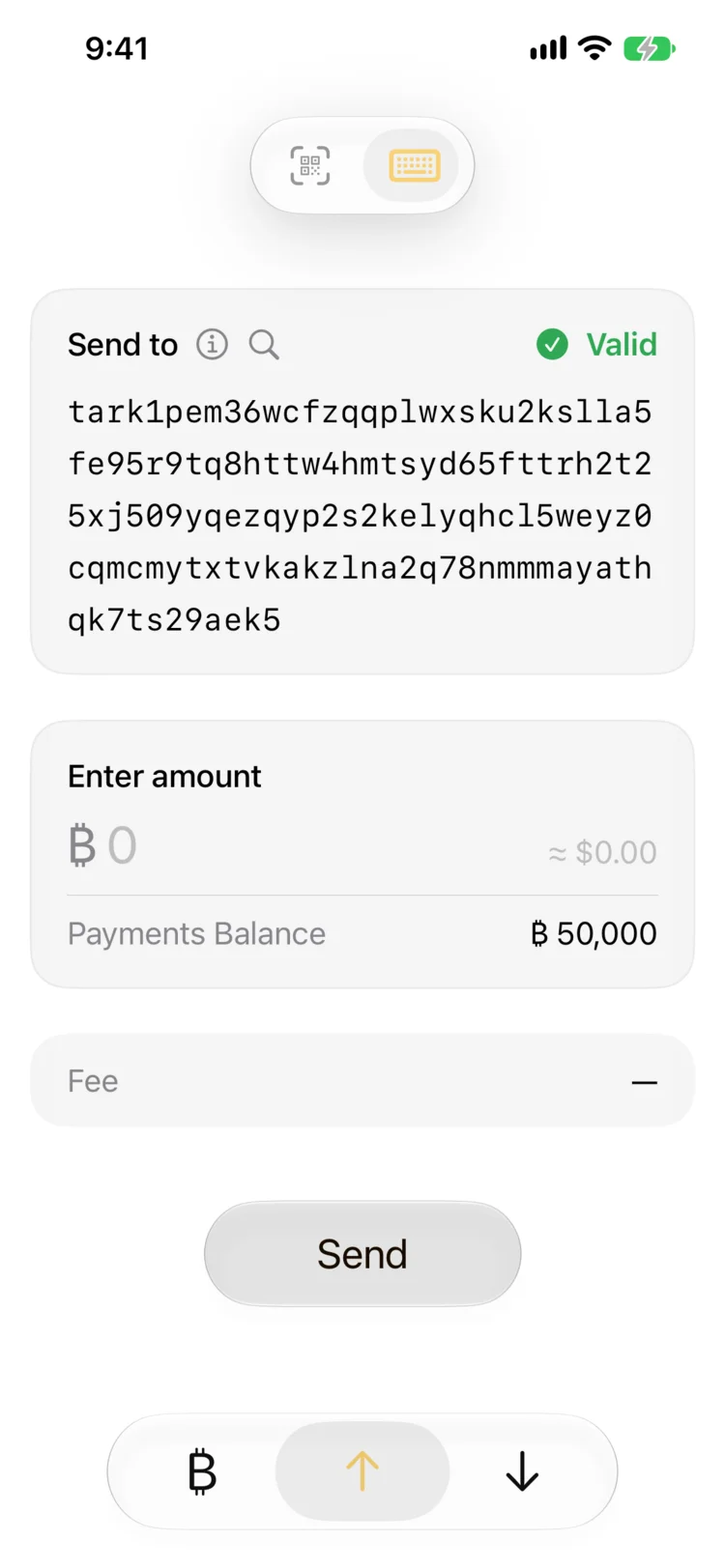
A pasted Ark address is recognised and marked valid.
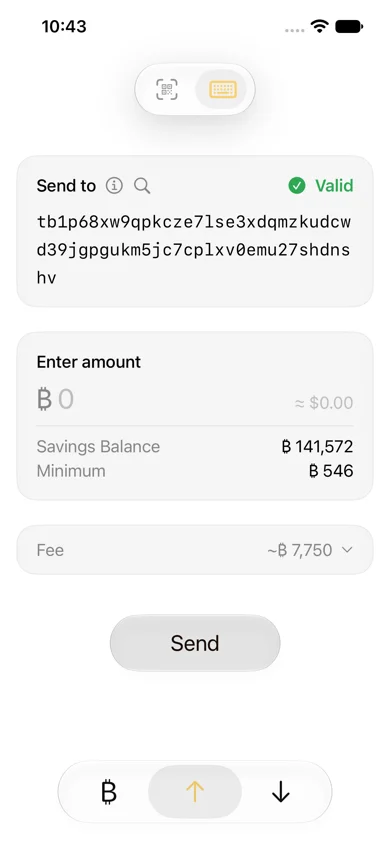
Before there is an amount, the fee is an approximate grey value with a tilde.
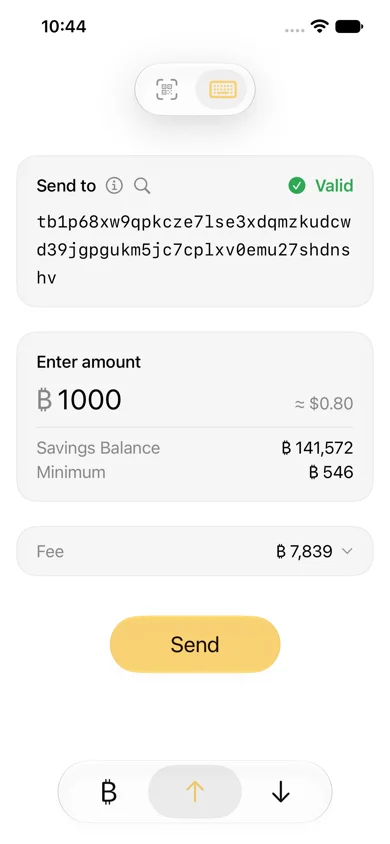
With an amount, the exact fee replaces the estimate.
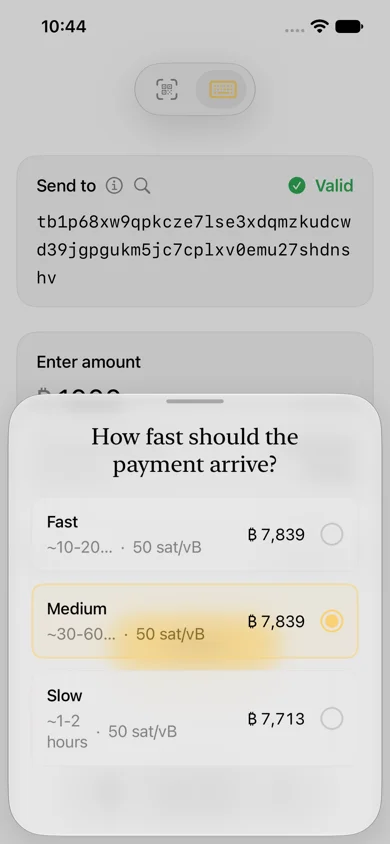
Each speed shows its own fee, not just a rate.
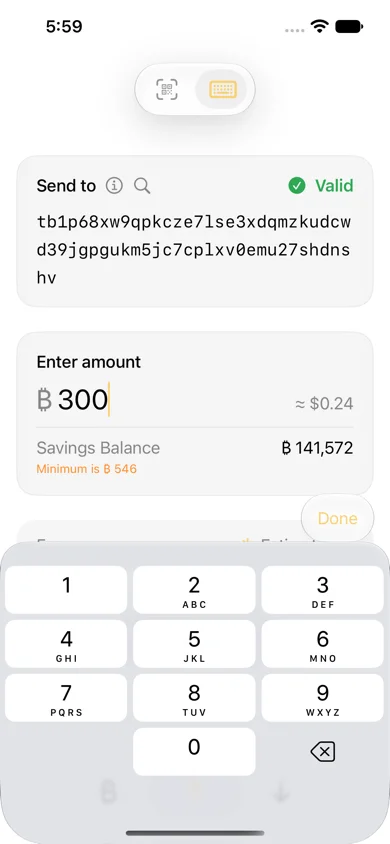
Below the minimum, an orange hint names it.
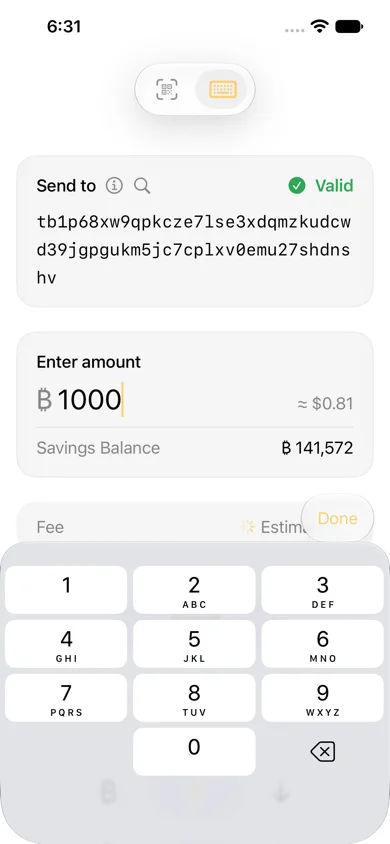
While the fee is estimated, Send waits. Space for the caption is reserved, so nothing jumps.
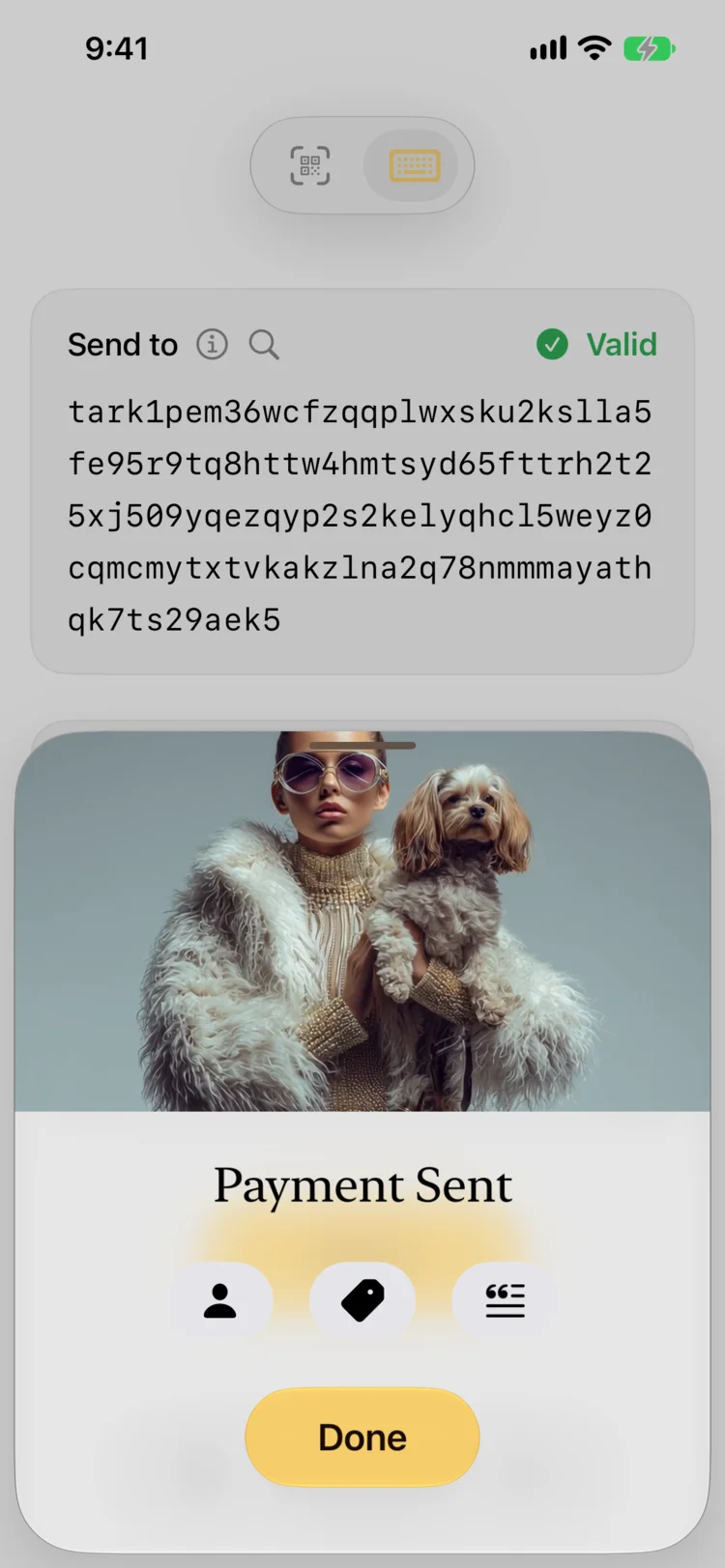
Payment sent. A contact, tag or note can be added right away.
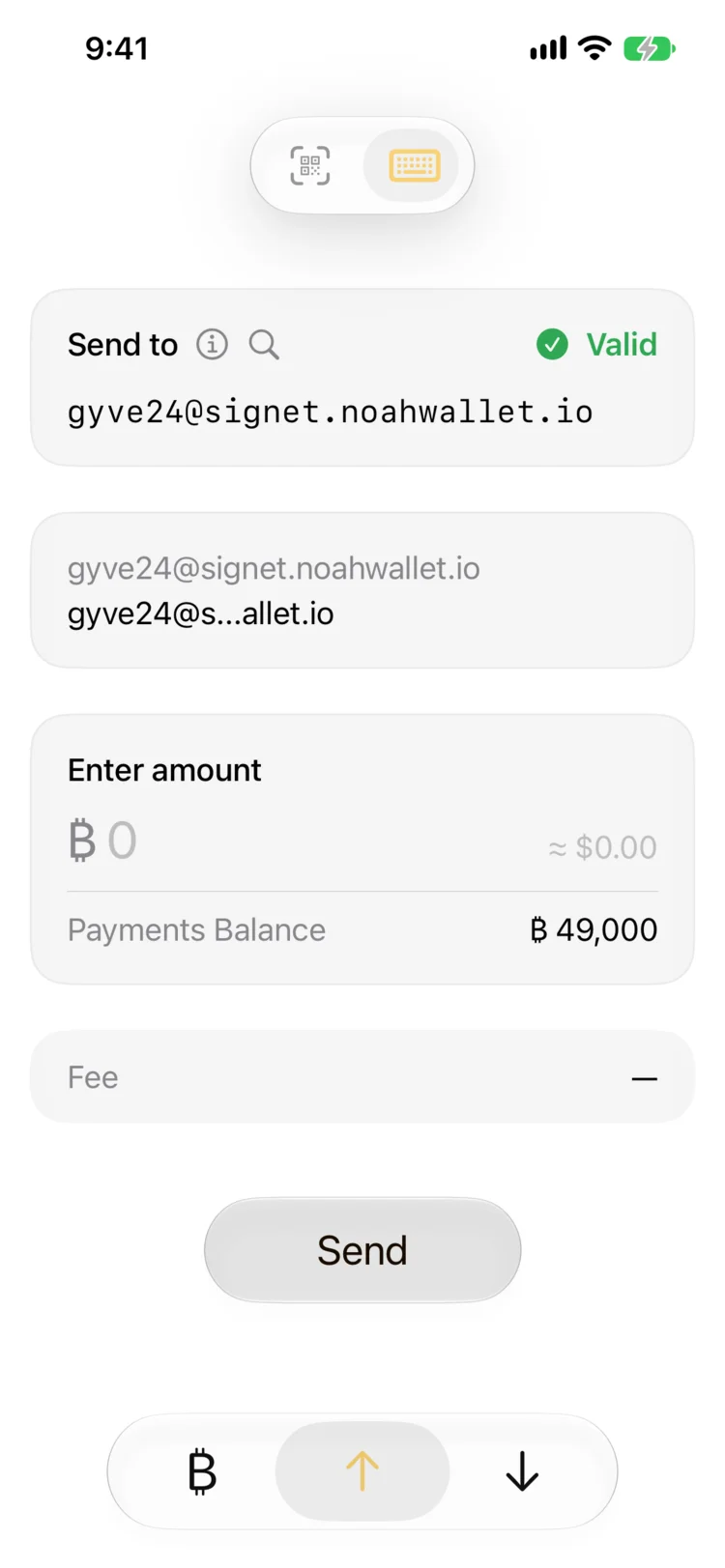
A lightning address is recognised as valid.
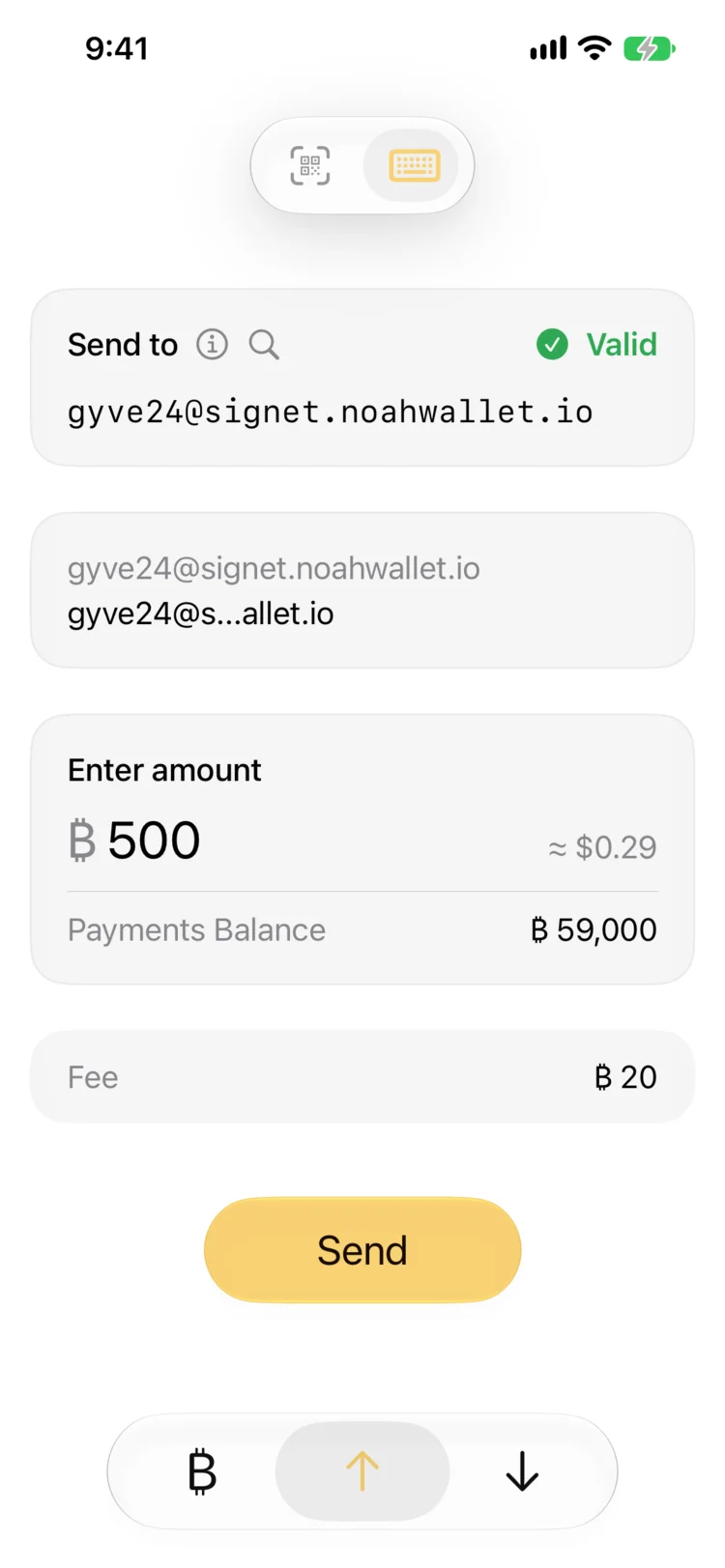
Paying a lightning address, with the fee shown before sending.
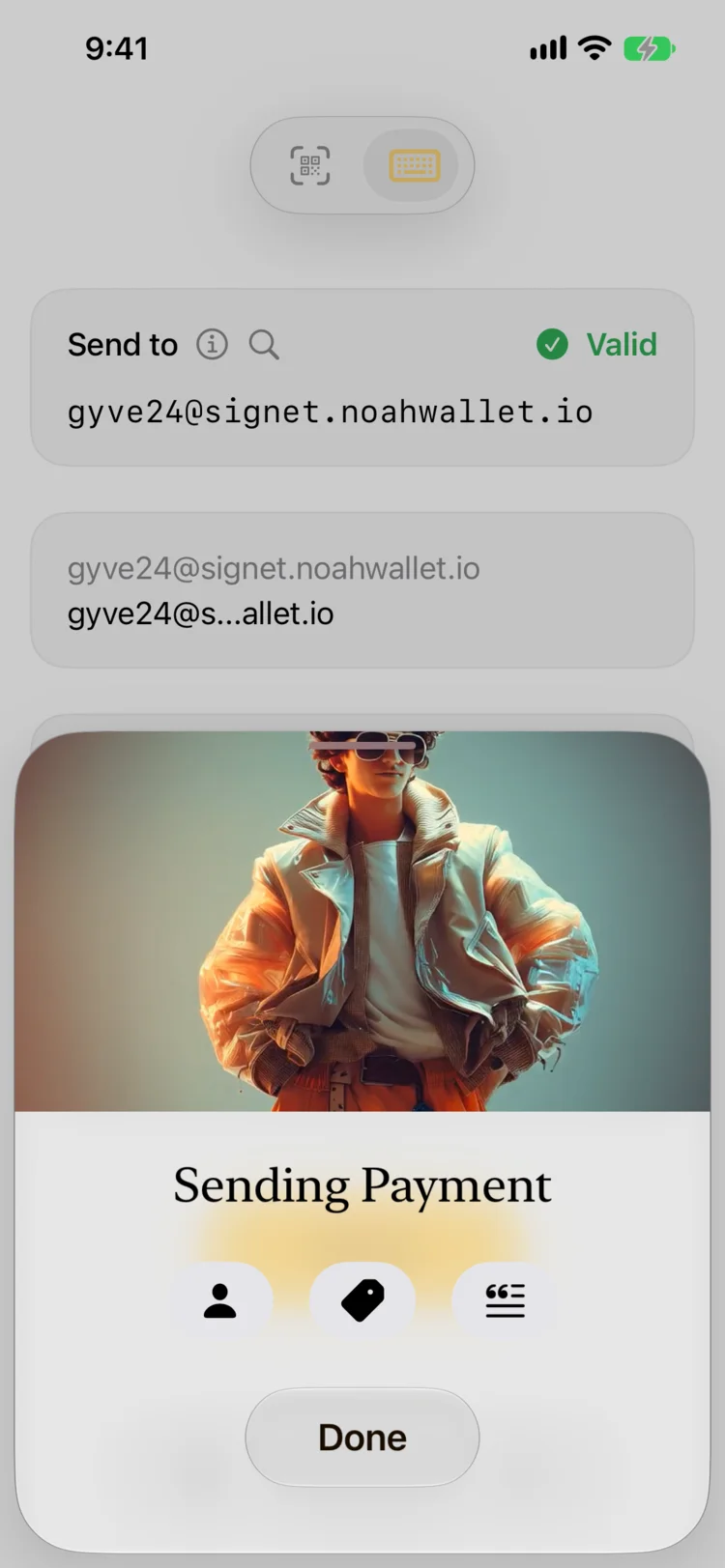
Sending.
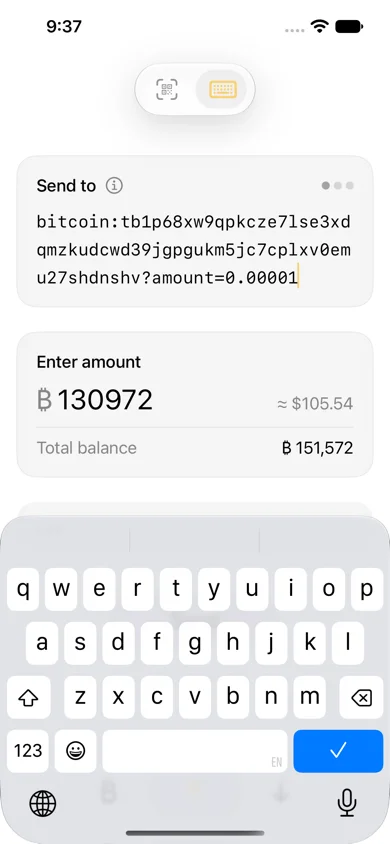
A payment request fills in the amount and the destination.
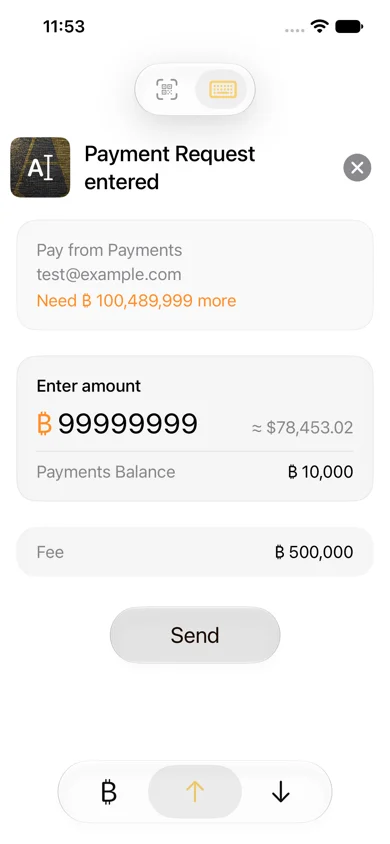
When funds fall short, the gap is shown as an amount.
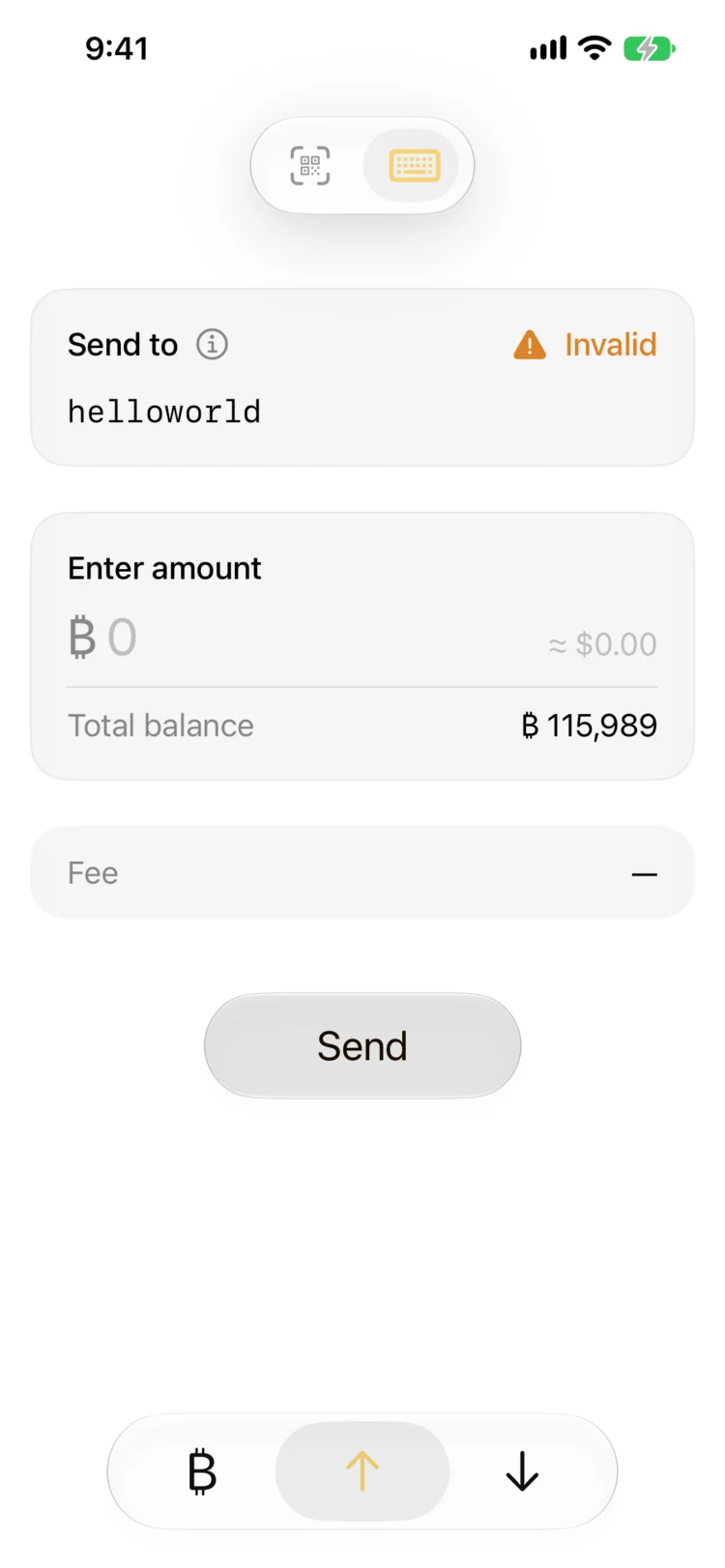
Text that isn't an address or payment request is marked invalid right away.
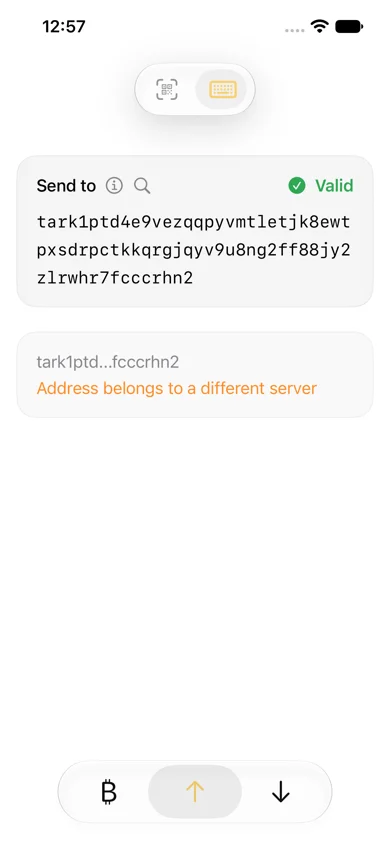
The address is valid, but on another server. One line says why it can't be paid.
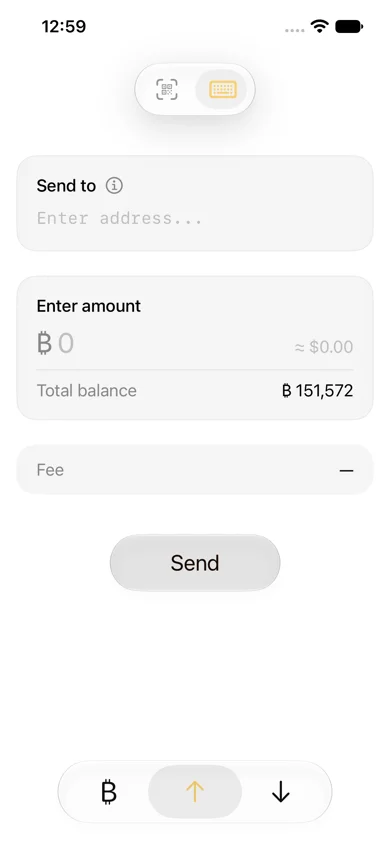
The same case after pasting. The card shows only the reason.
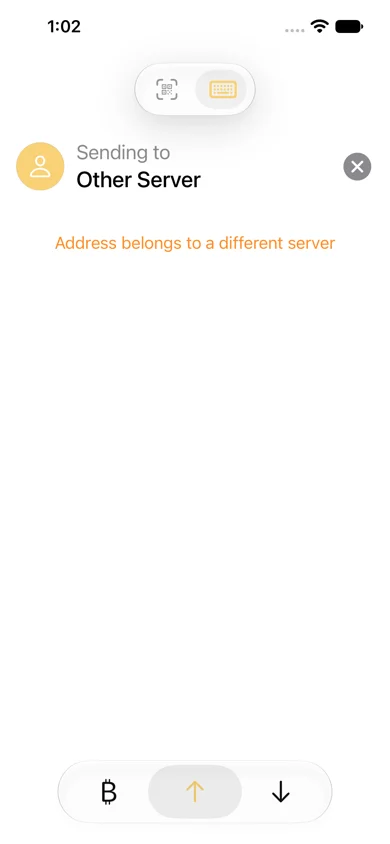
The same case when paying a contact.
Contacts
Contacts keep addresses and payment history together, so paying someone again is a tap.
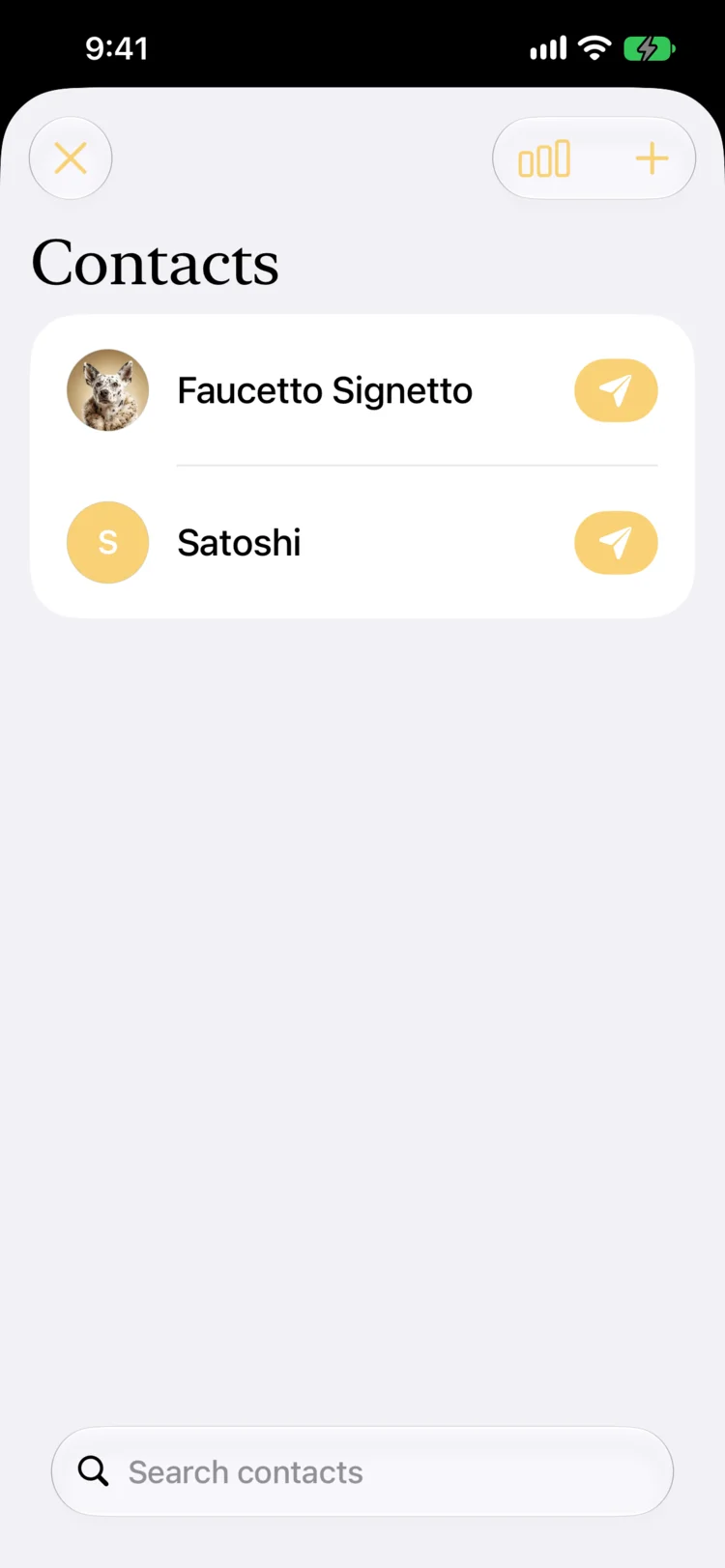
Contacts, each with a quick pay button.
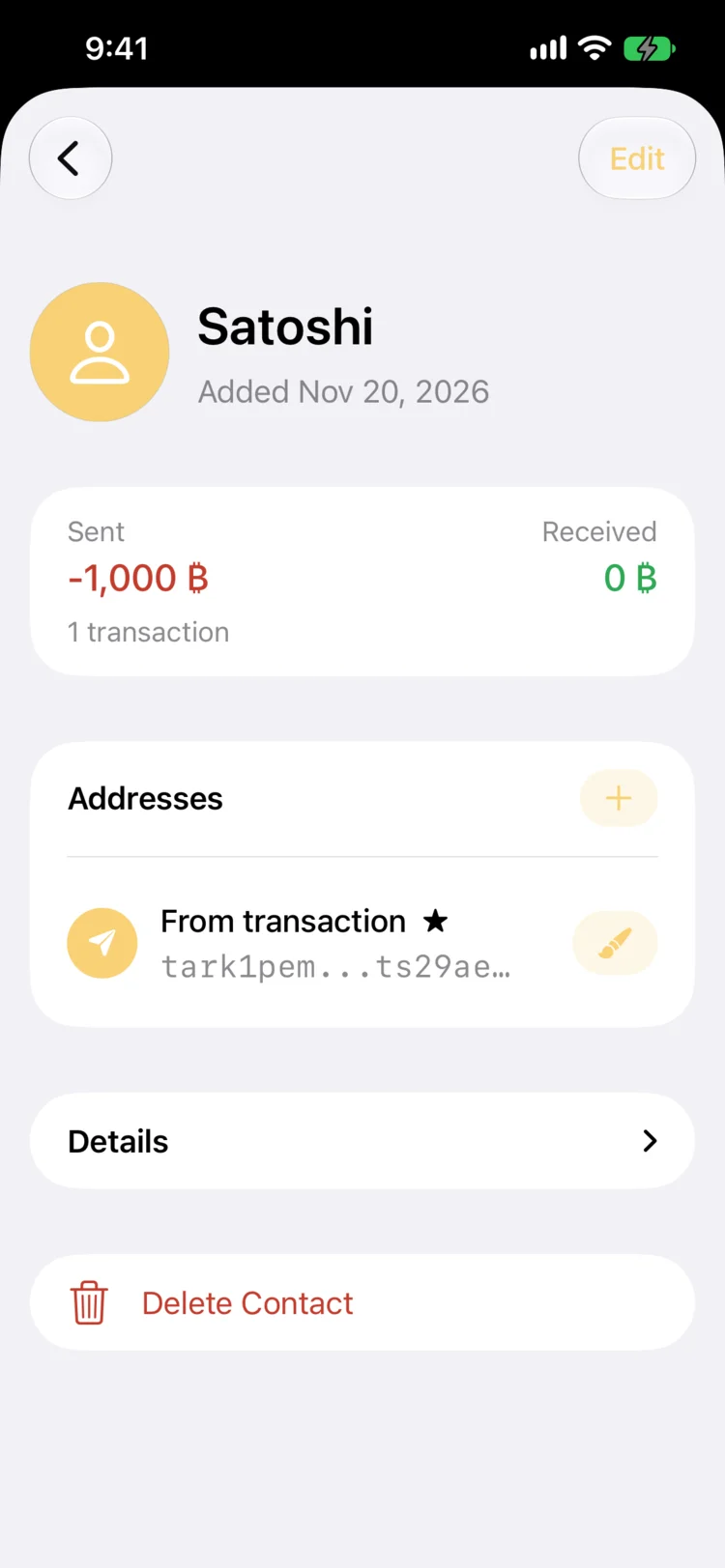
A contact with totals sent and received, and the addresses used.
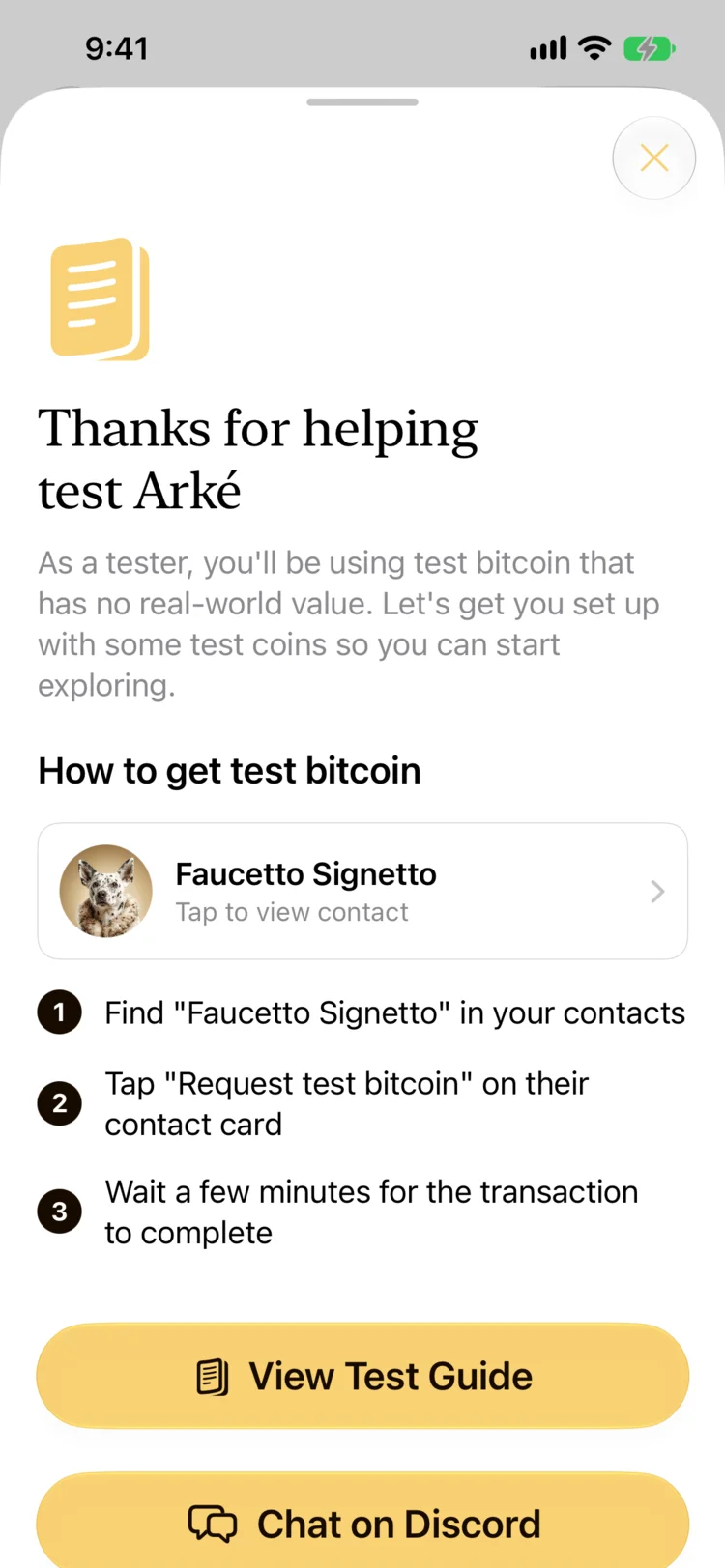
On the test network, a sheet explains how to get test coins from a contact called Faucetto Signetto.
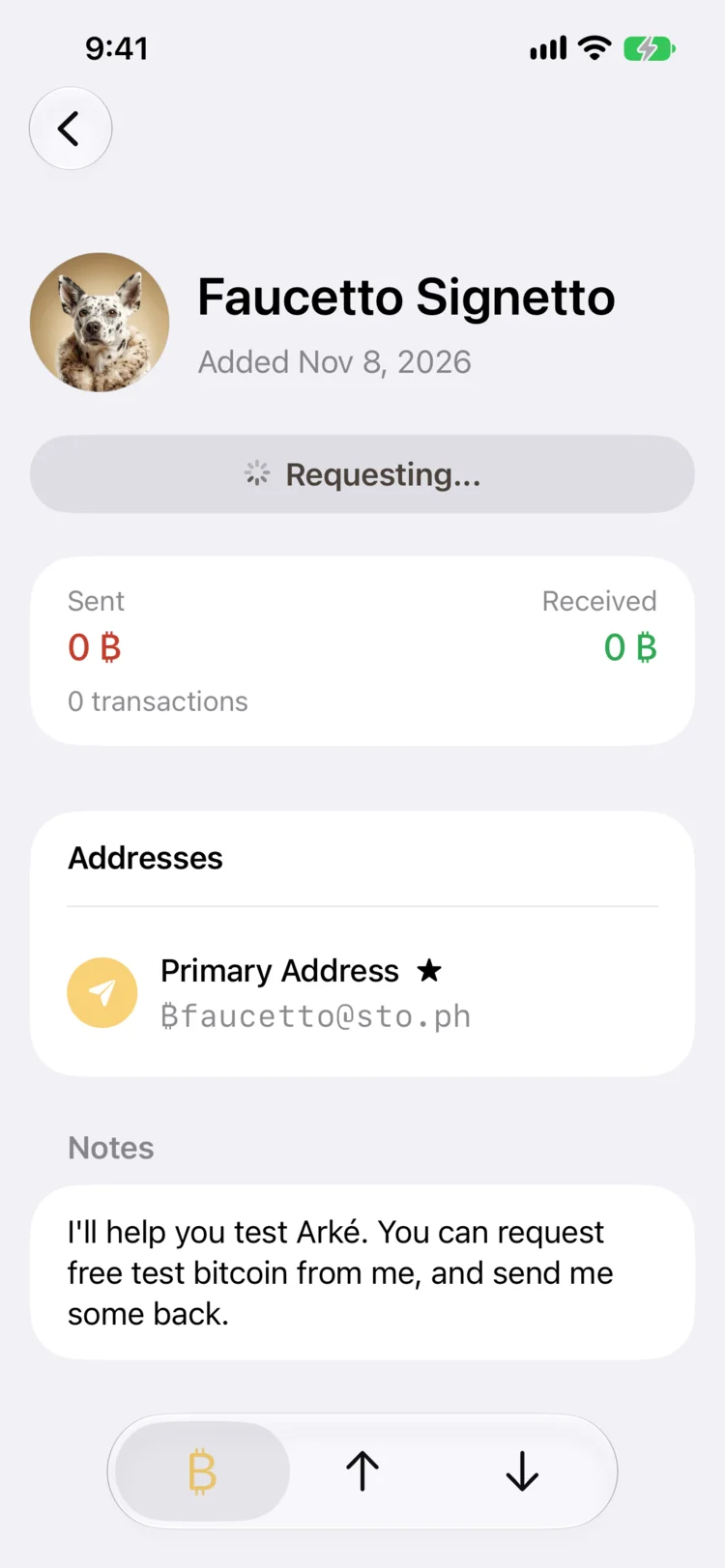
Requesting test coins from Faucetto's contact card.
Settings
Backup, devices and preferences, plus X-Ray, which shows the raw wallet for anyone who wants to see what Ark is doing underneath.
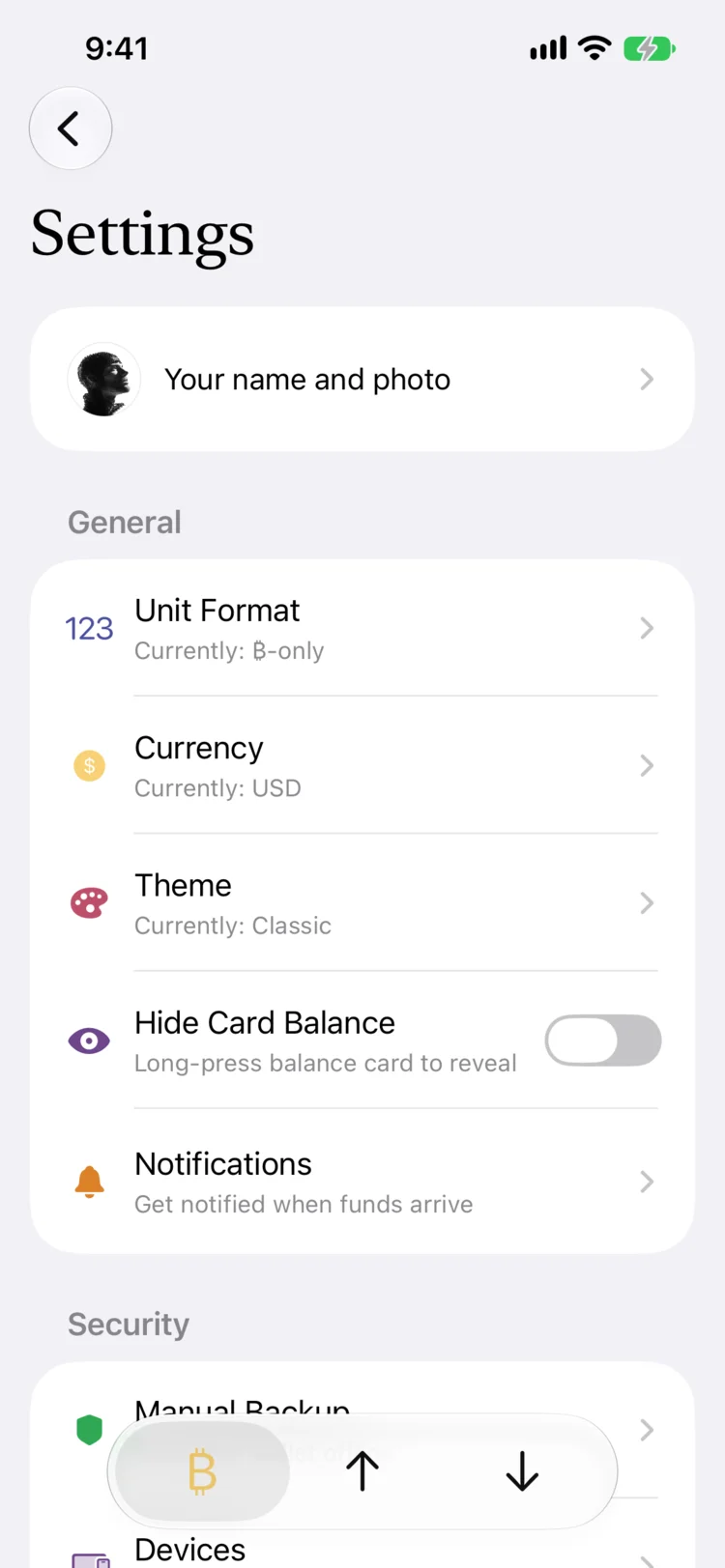
Profile, units, currency, theme, notifications and security.
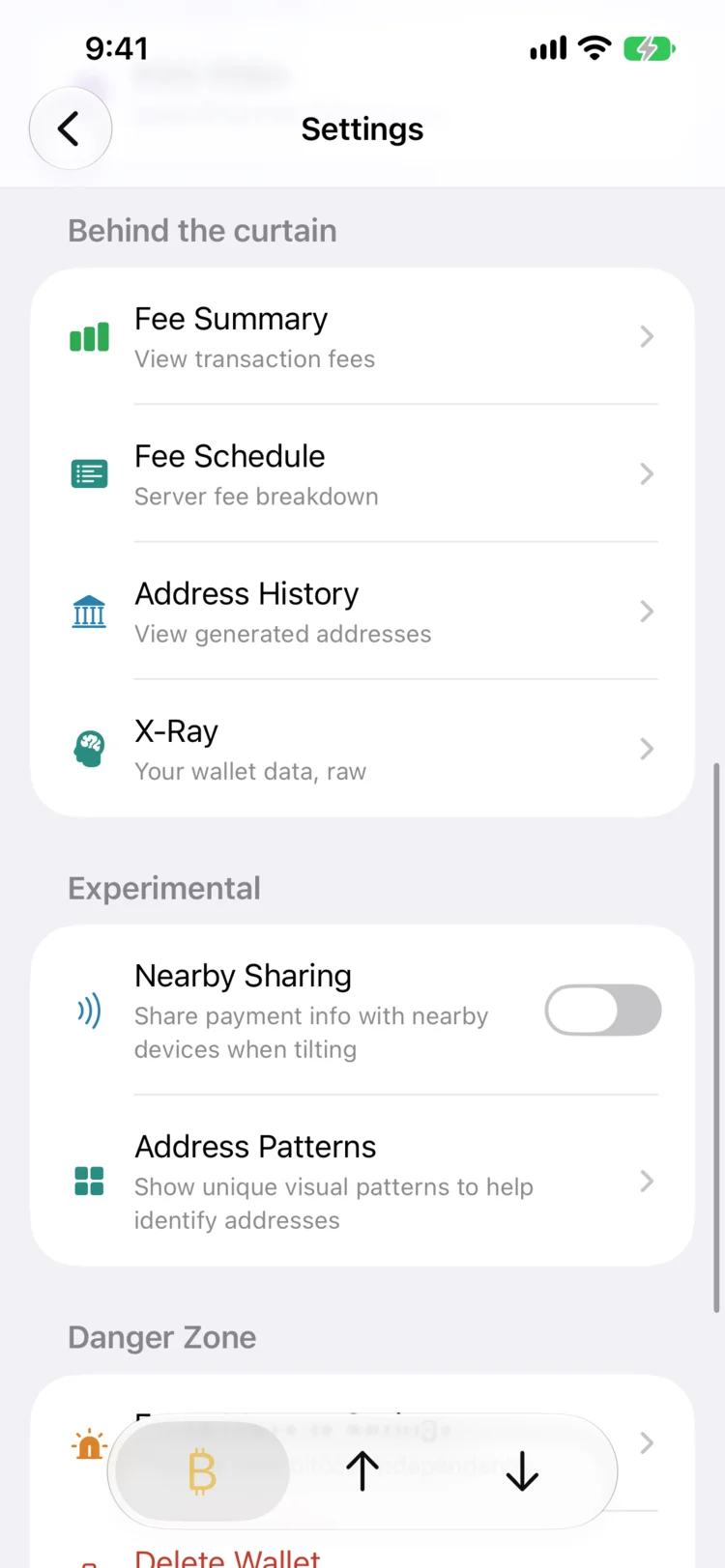
Fee details, address history and X-Ray, then experiments and a danger zone.
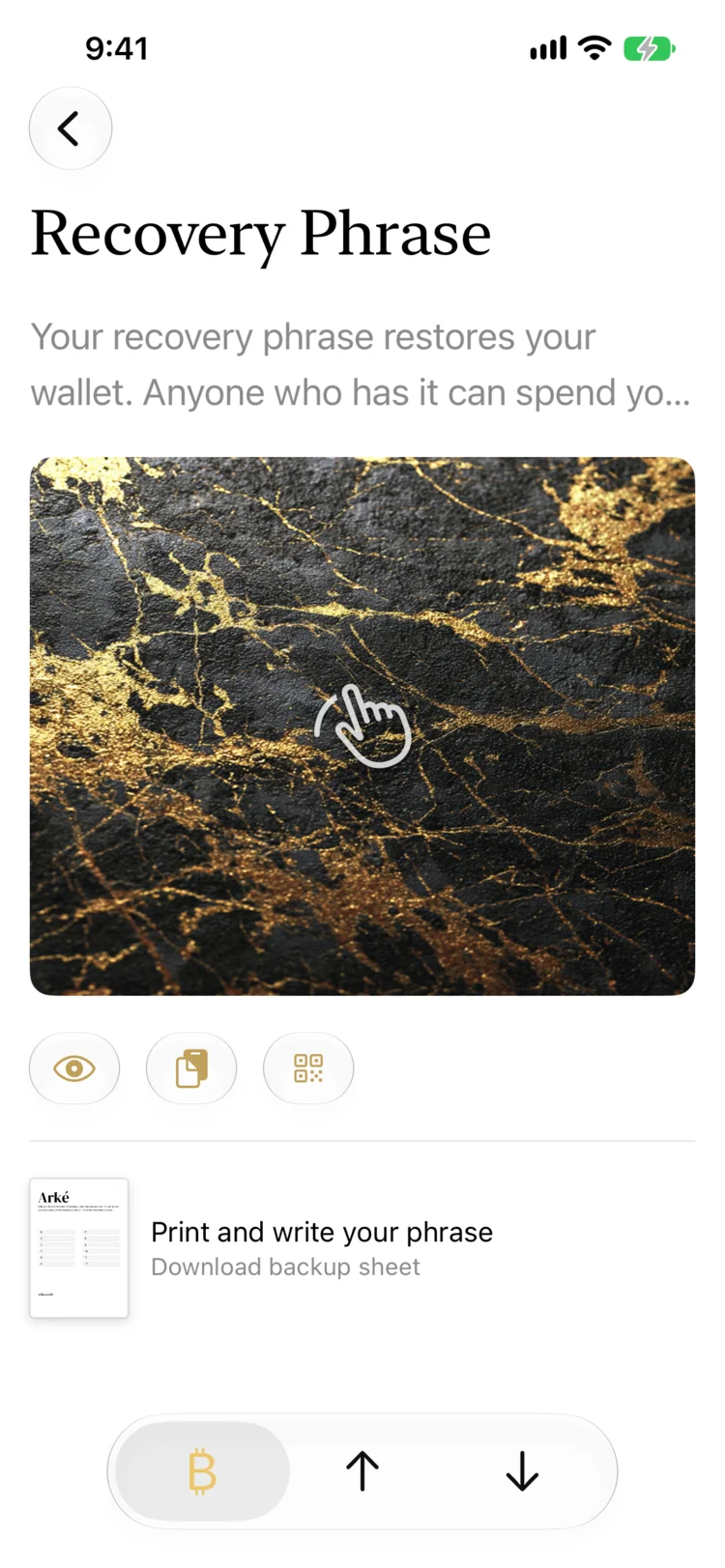
The recovery phrase stays under a scratch-off surface until you reveal it.
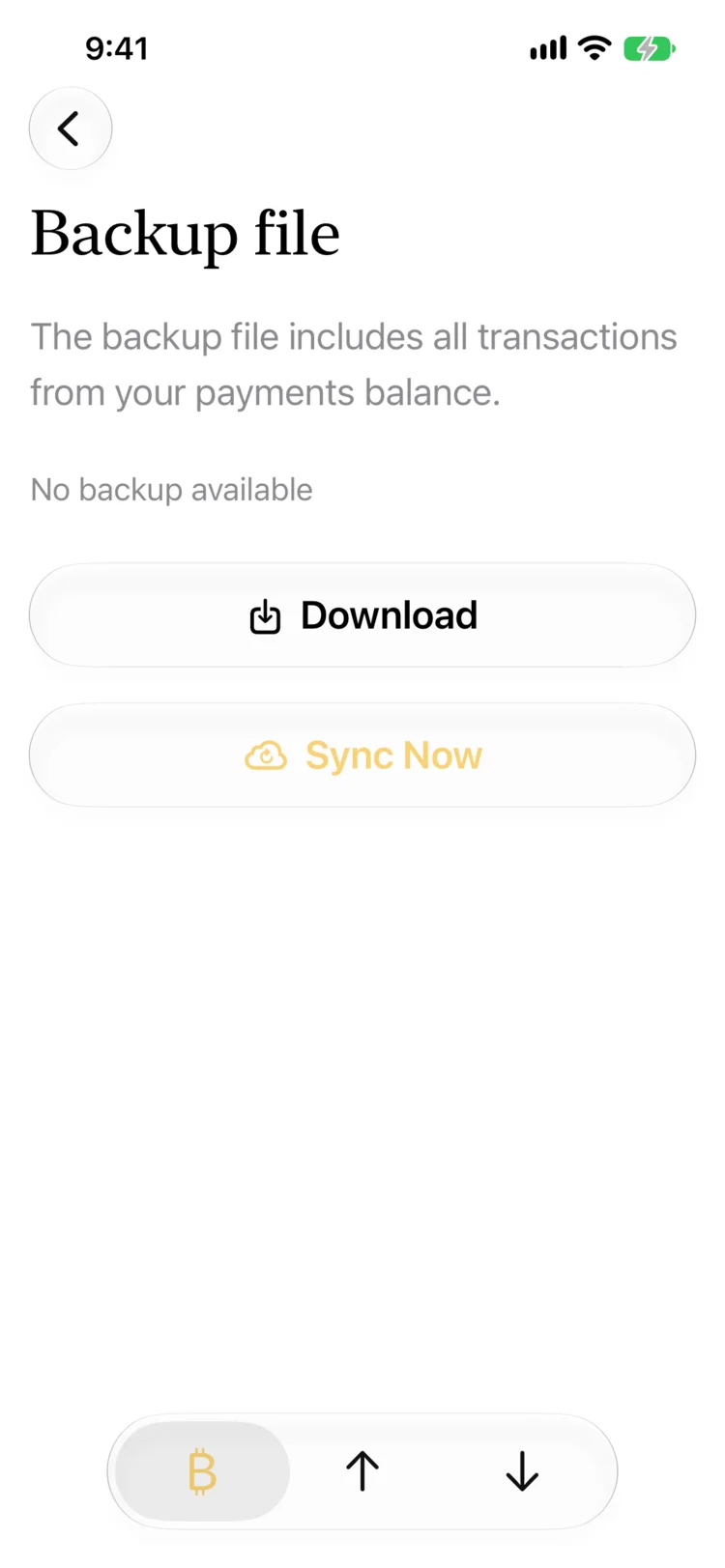
The backup file holds the payment history. A new wallet has nothing to back up yet.
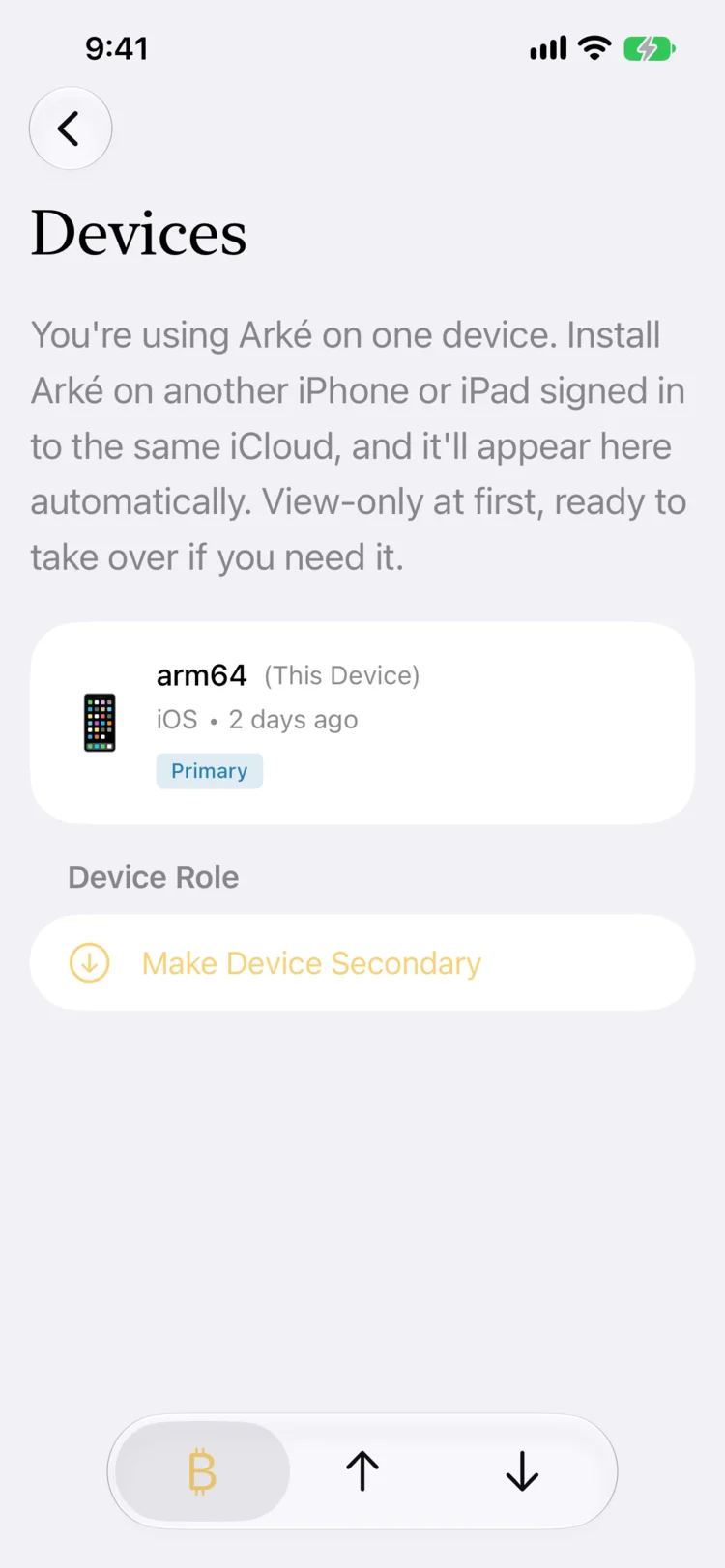
Other devices on the same iCloud account appear here, view-only until they take over.
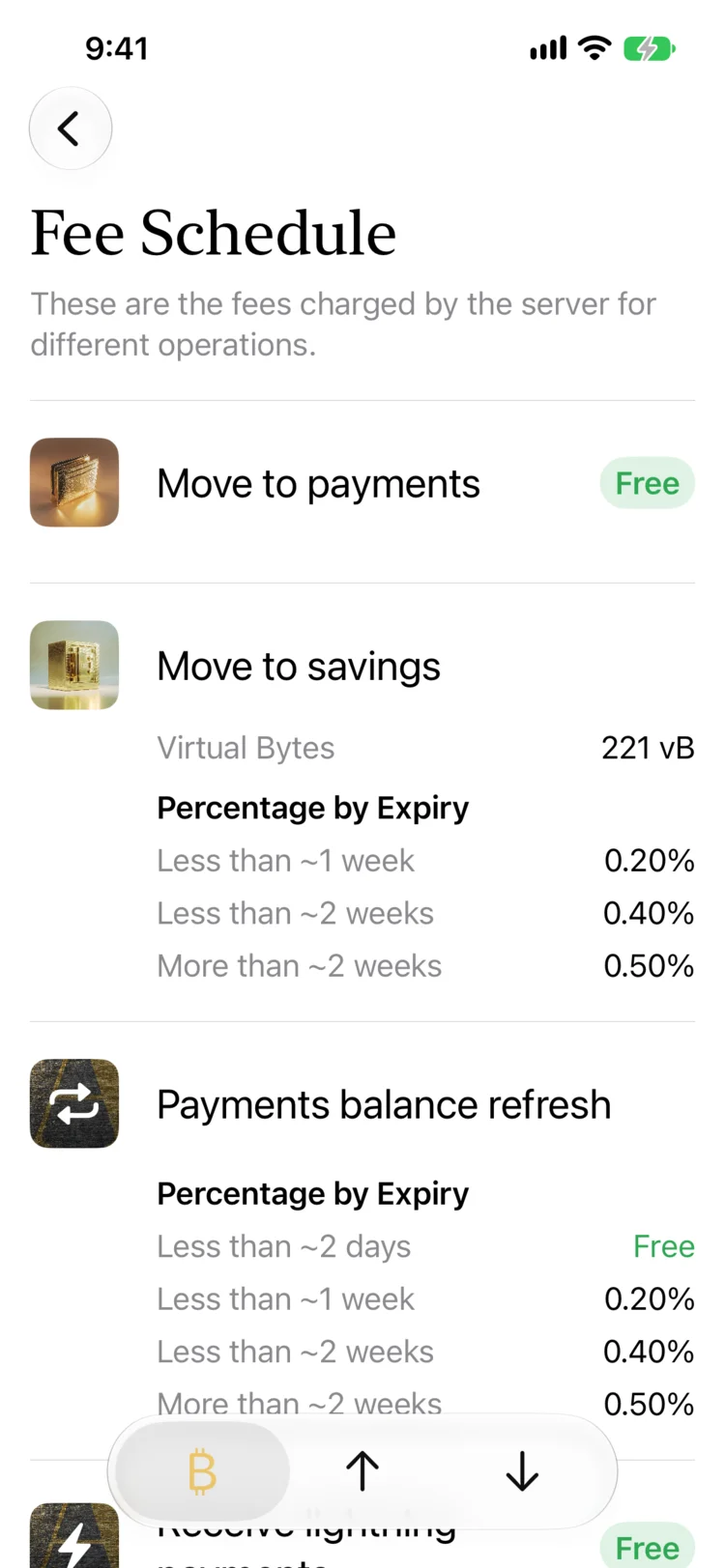
The server's fee for each operation, including how refresh fees rise as coins near expiry.
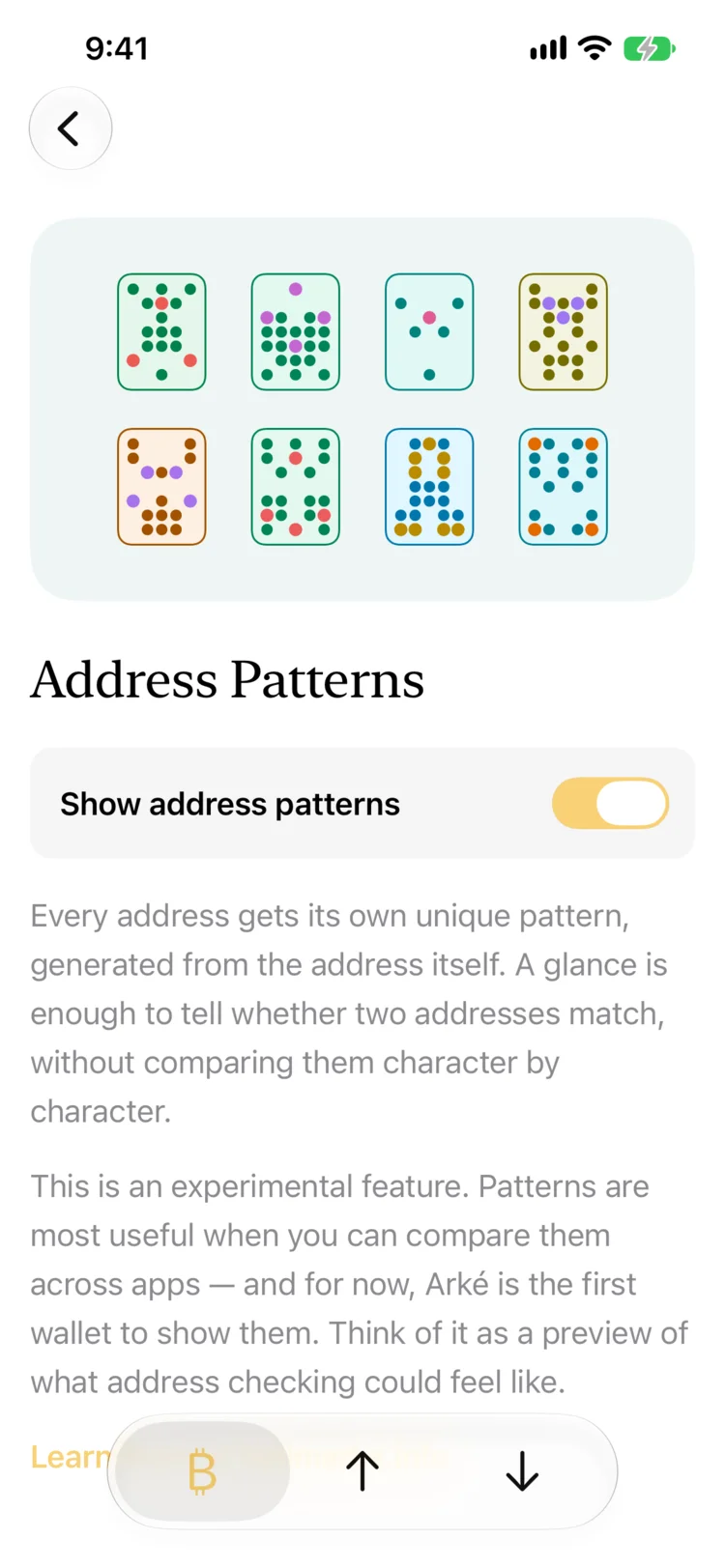
An experiment that gives every address a visual pattern, so two addresses can be compared at a glance.
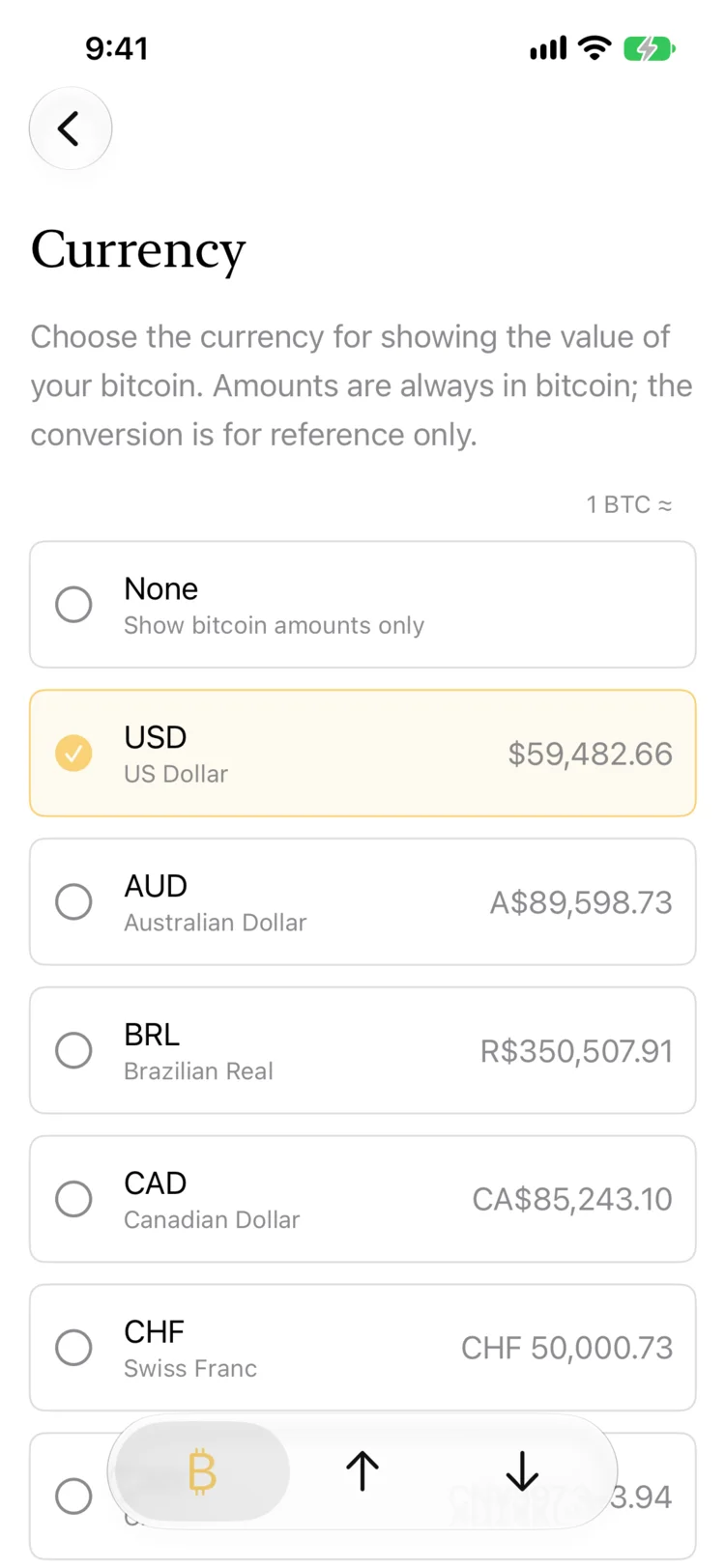
A currency for reference values. Amounts always stay in bitcoin.
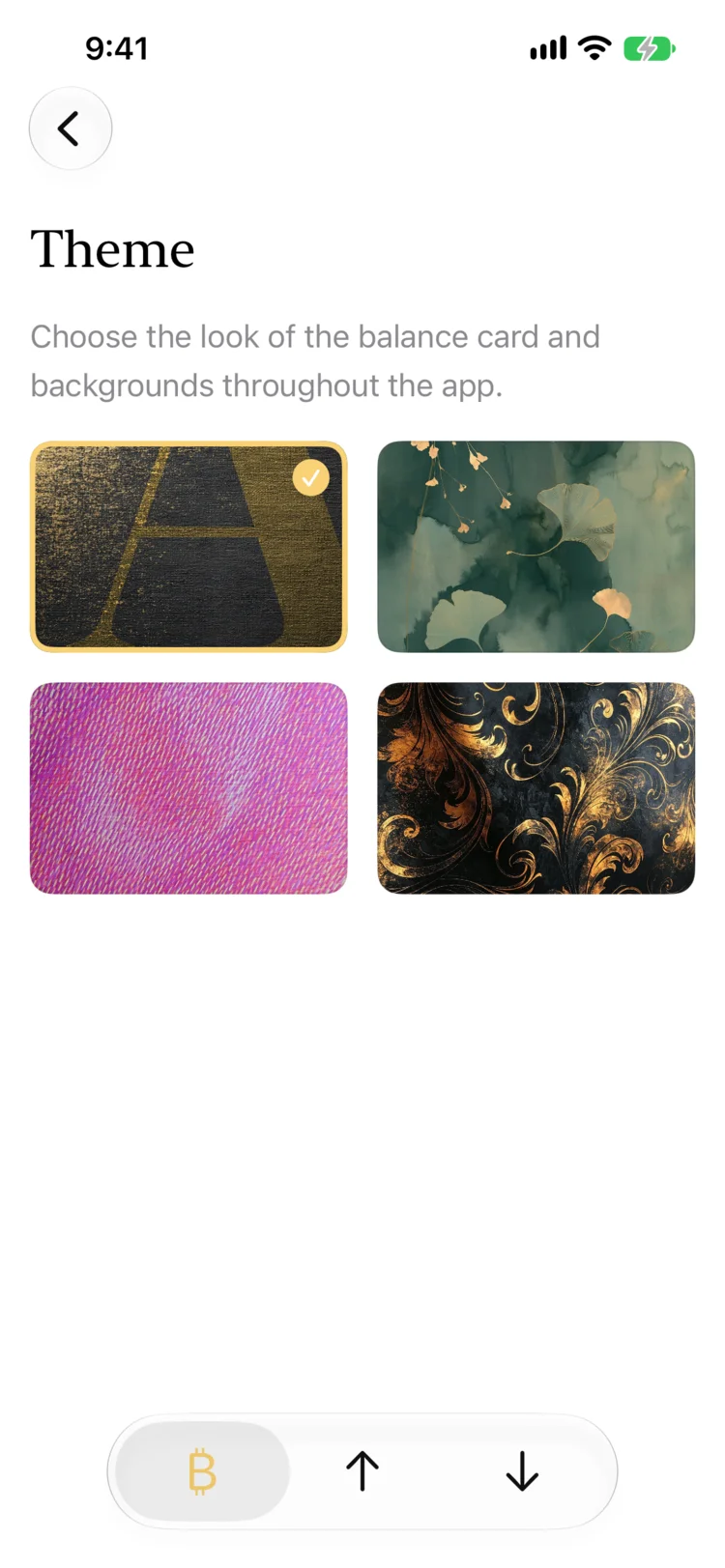
Themes change the balance card and backgrounds.
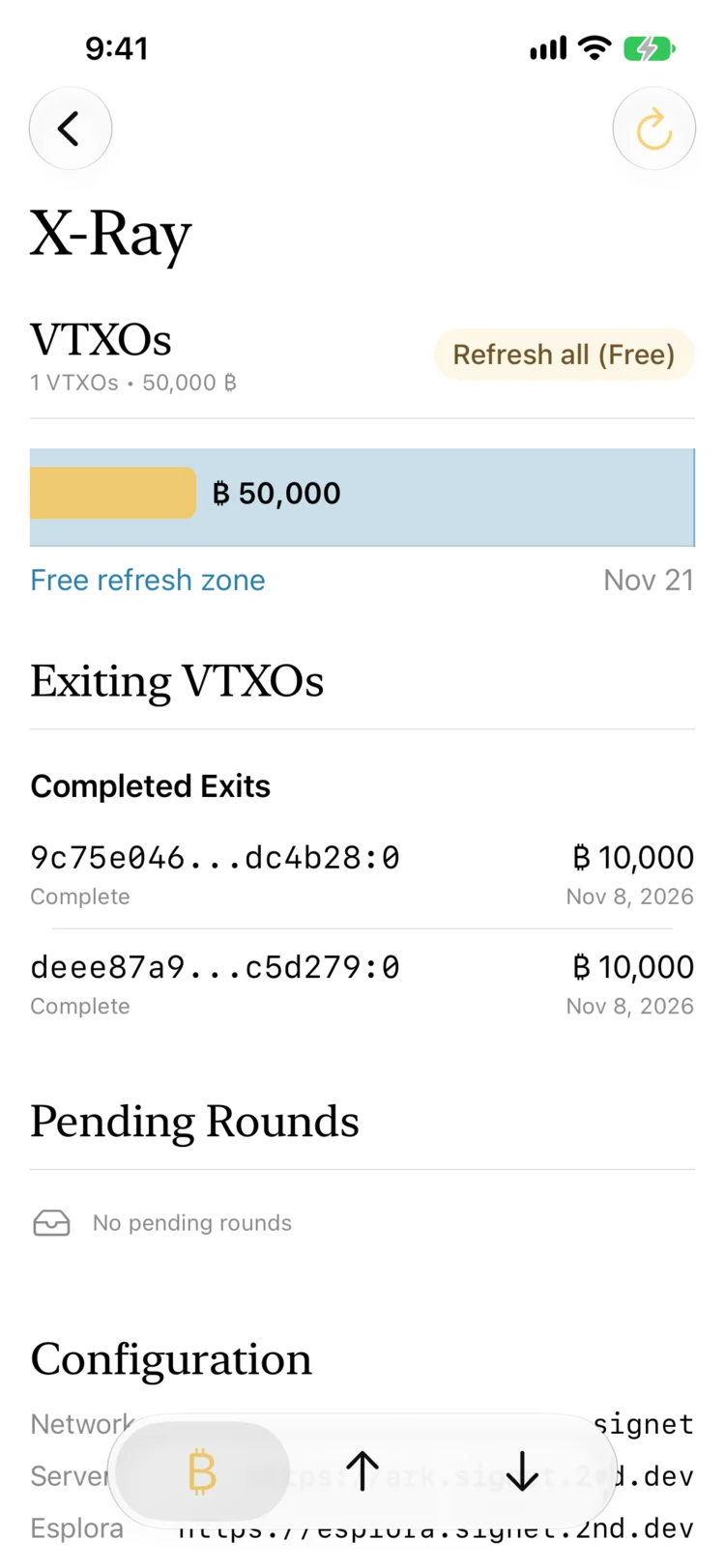
The wallet's VTXOs, exits, pending rounds and configuration.
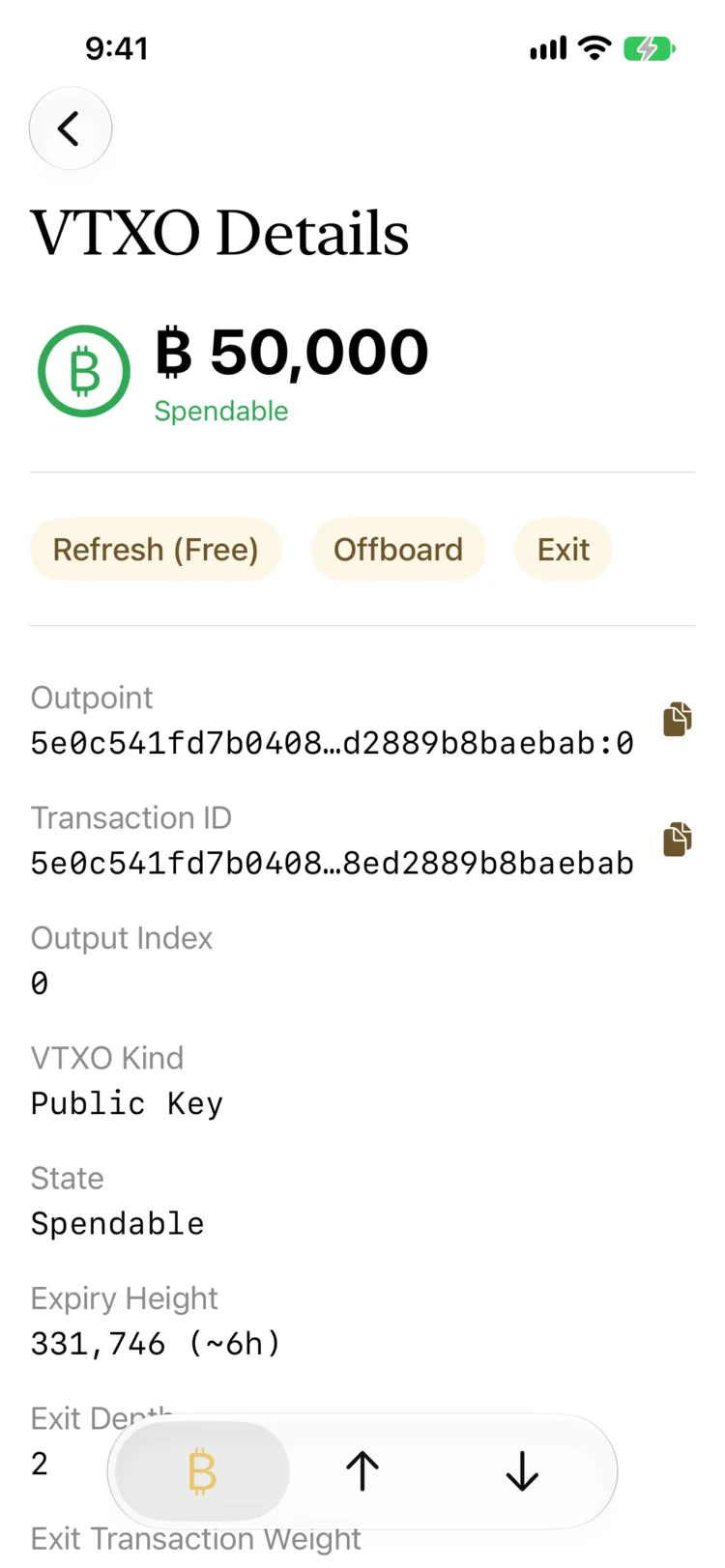
One VTXO with its outpoint and expiry, and actions to refresh, offboard or exit.
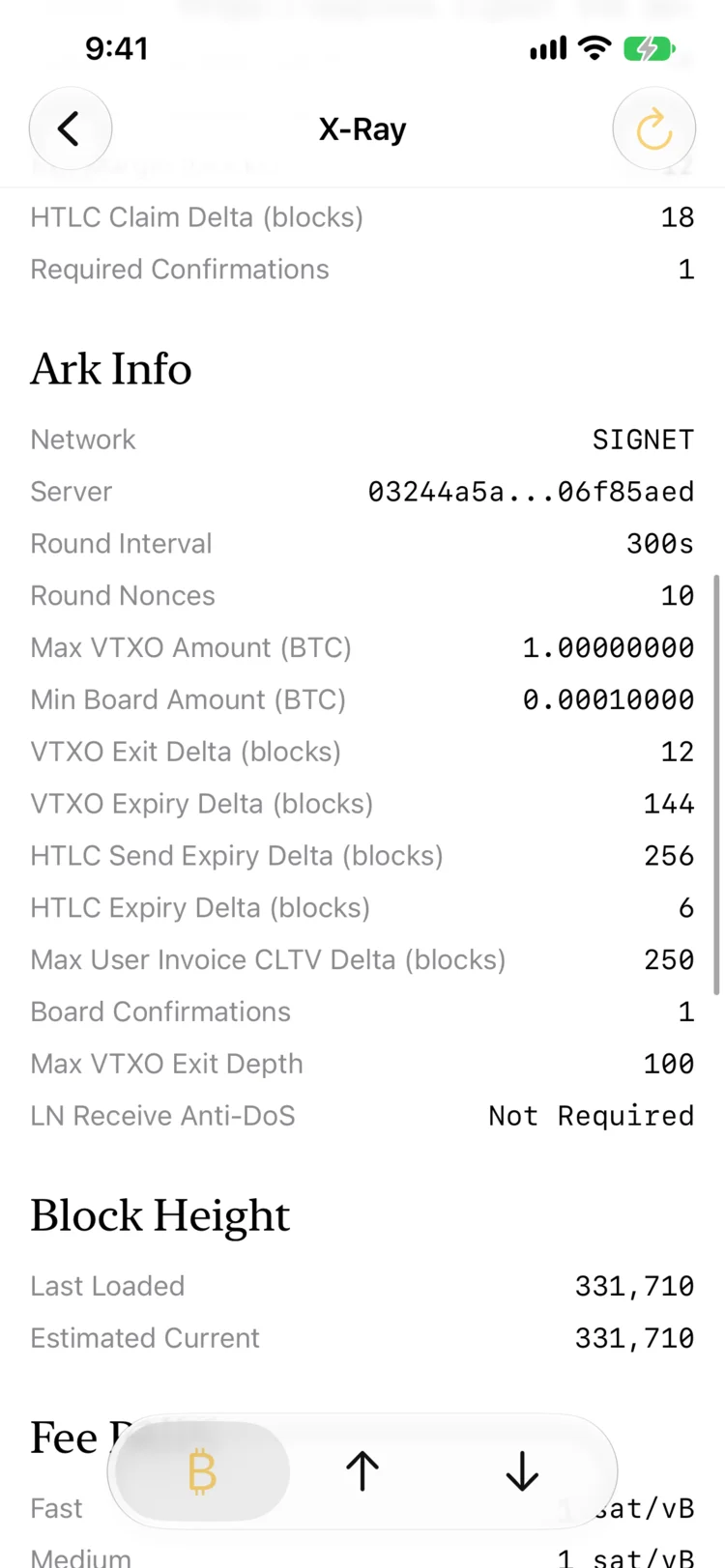
The server's Ark parameters, such as round interval, expiry and exit deltas, and limits.
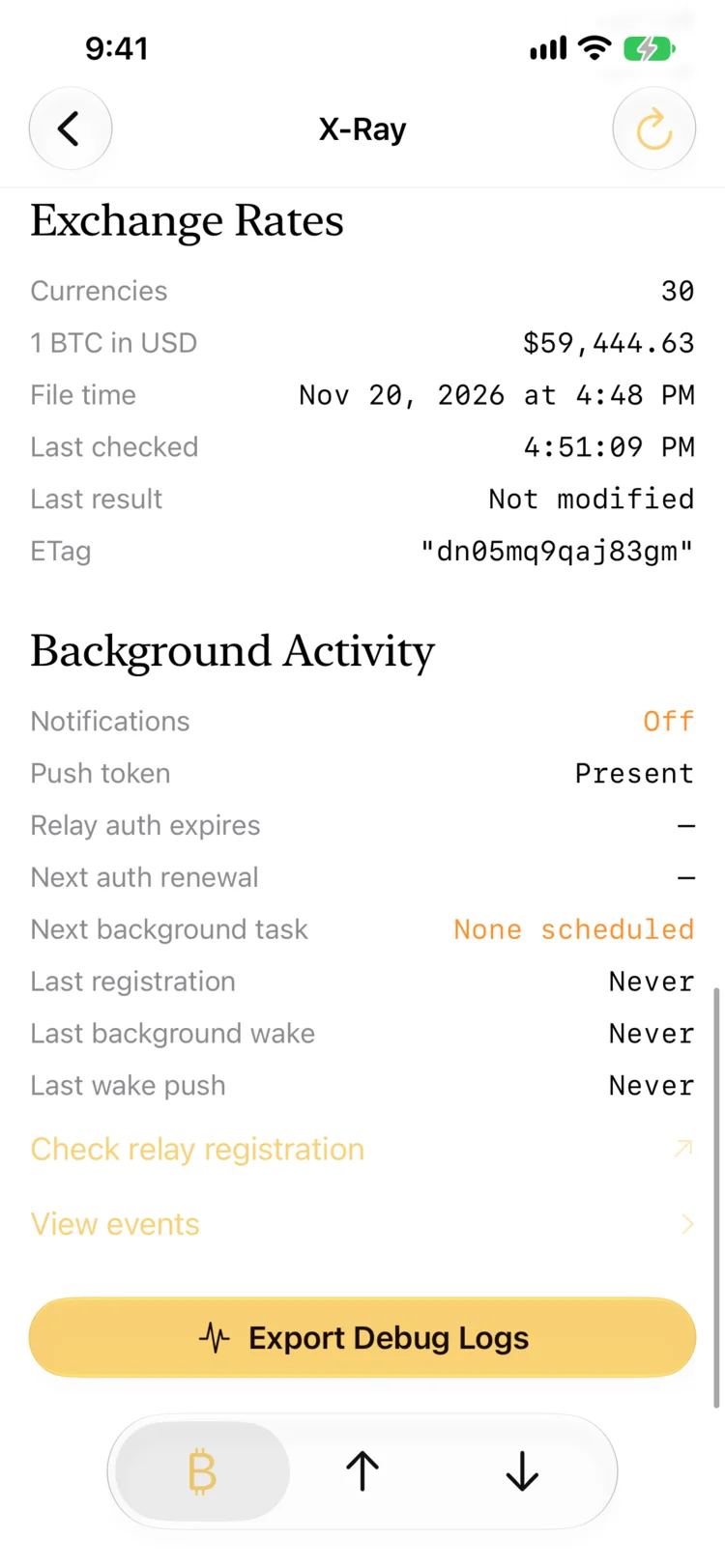
Exchange rates, background activity and debug log export.
Deleting a wallet
Deleting is deliberate. A copy of the backup file comes first, then two words of the recovery phrase, then a final slide.
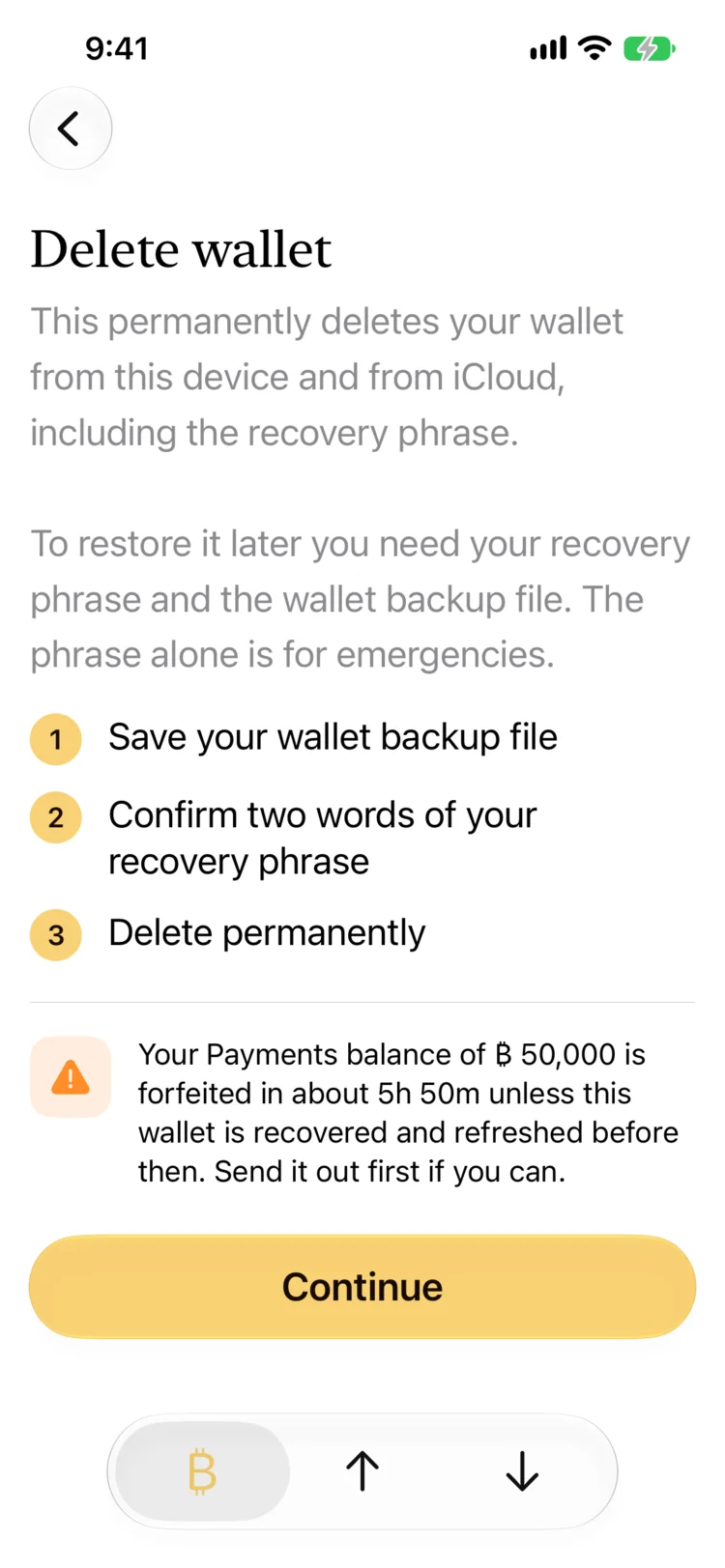
The three steps, up front. With coins on Ark, a warning says when they'll be lost unless the wallet is restored and refreshed in time.
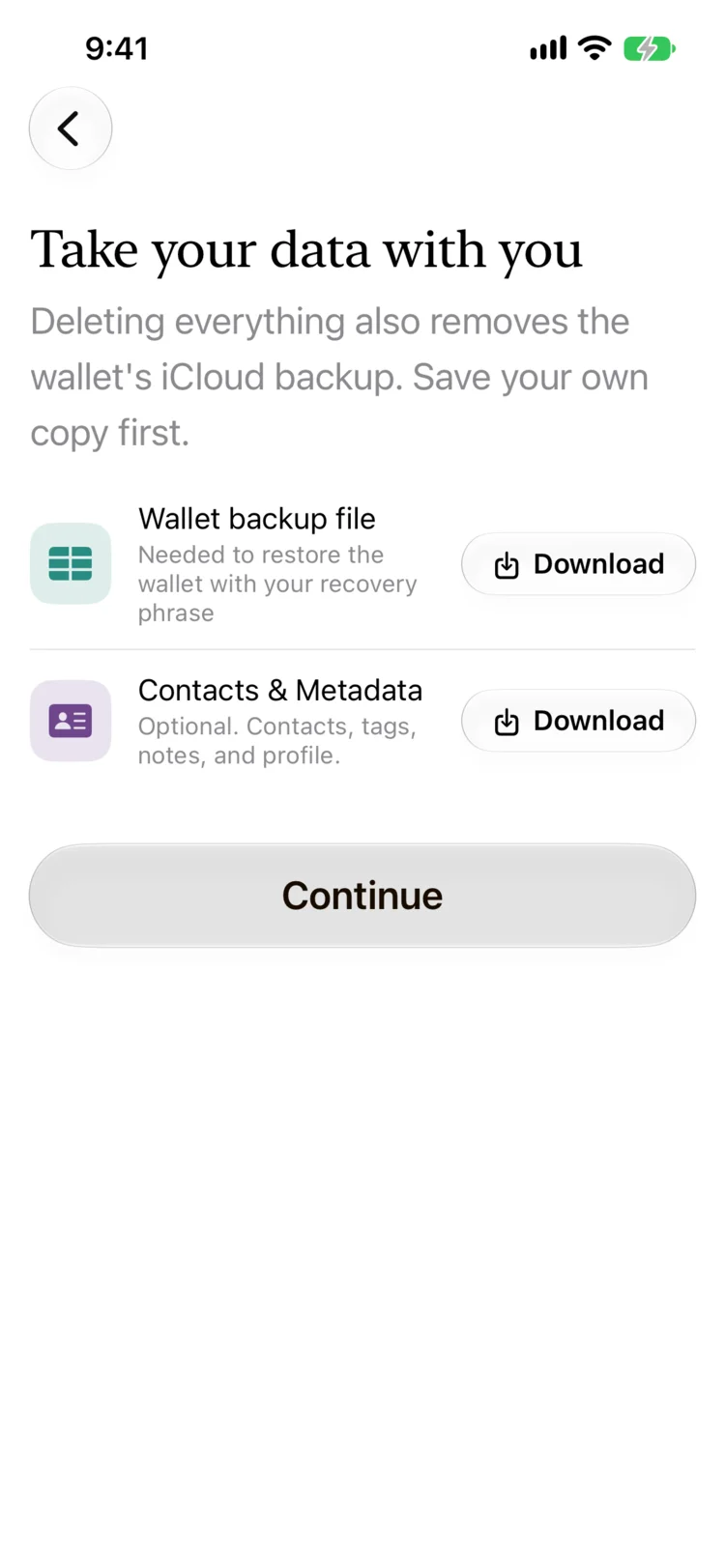
First, save a copy of the backup file. Continue stays off until you do.
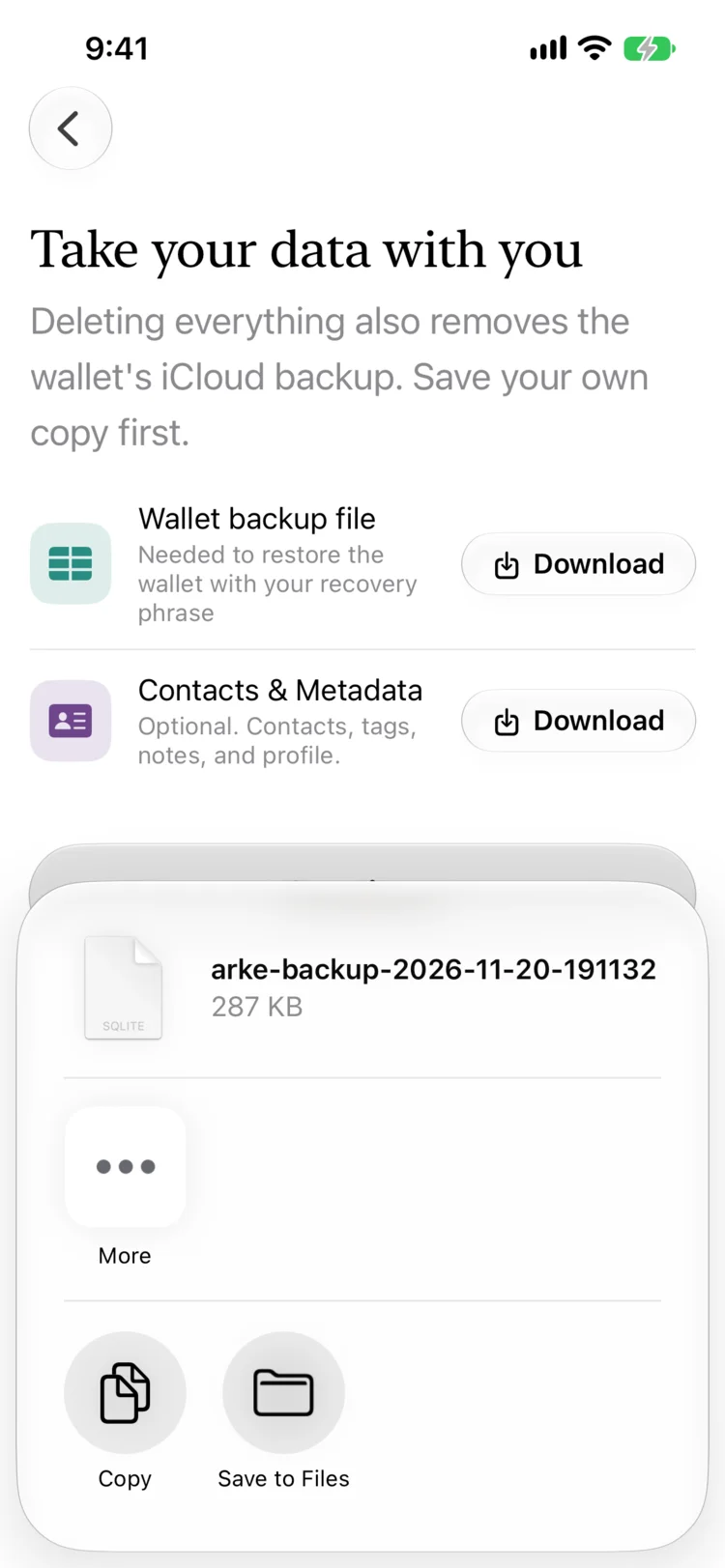
The backup file leaves through the share sheet.
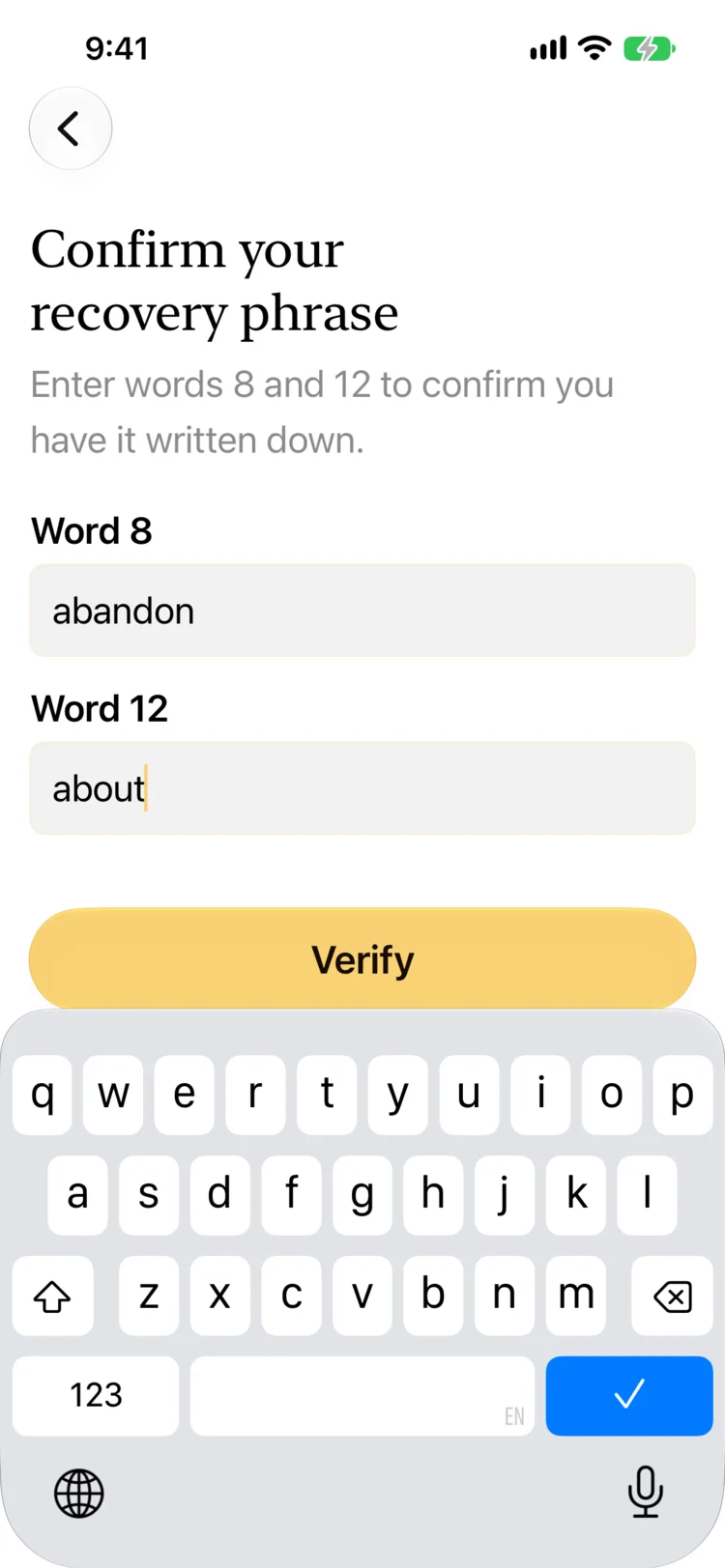
Then two words of the recovery phrase confirm it's written down.
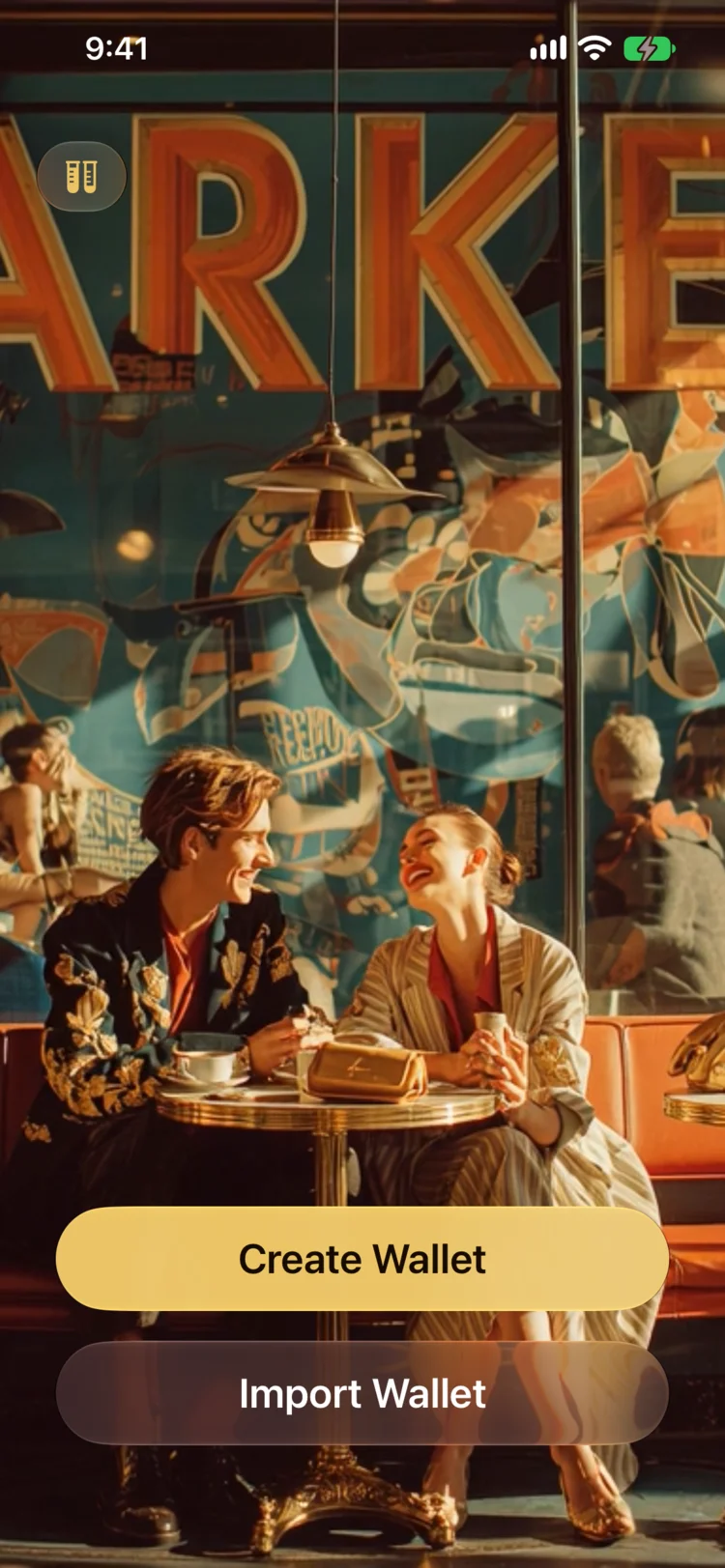
Afterwards the app is back at the cover, on the default server.
Screenshots are shared under CC BY-NC 4.0: reuse them with credit to Arké, not for commercial use. For tools and agents, the full list with captions, dates and image links is at screens.json.