Test 1: Create your wallet
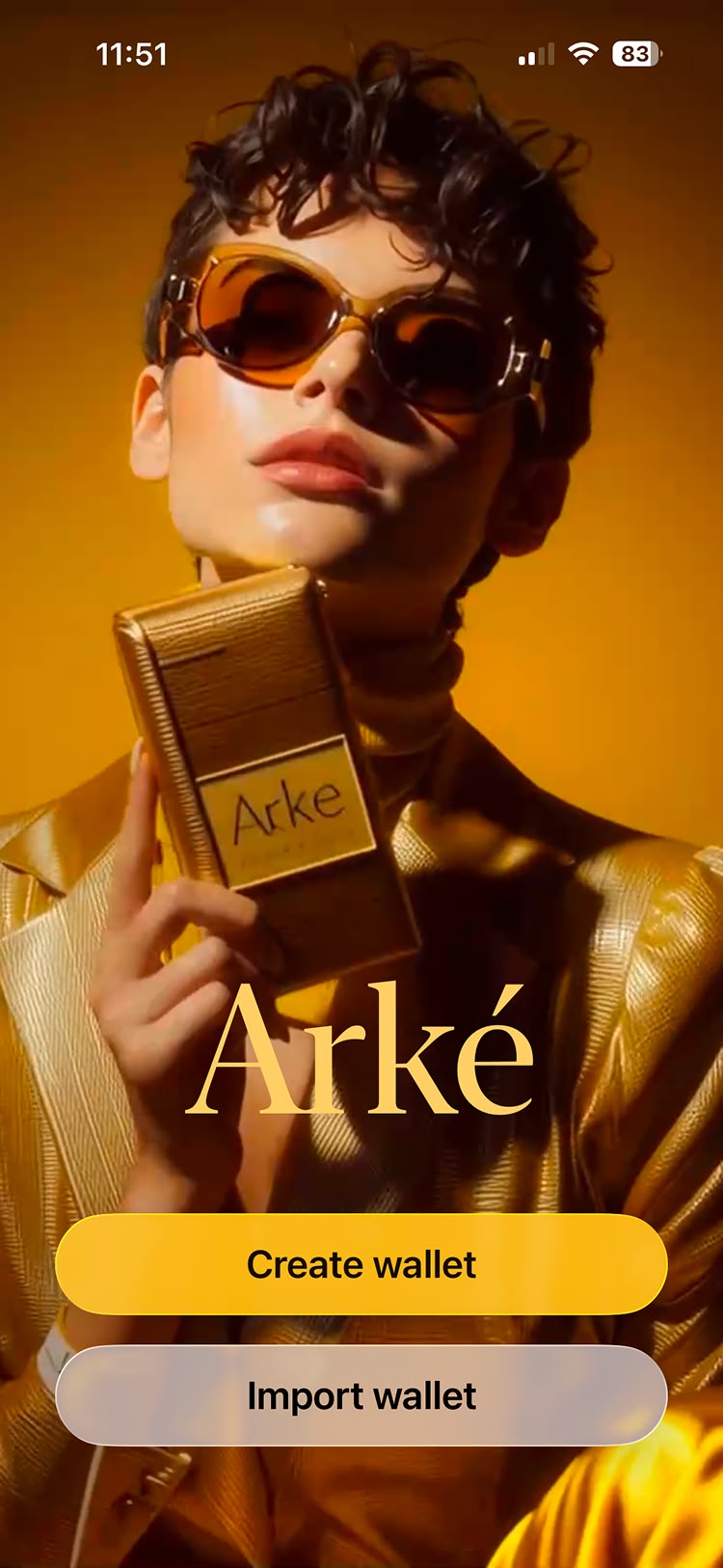
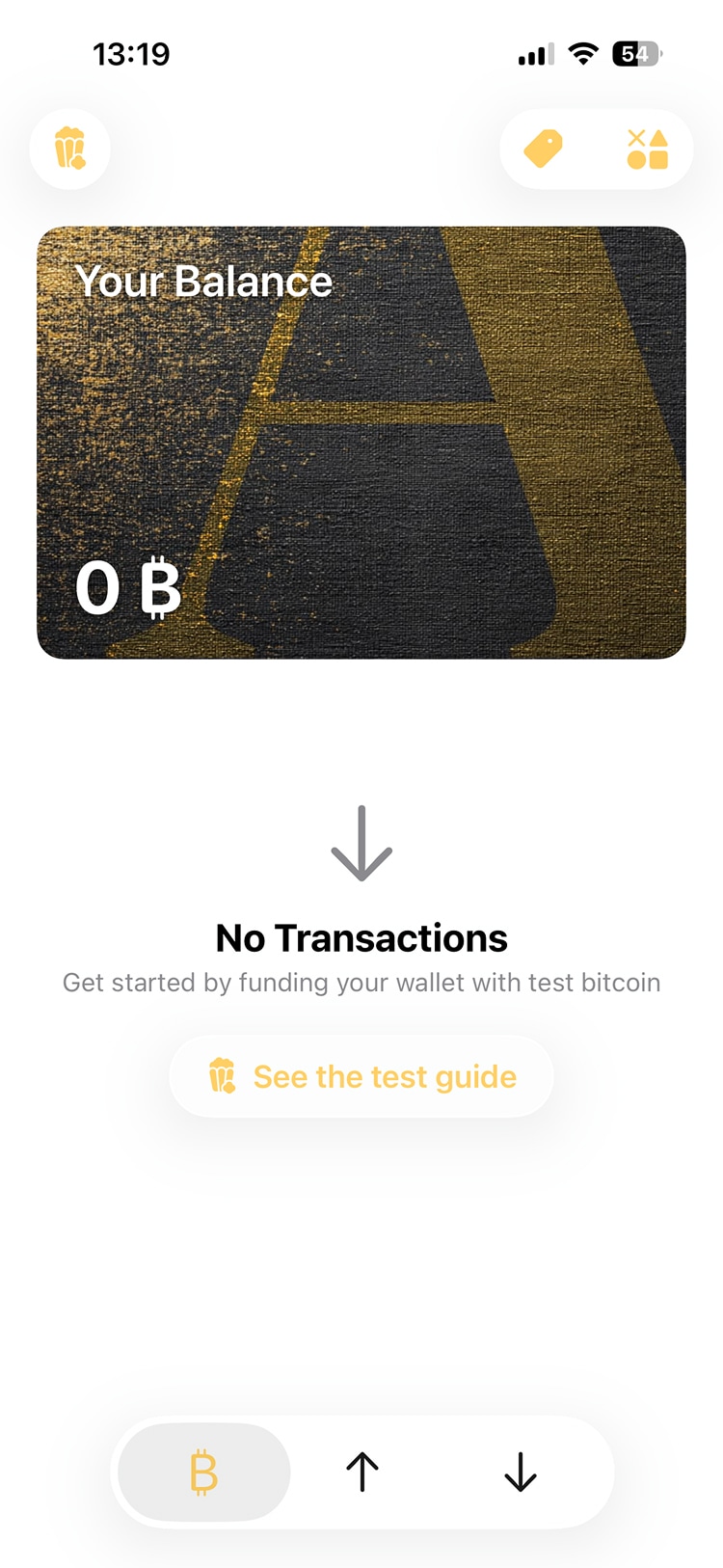
When you first open Arké, you'll go through a simple setup process. Tap "Create wallet", follow the next few steps, and you're good to go.
Your wallet will be on bitcoin mainnet by default. If you're a developer and want to test with free test bitcoin instead, switch to signet on the intro screen before you create your wallet.