Test 2: Add some bitcoin
Arké runs on bitcoin mainnet, so this is real bitcoin. Arké is experimental, so only add a small amount that you'd be okay with losing.
2.1: Create a Lightning invoice
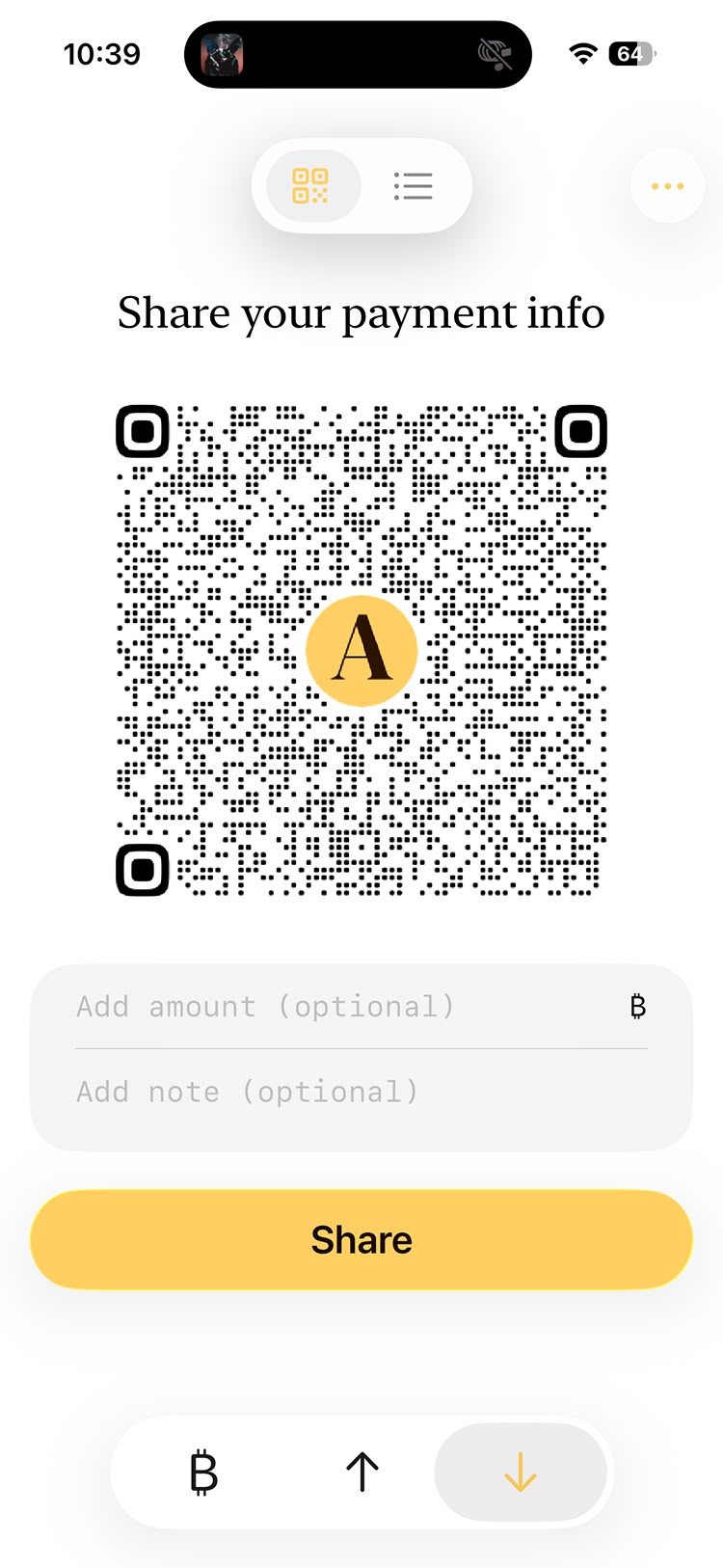
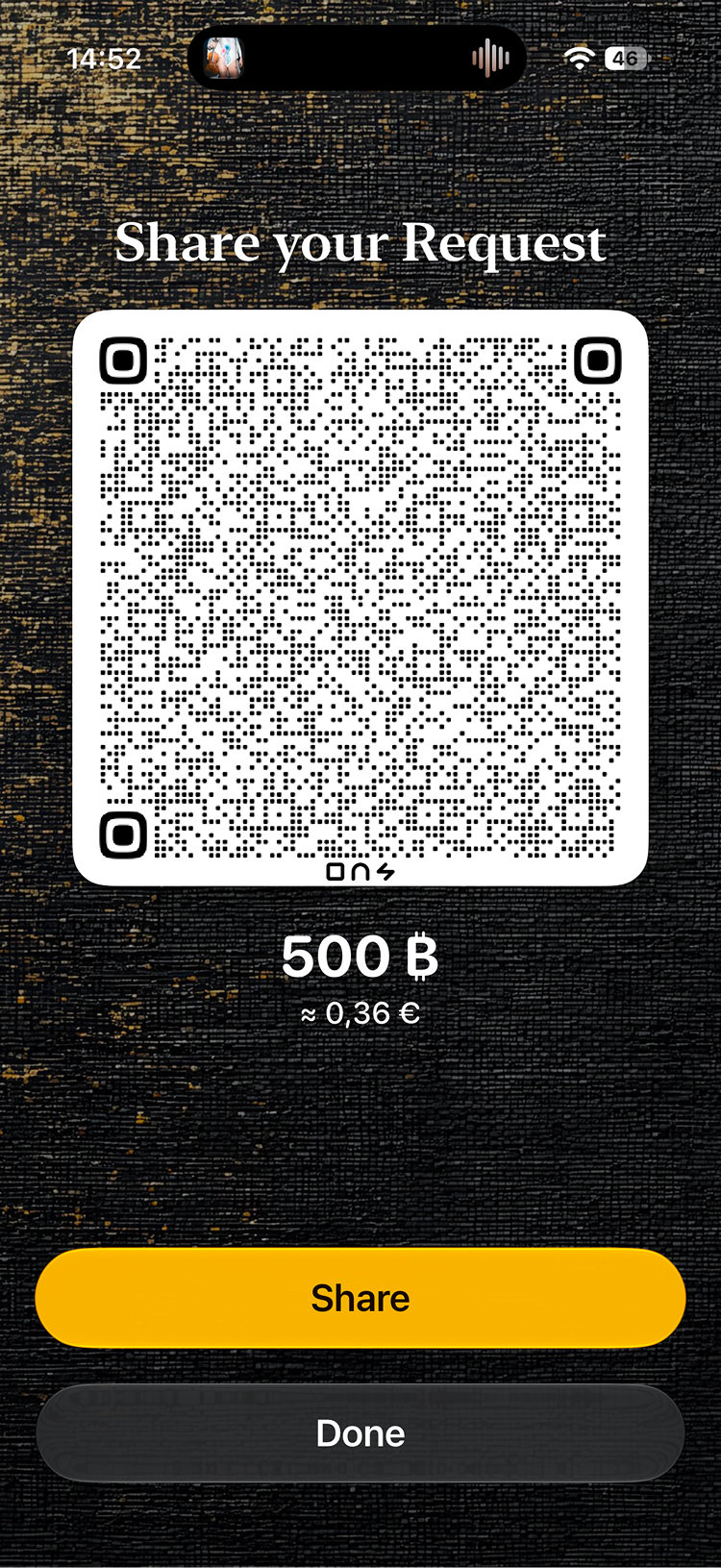
Go to the Receive tab, enter a small amount, and tap the checkmark. Arké creates a Lightning invoice and shows it as a QR code.
2.2: Pay it from another wallet
Scan or copy the invoice and pay it from another Lightning wallet you own. If you don't have one, ask on Discord. Someone may be happy to send you a few sats.
The bitcoin lands in your payments balance, which is what the next tests use.
2.3: Wait for it to arrive
Go back to the Activity screen and wait for the payment to show up. You can pull down to refresh. Lightning payments arrive within seconds.
If something breaks, let us know on Discord and we'll look at it right away.
Other ways to receive
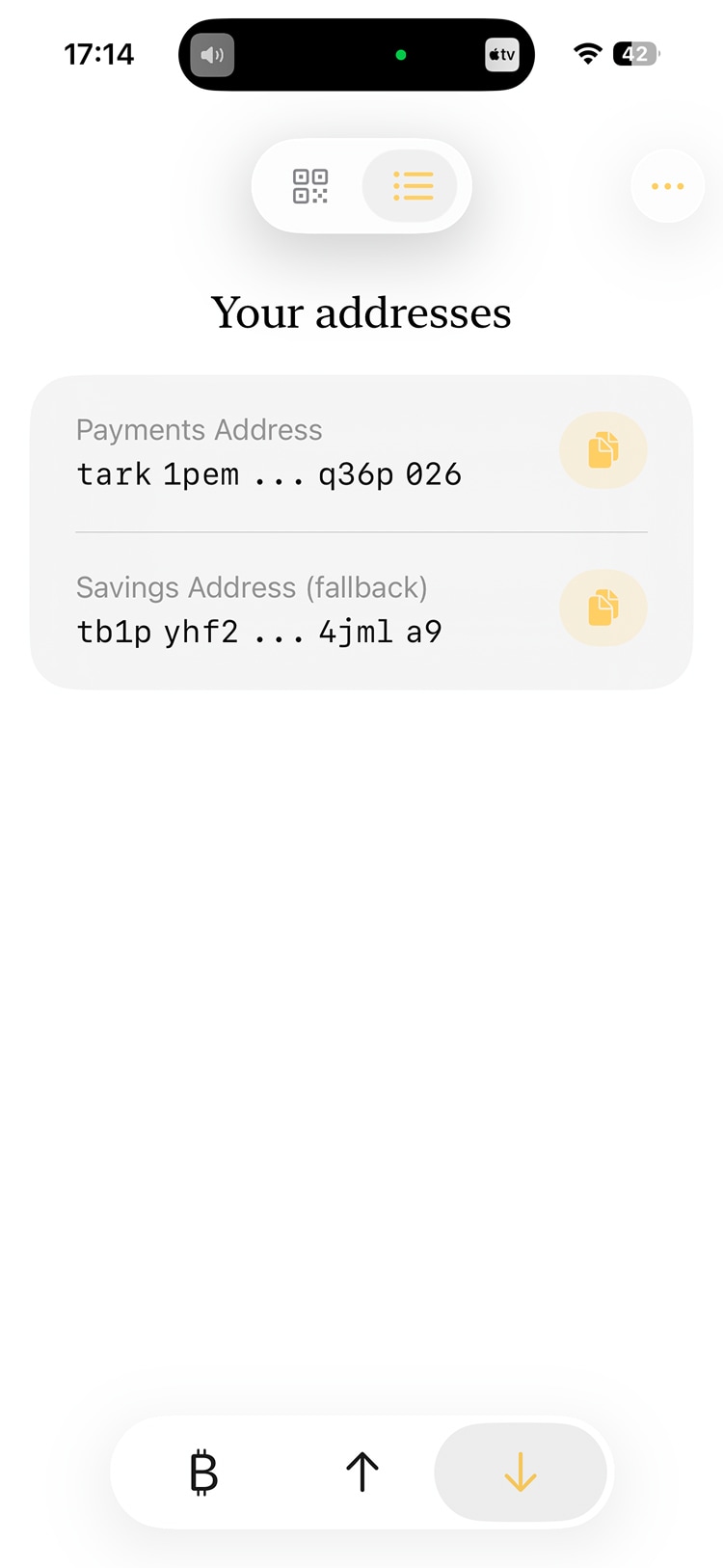
The toggle at the top of the Receive tab switches to a list of your addresses. Your Payments address works for payments from other Ark wallets. Your Savings address is a regular bitcoin address for onchain payments. Bitcoin sent there lands in your savings balance. To use it for payments, tap the balance card, then the circular button with the arrow pointing up, and move it over. This takes a little while and has a small fee.
Onchain deposits need a block confirmation before they show up, so they can take a while.
On signet
If you picked signet on the intro screen, you can get free test bitcoin from a built-in contact instead.
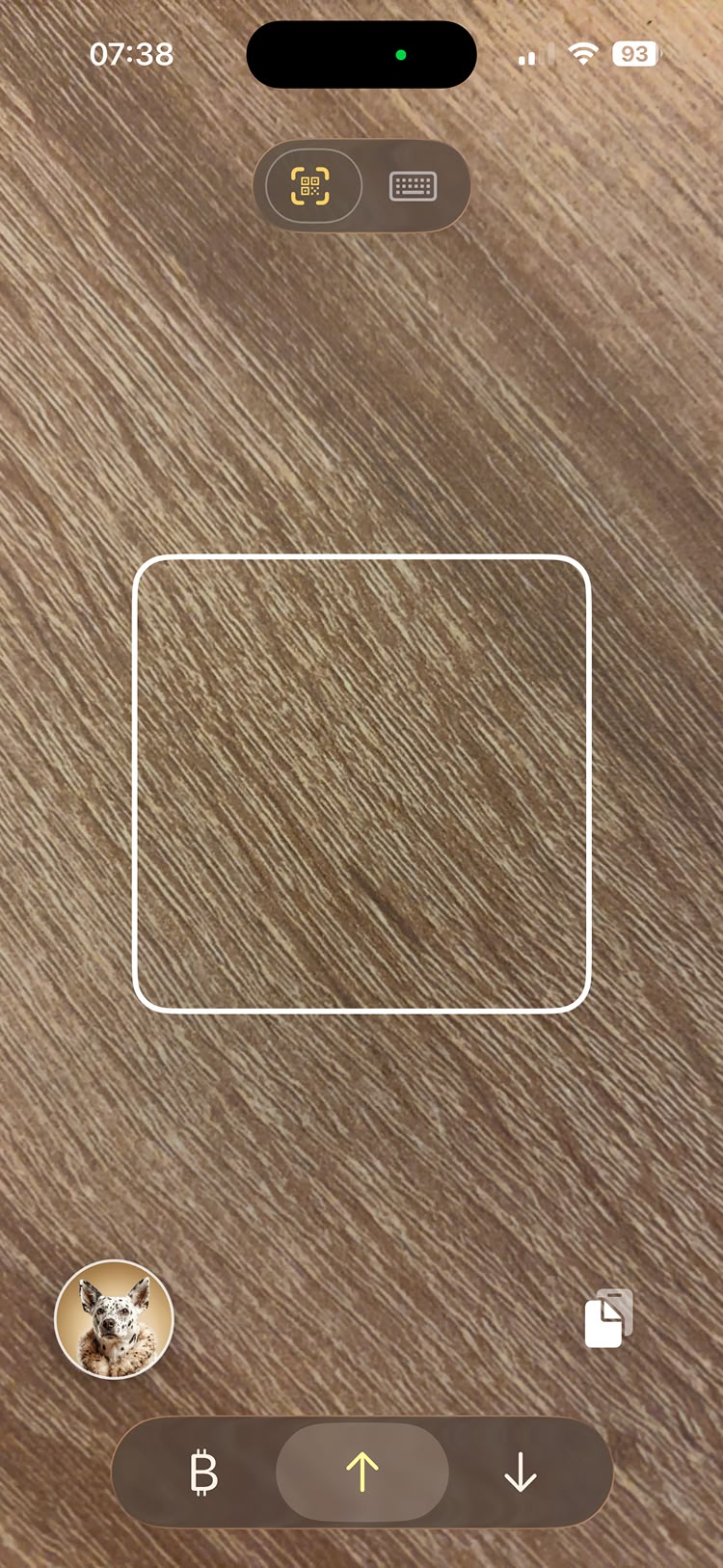
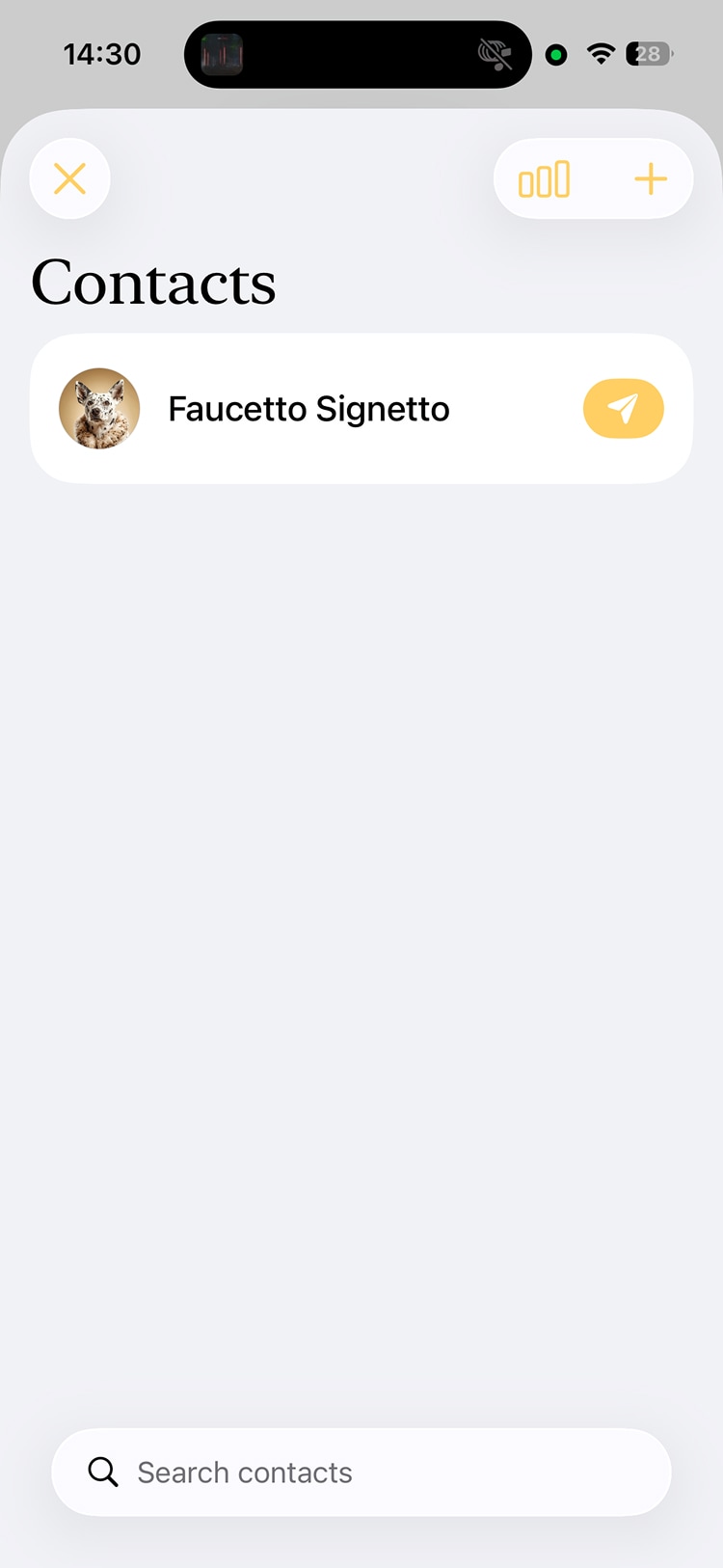
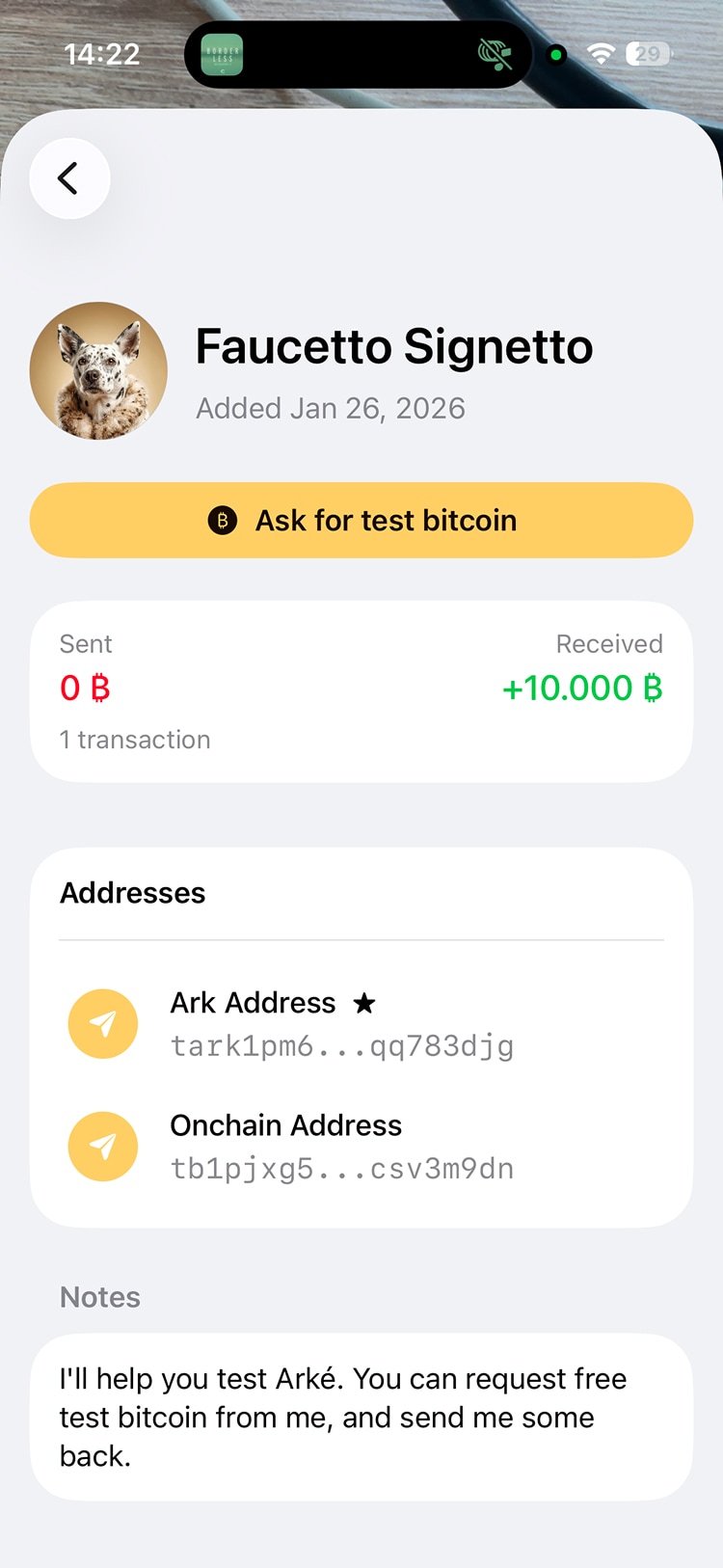
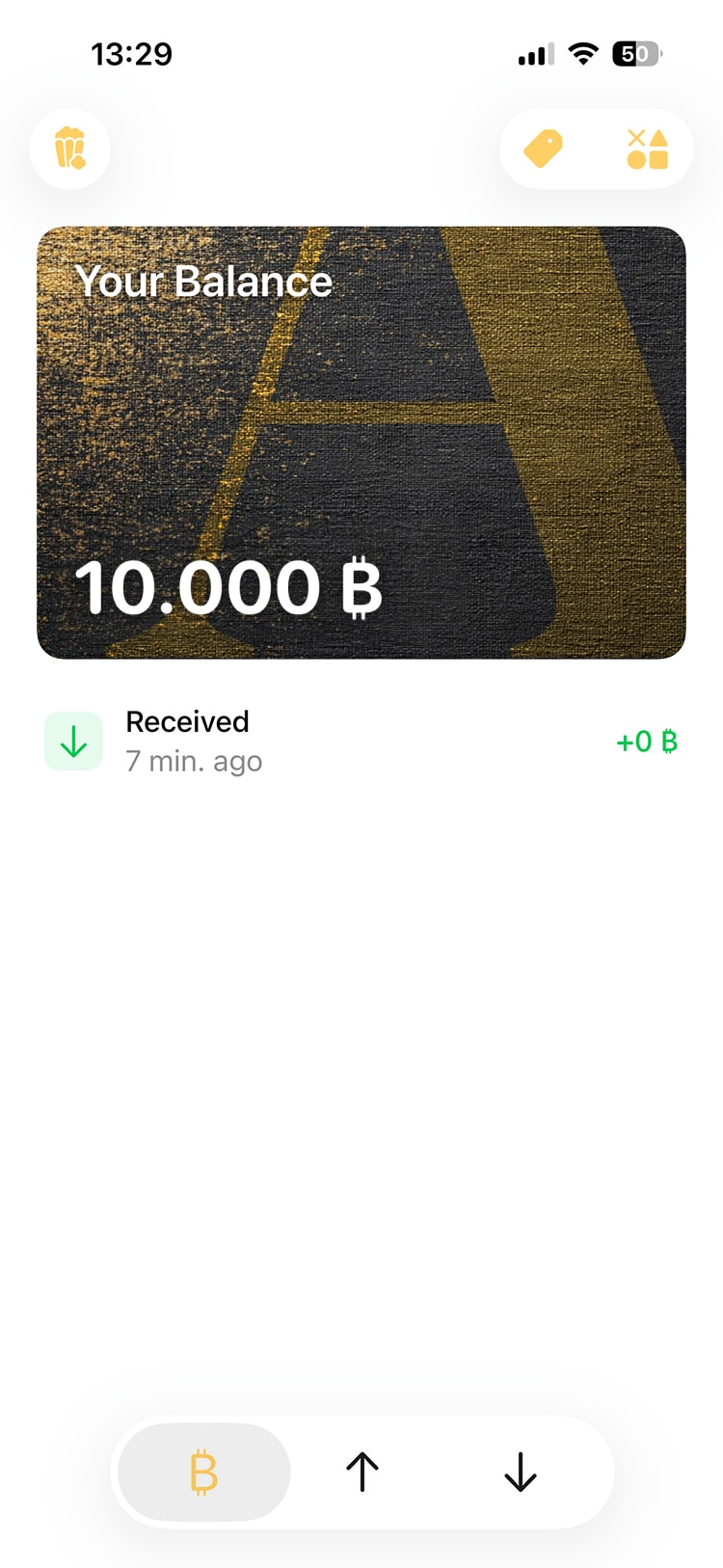
Contacts are on the Send screen. Open the default contact called Faucetto Signetto and tap Ask for test bitcoin. Faucetto will send a small amount to your wallet, usually within a few minutes.
There's a delay before you can ask again. Feel free to ask a few times if you need more for testing, but please leave some for everyone else. If nothing arrives, Faucetto has probably run dry. Let us know on Discord and we'll top it up.