Test 3: Make your first payments
Now let's try paying a Lightning invoice. Arké works with the Lightning network, so you can pay any Lightning invoice straight from your payments balance. You'll send bitcoin over Ark to other Arké users in the next test.
3.1: Get a Lightning invoice
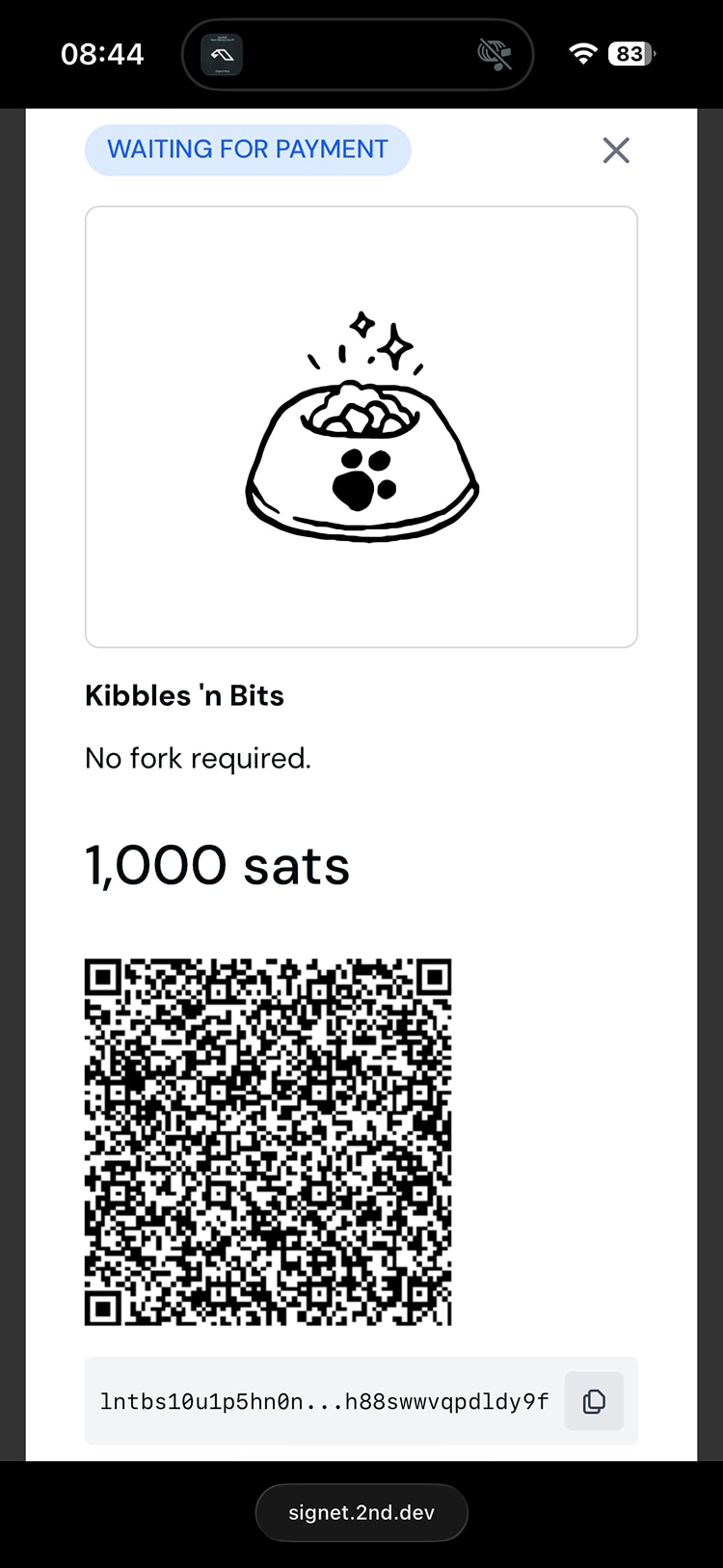
Create a small invoice in another Lightning wallet you own, or find something small to buy from a shop that accepts Lightning. Copy the invoice.
3.2: Pay it
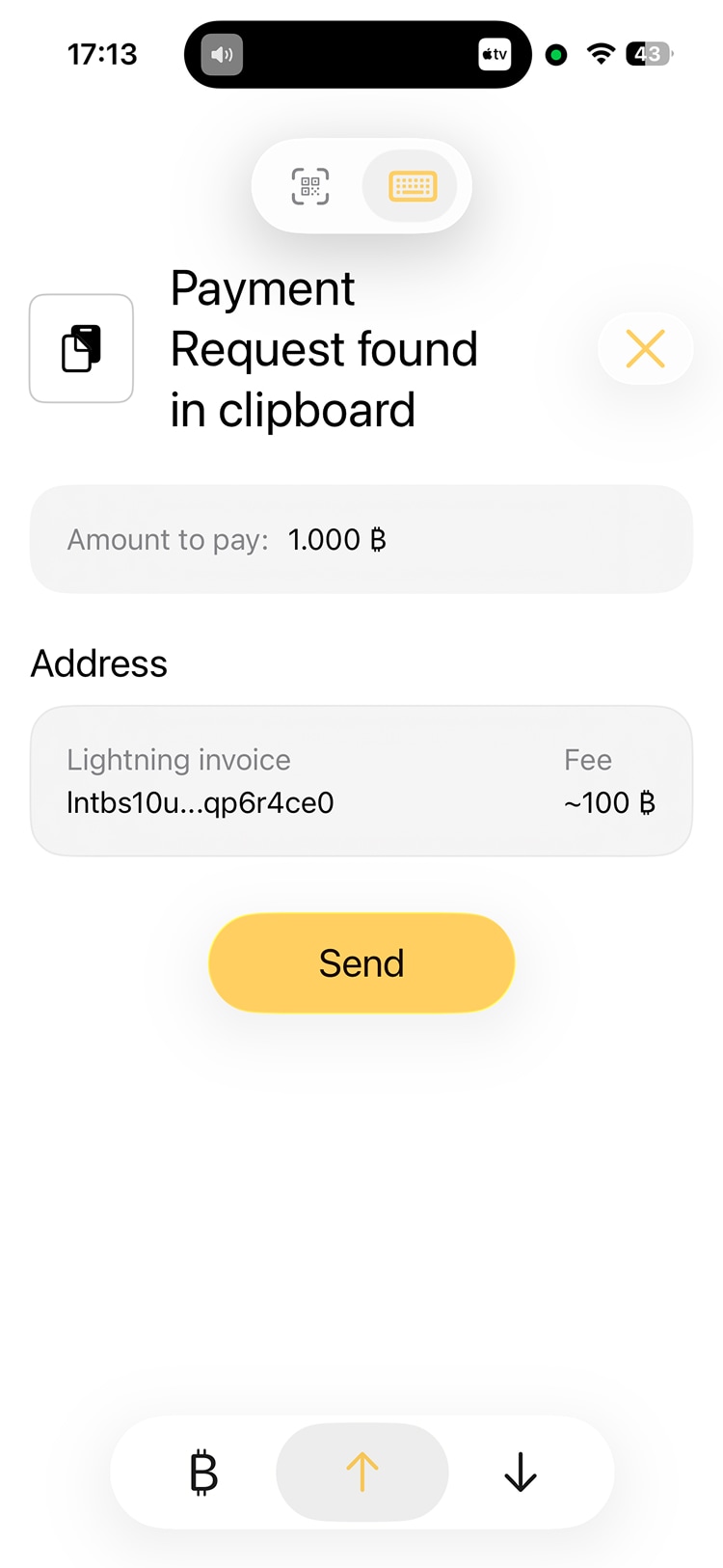
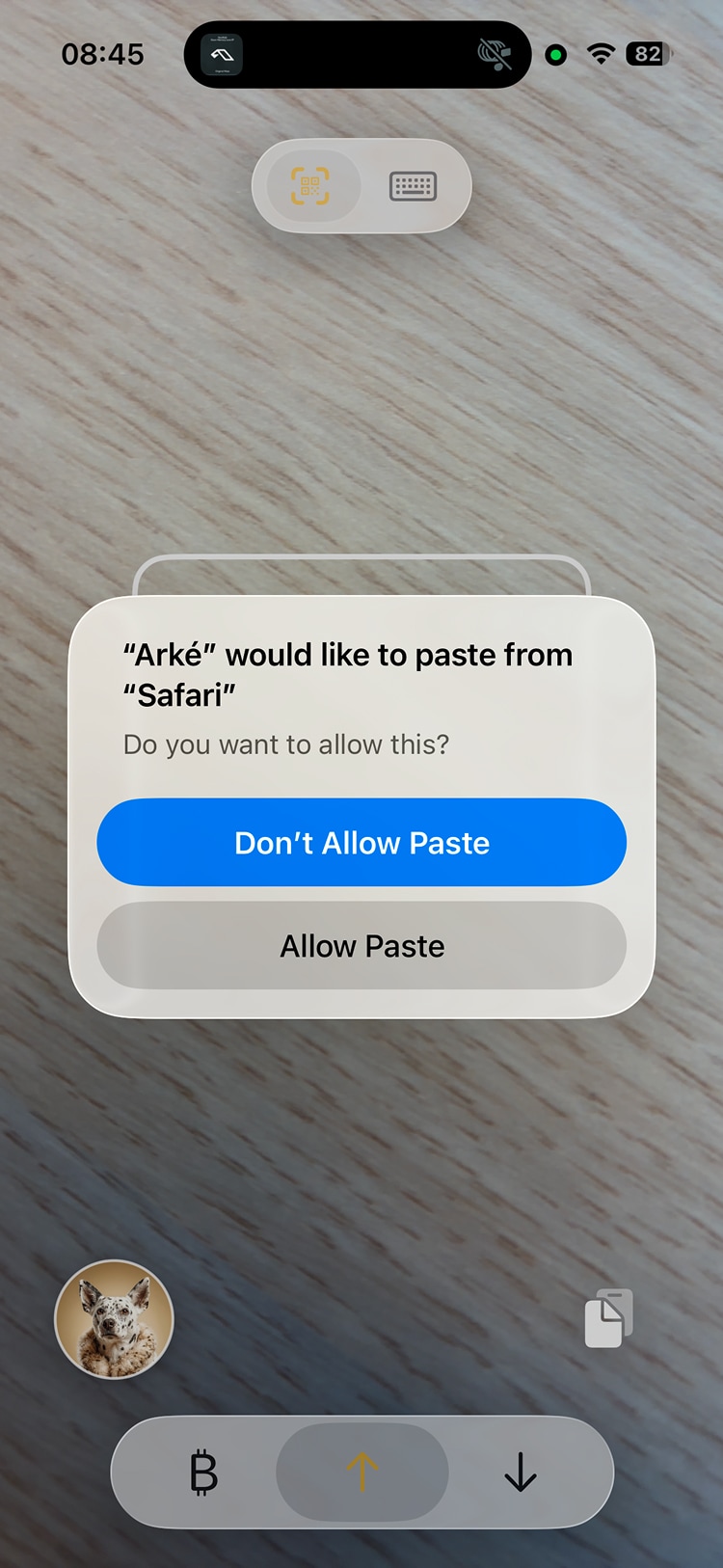
On the Send screen, tap the paste button on the right, above the tabs, and allow the paste when iOS asks. Check the amount and tap Send. Lightning payments should go through in a few seconds.
On signet
On signet, you can practice both kinds of payments with test bitcoin.
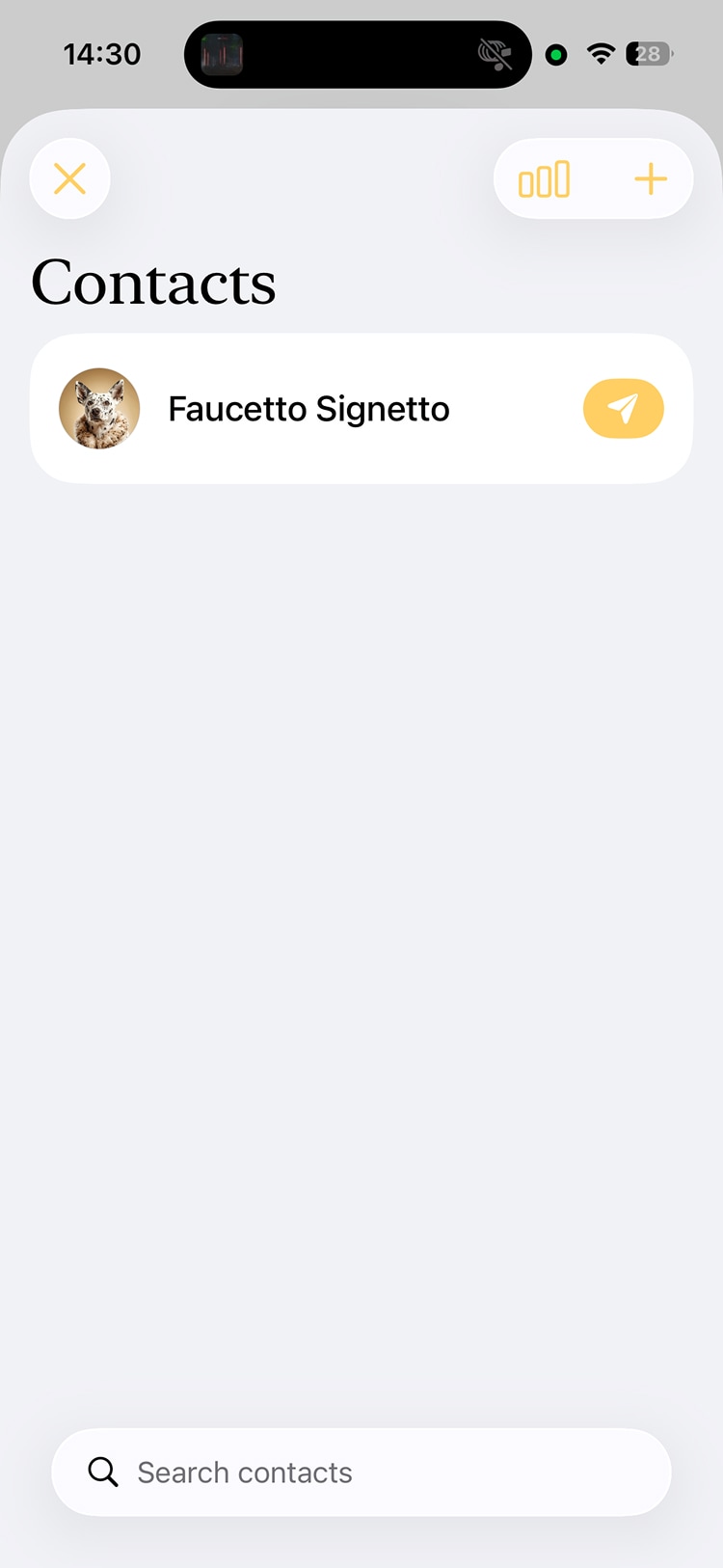
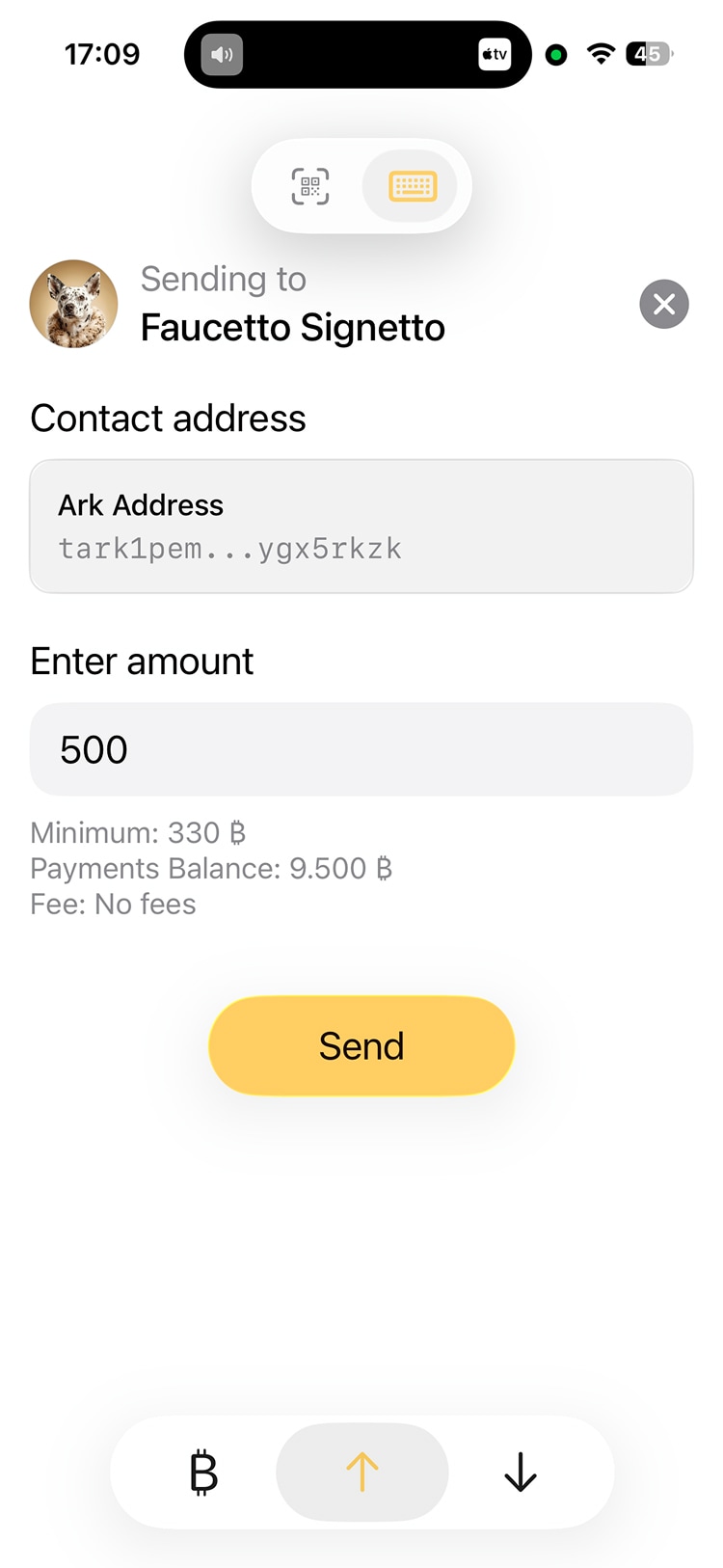
Send bitcoin back to Faucetto Signetto
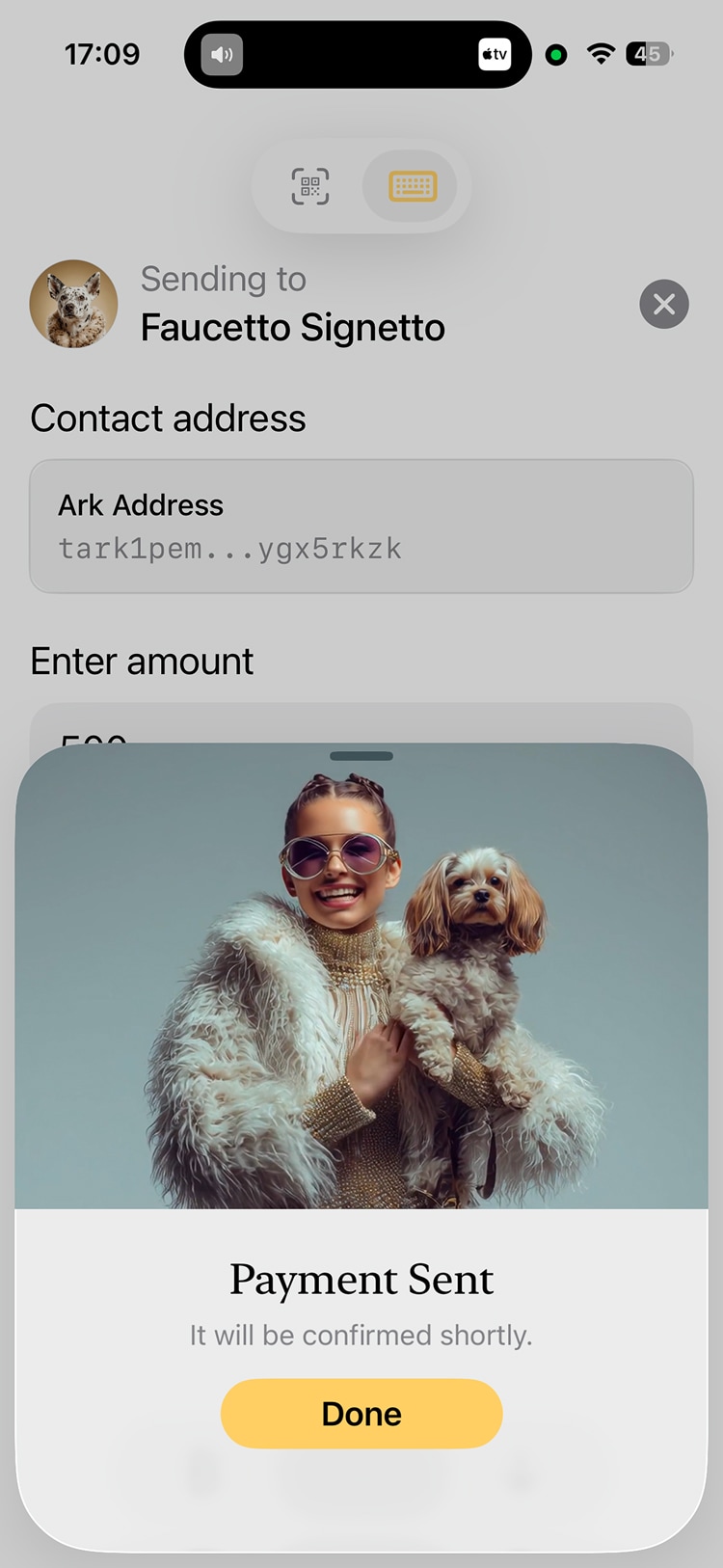
Tap the paper airplane next to Faucetto Signetto, pick an amount, and tap Send. This sends over Ark and puts test bitcoin back in the pot for other testers.
Buy a treat for Byte
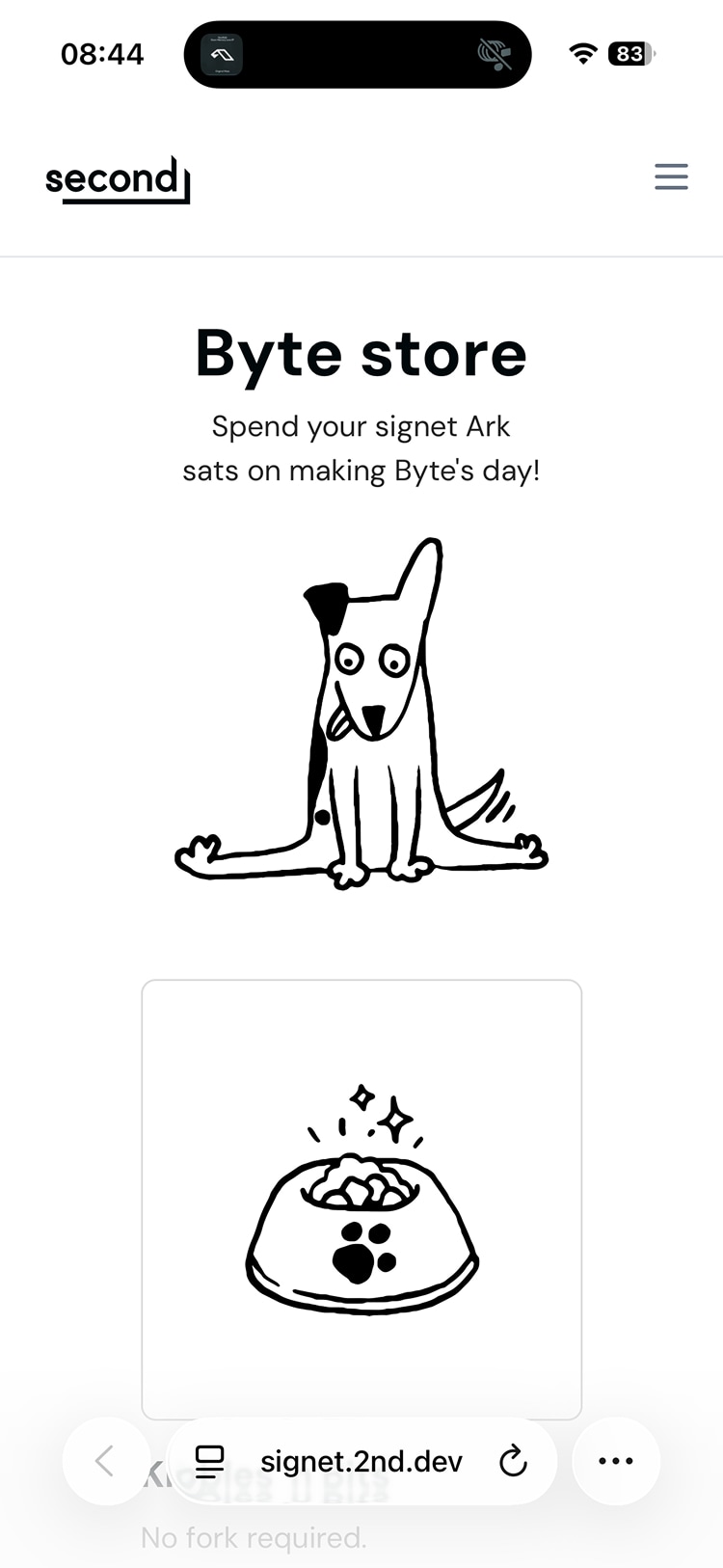
Visit this test pet store and buy some virtual treats for Byte, the mascot of the Second team. This is a Lightning payment on signet.