Test 4: Pay another Arké user
So far you've received and paid over Lightning. Now try paying another Arké user directly over Ark. It skips the Lightning hop and should arrive within seconds.
You'll need a partner who also has Arké. If you don't know anyone, ask on Discord. Plenty of testers are looking for one too.
4.1: Swap addresses
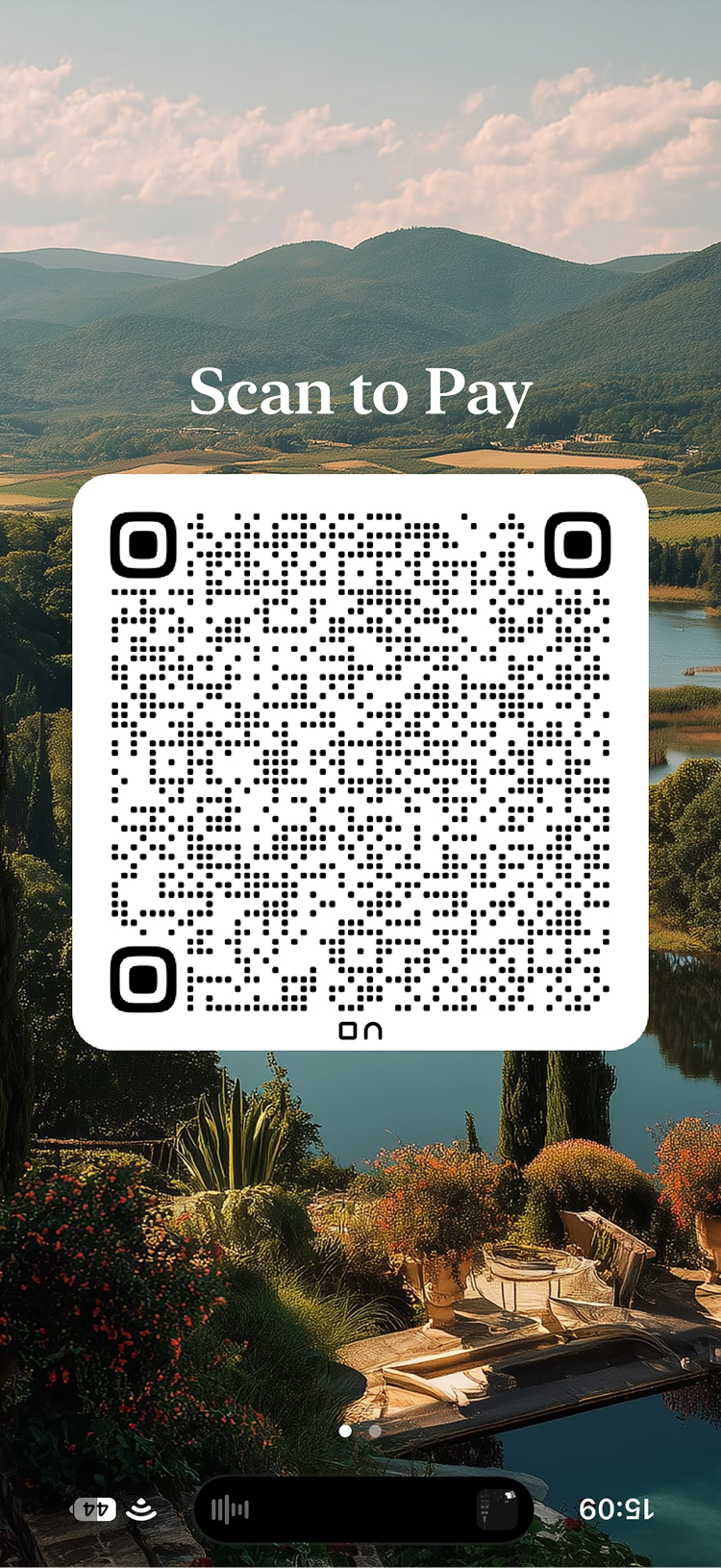
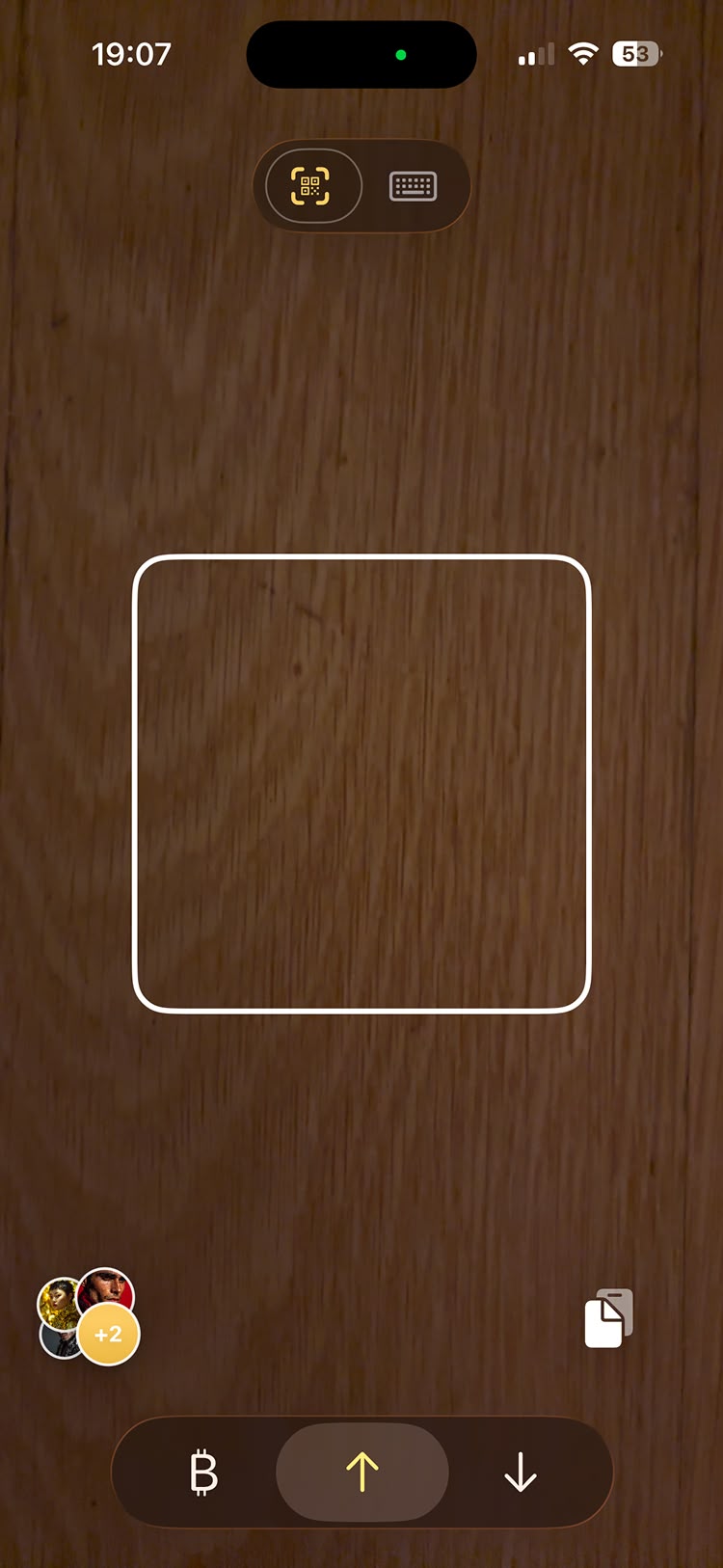
In person: Open the Activity screen and tilt your phone forward, as if you're showing someone the screen. Arké shows a QR code upside down, so it's the right way up for the person across from you. They scan it from their Send tab.
Remotely: Go to the Receive tab, switch to the list view with the toggle at the top, and tap Share Payment Link. This shares a link with both your payments and savings addresses, which your partner can paste on their Send tab.
4.2: Pay each other
Send your partner a small amount, and have them send the same amount back, so nobody ends up out of pocket.
4.3: Save each other as contacts
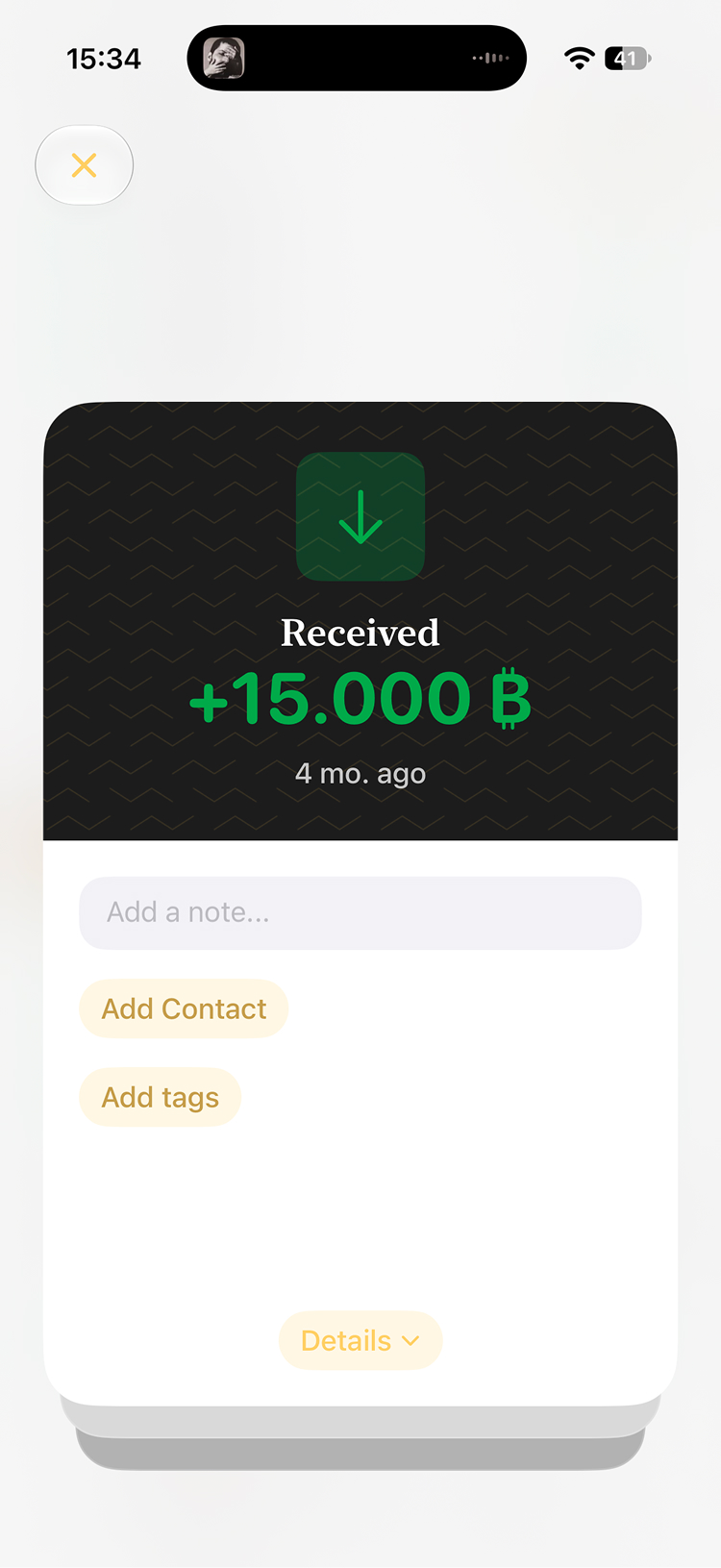
Contacts keep your activity list readable and make paying someone again a single tap. When you send a payment, you can save the recipient as a contact. For a payment you received, tap it in your activity list and create a contact from there.