Test 5: Tag your transactions
Once you've made a few payments, you may want to organize them. Here's how tags work.
5.1: Tag a transaction
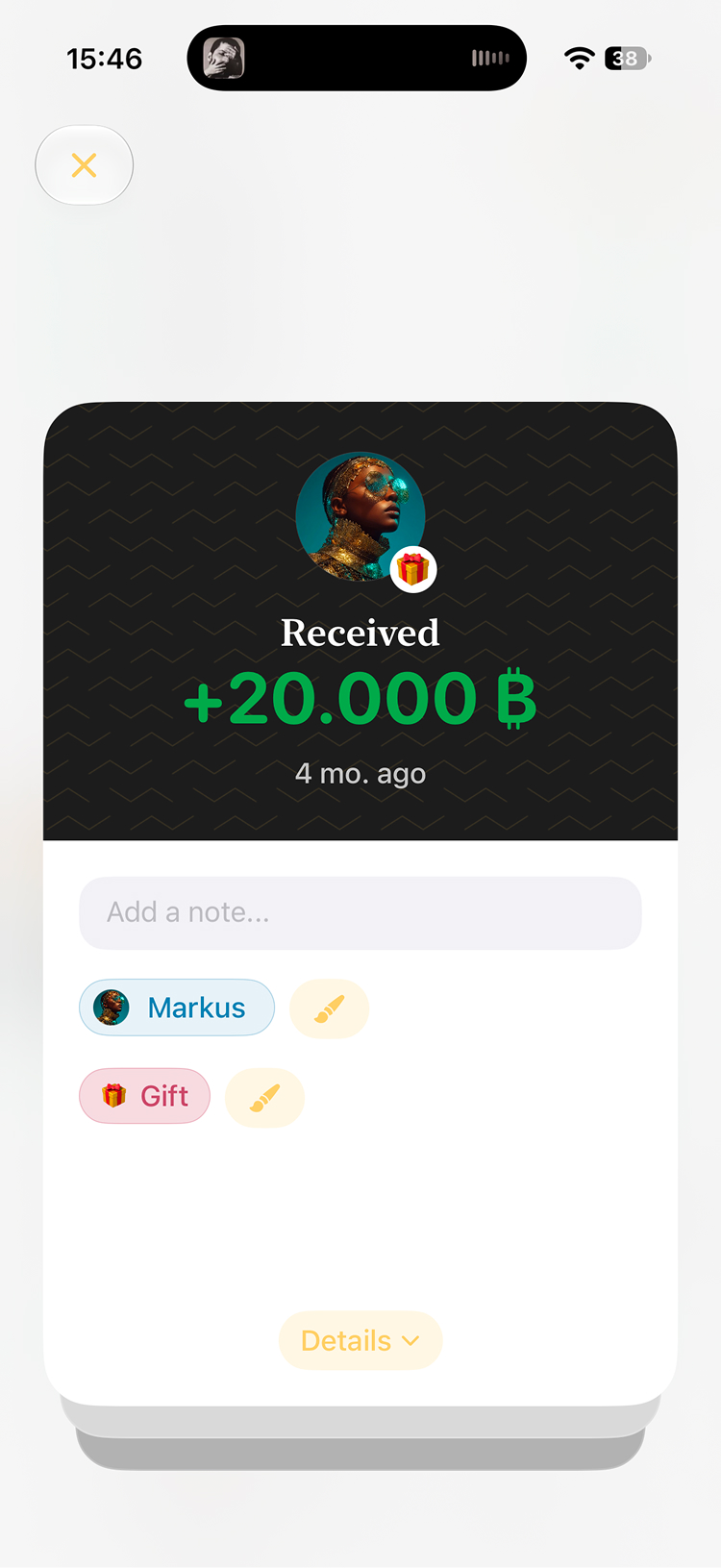
Find the first bitcoin you received in Test 2. Tap it to see details and assign a tag of your choice to it. Feel free to create a new tag if you'd like.
5.2: View your tag overview
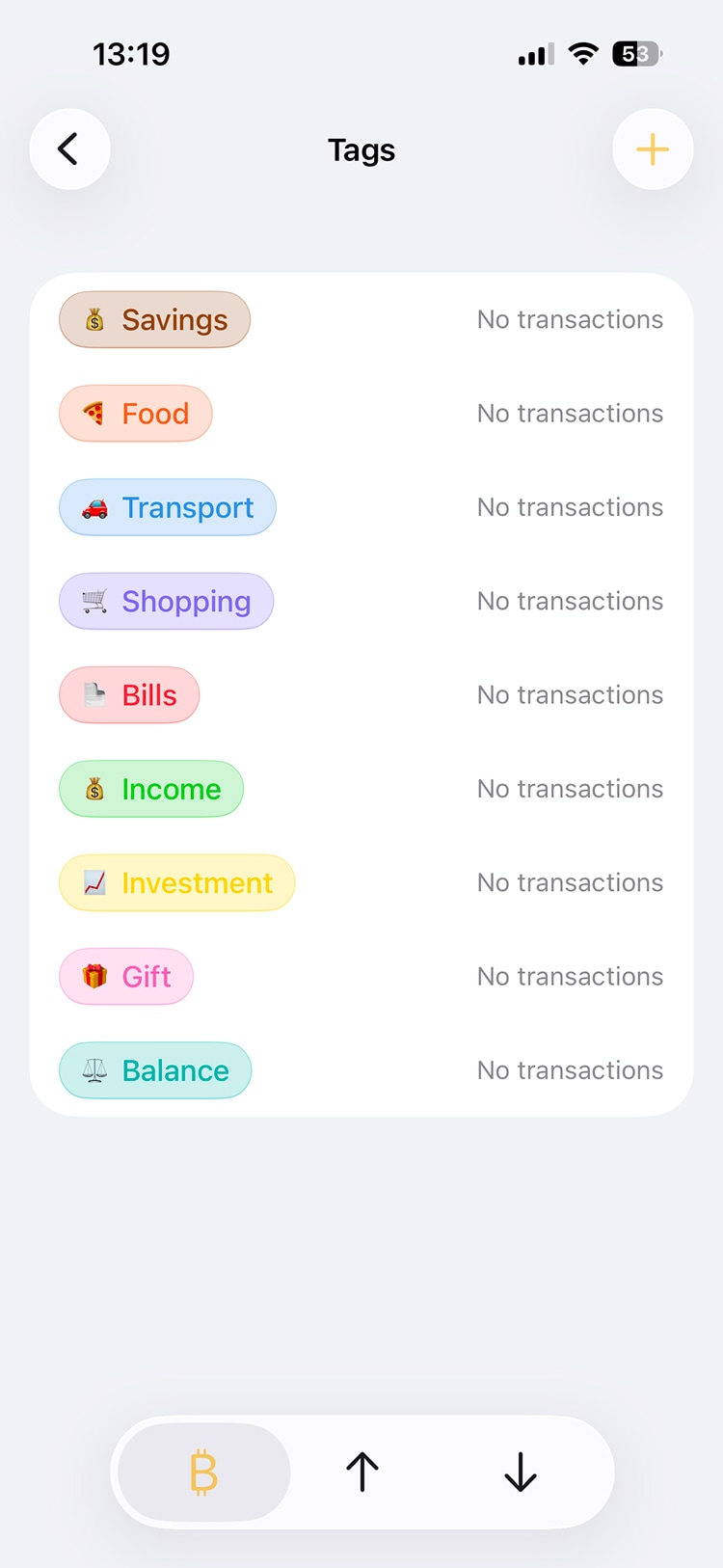
At the top of the Activity screen, you can access your full list of tags. They help you stay organized and see how you spend your bitcoin.
Notice the Balance tag. It's a special tag that Arké applies automatically to balance maintenance, like transfers and refreshes.
5.3: Filter by tag
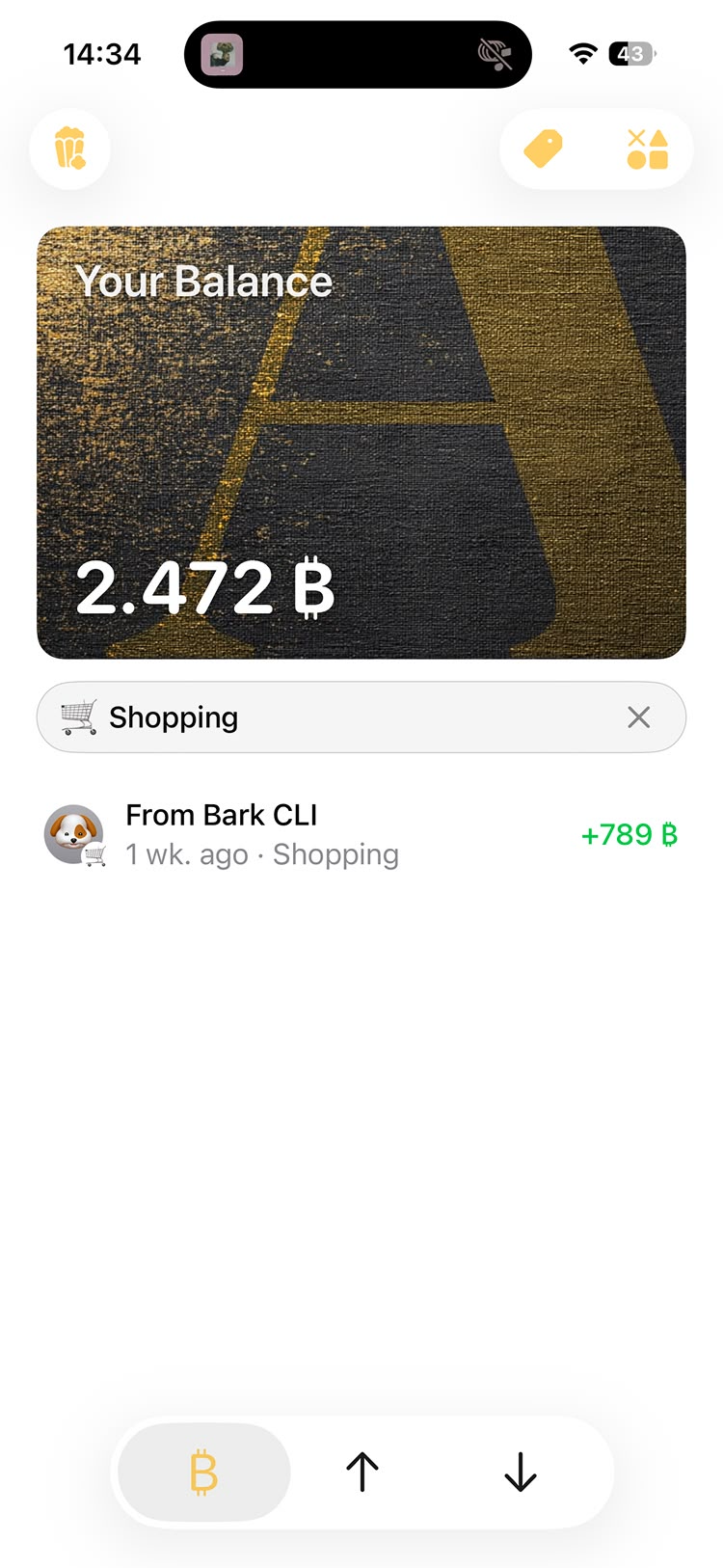
Tapping a tag lets you filter your activity list by that tag.