Test 6: Manage your balance
Arké uses two balances: Savings (regular onchain bitcoin) and Payments (bitcoin on Ark). You can move bitcoin between these balances as needed.
Practically speaking, Payments is almost instant with low transaction fees, at the cost of maintenance: it needs regular refreshes, which are usually free but sometimes cost a small fee. Savings is slower and has higher transaction fees, but no maintenance fees.
To see how the two balances work together, send a portion of your payments balance to your savings balance.
This moves bitcoin out of Ark and onto the bitcoin main chain. That takes an onchain transaction, so it takes a while and involves a fee.
6.1: Move some funds to savings
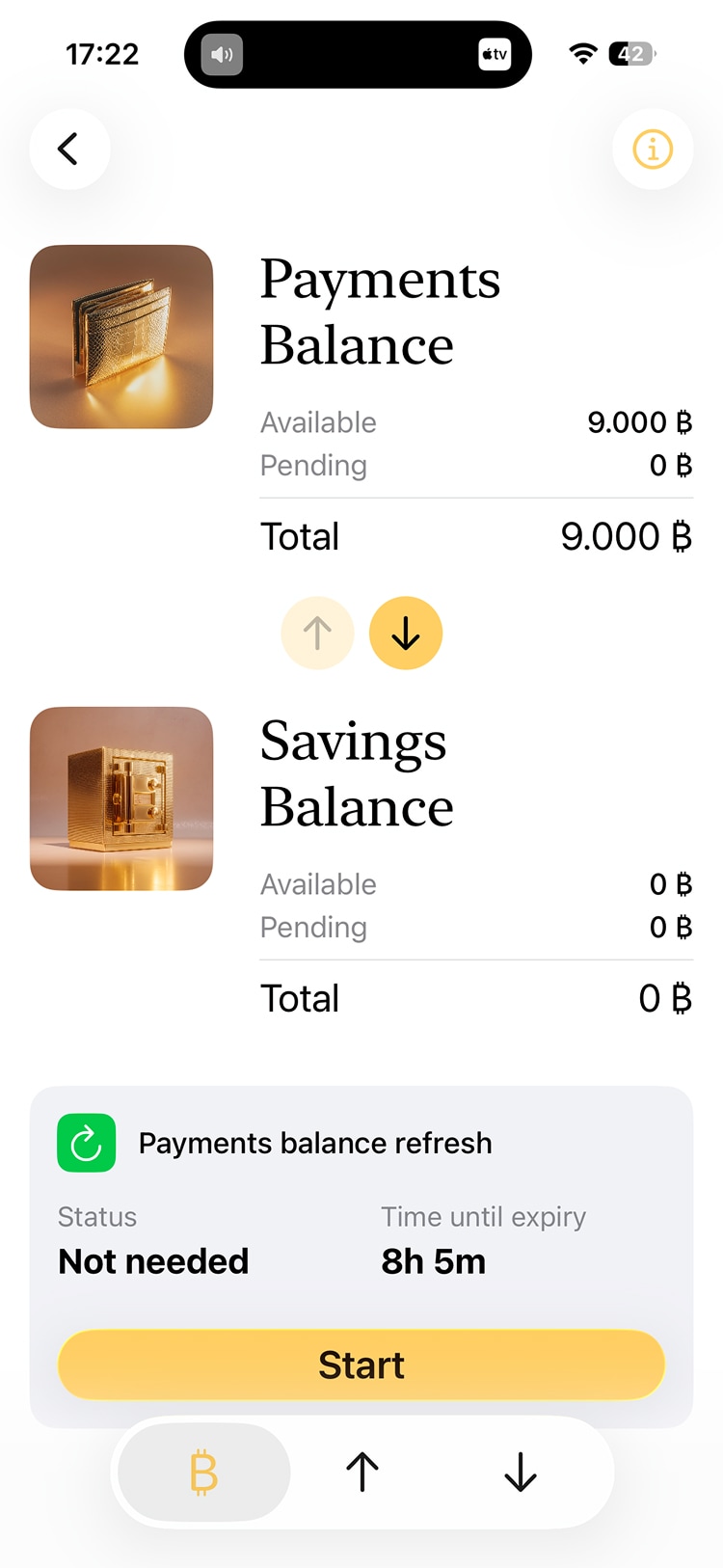
On the Activity screen, tap the balance card to see how your bitcoin is split across the two balances. The two circular buttons in the center let you initiate transfers between them.
Tap the arrow pointing down.
6.2: Start the transfer
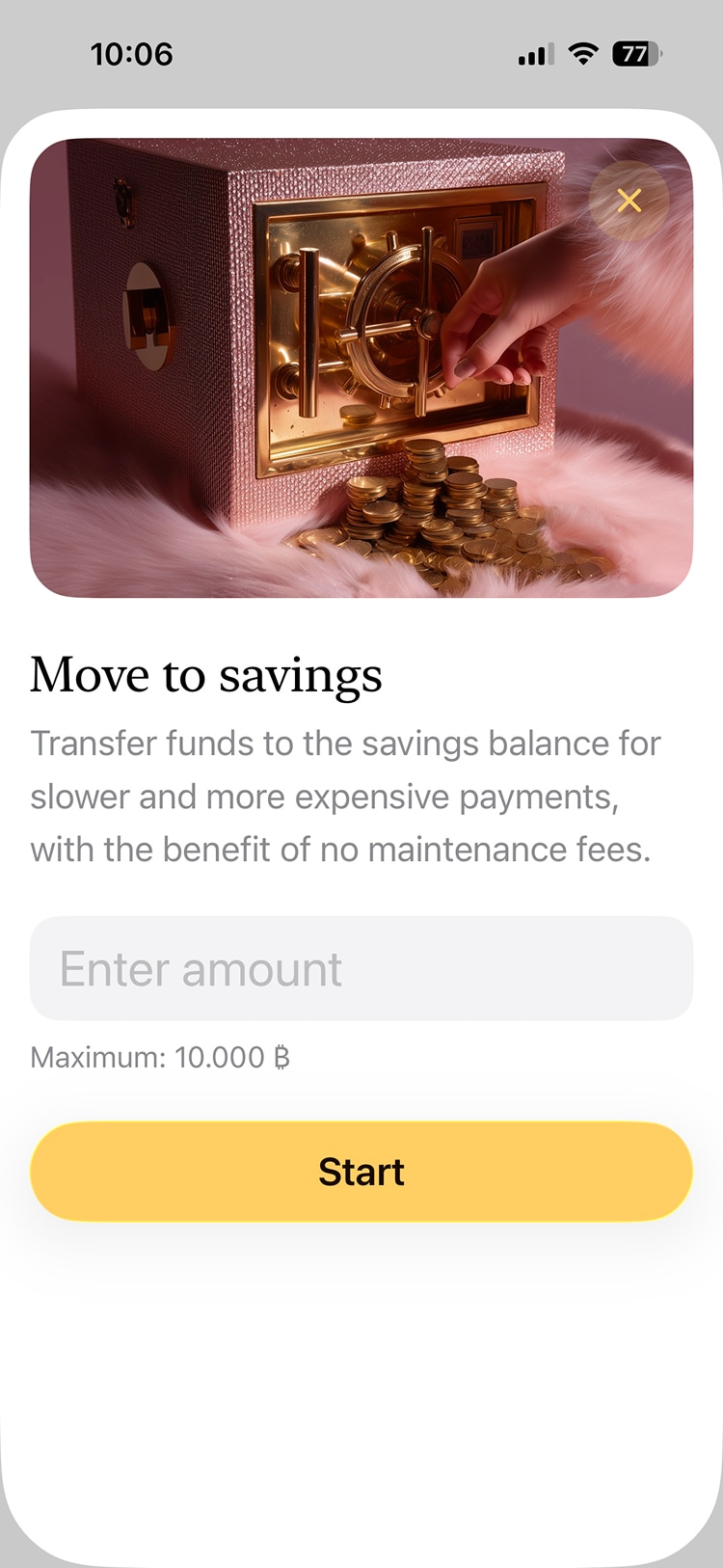
Enter an amount and start the transfer. The maximum you can move is shown below the field.
6.3: Wait
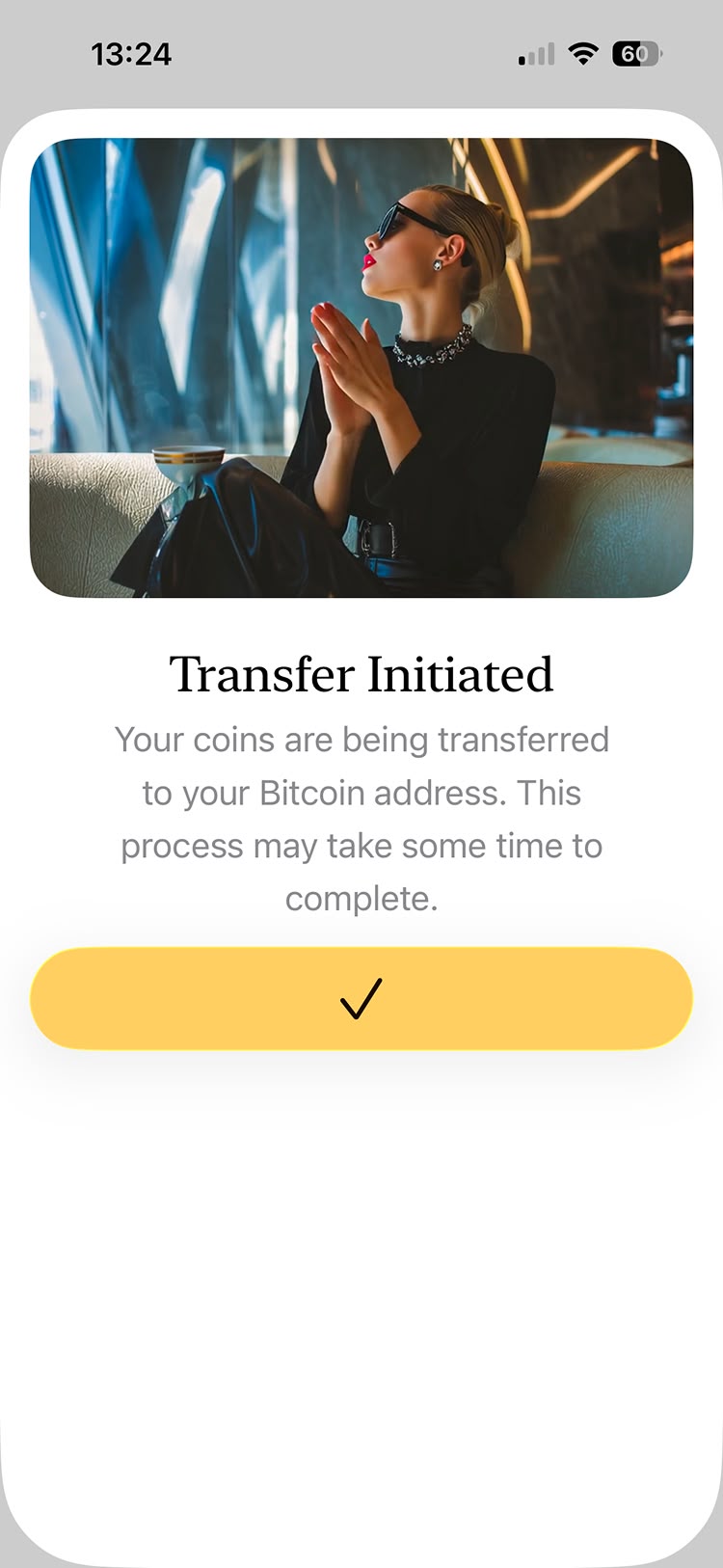
Because this involves an onchain transaction, it takes a while. You can follow its progress on the entry in your activity list. Feel free to close this screen.
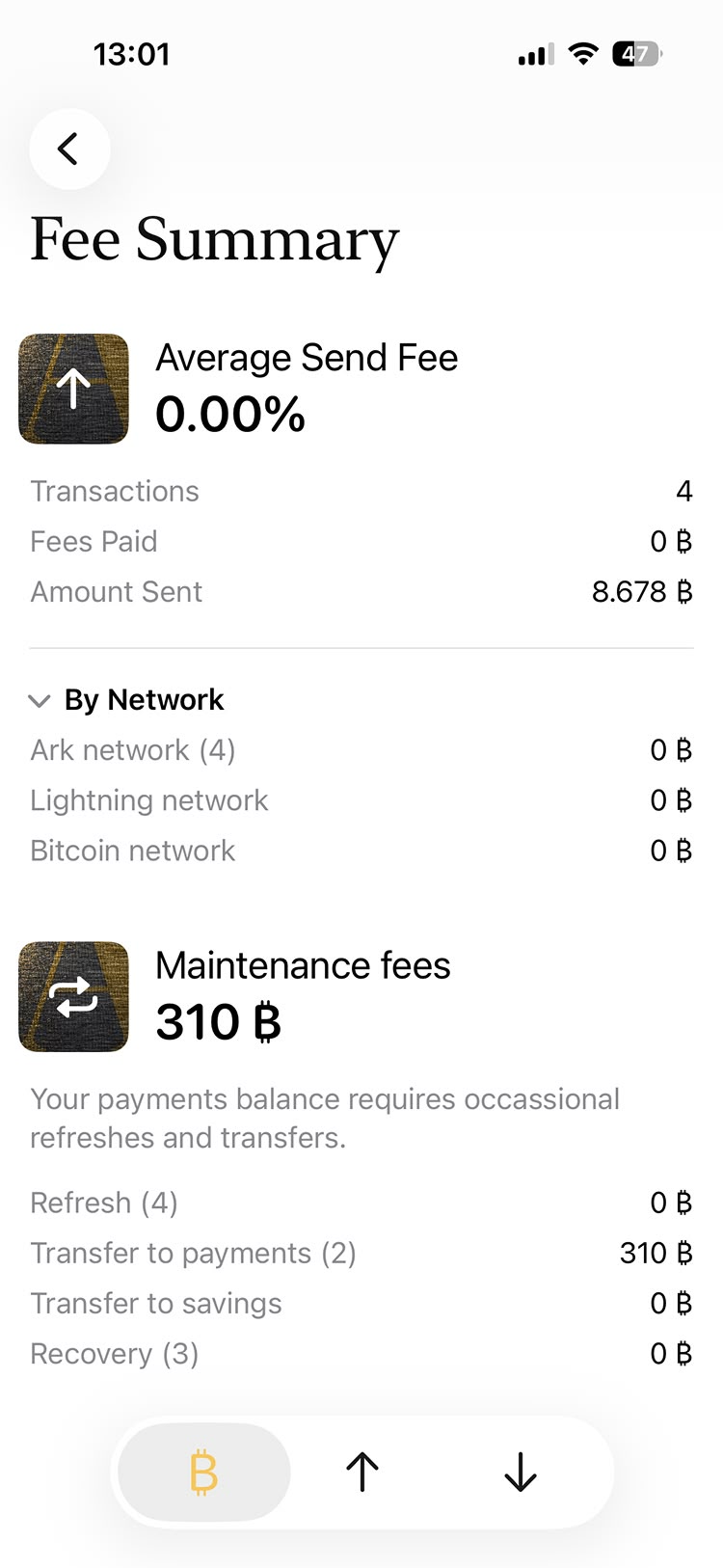
6.4: Review the fee summary
You may have noticed different types of fees already:
- The payments balance needs regular maintenance (via a refresh)
- Balance transfers require a fee
- Payments have different fees depending on how they're sent: over Ark, over Lightning, or onchain