Test 7: Refresh your payments balance
Bitcoin in your payments balance expires, at most 28 days after you receive it, and needs a refresh before then. That's the trade-off for instant, low-fee payments.
Arké handles this for you. In the last 2 days, when refreshes are free, it asks Second's server to do the refresh, so the app doesn't need to stay open. Opening it now and then is enough. Sometimes it refreshes earlier for a small fee, when that works out better. The Fee Summary in settings shows what you've paid.
You might not see a refresh come up while working through this guide. Check back in a week or two, or start one by hand as described below. On signet, refreshes come up much more often (every 24 hours), so it's easier to test there.
7.1: Look out for a refresh indicator
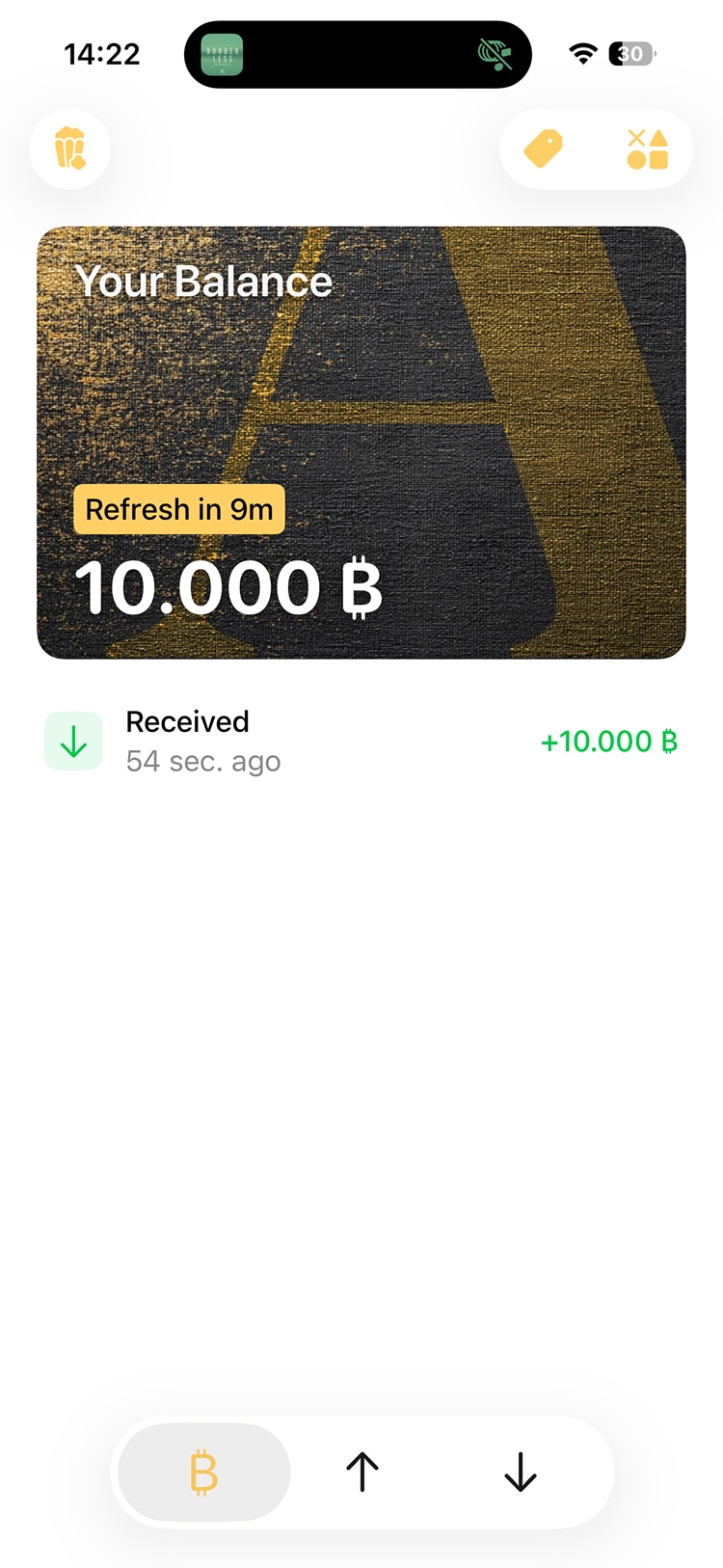
The balance card on the Activity screen will show an indicator when it's almost time for a refresh.
7.2: Navigate to the refresh options
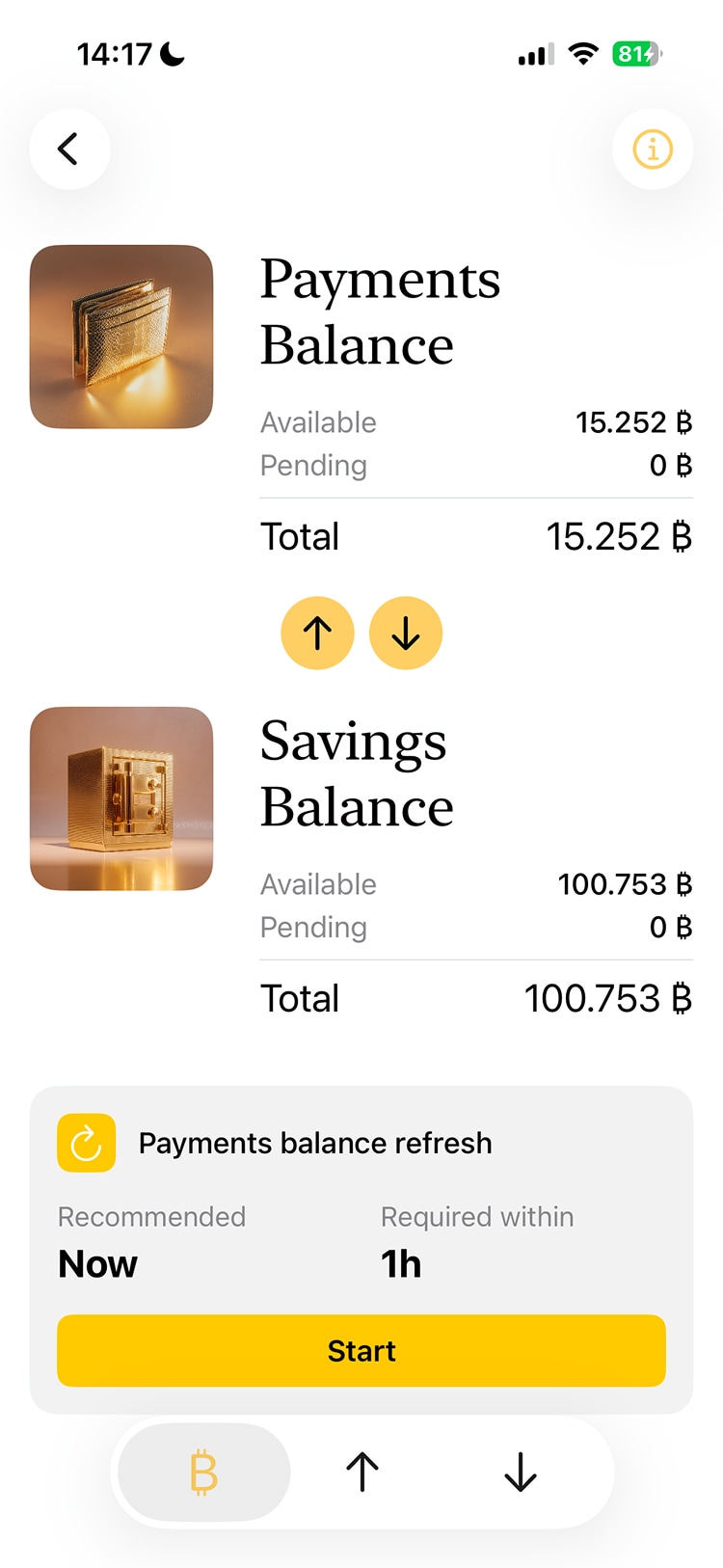
When the time is right, open your balance details and tap the Refresh button. Or wait and let Arké handle it.
7.3: Start the refresh
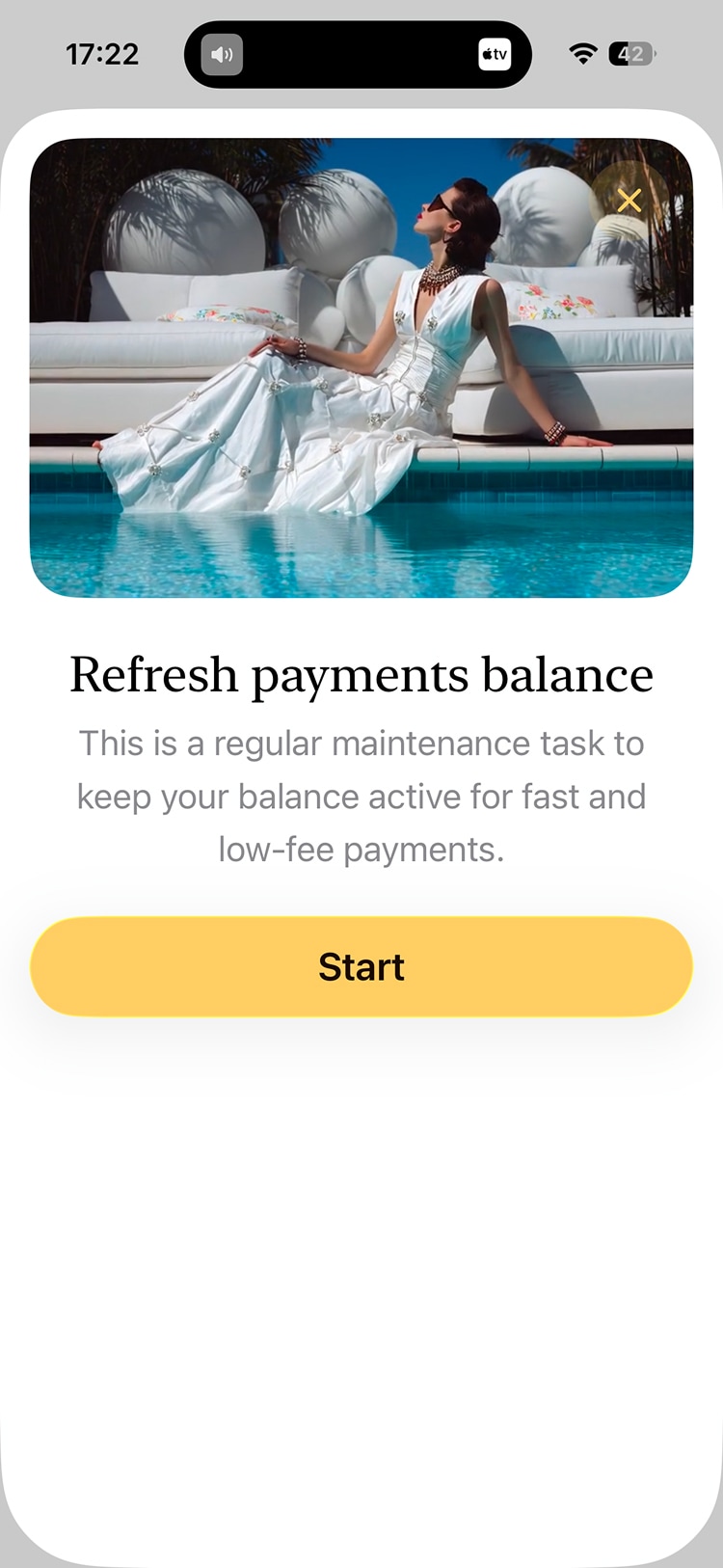
Start the refresh in the modal. While it runs, some or all of your funds may be locked for a short while.
On mainnet, a refresh you start before the free window isn't free. Check the fee shown before you confirm.