Test 8: Recover your payments balance
Your payments balance runs through Second's Ark server. If that server ever stops cooperating, you can still pull your bitcoin out on your own with a force move. It works like the regular move to savings from Test 6, except the server isn't involved. Your wallet already holds everything it needs.
The regular move is faster and cheaper. This is the emergency version.
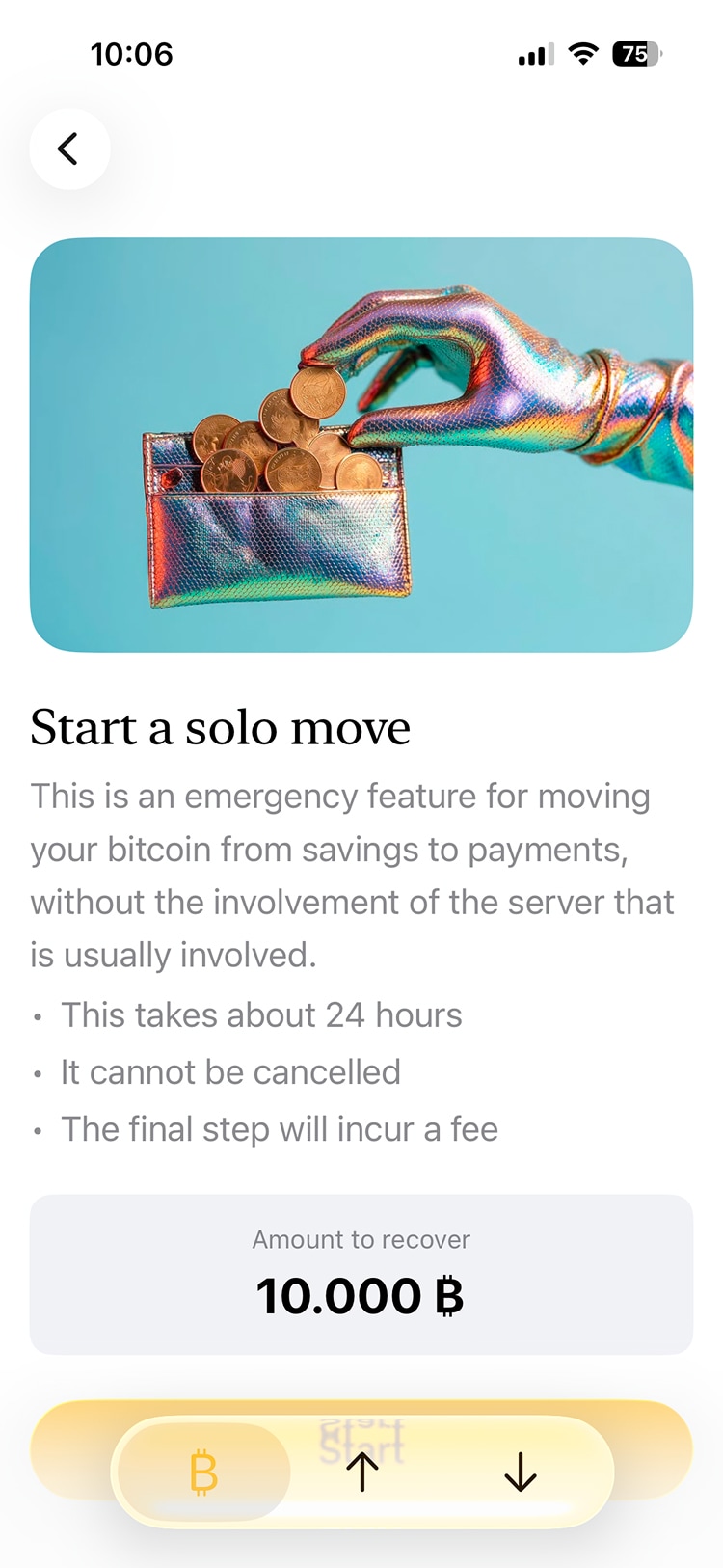
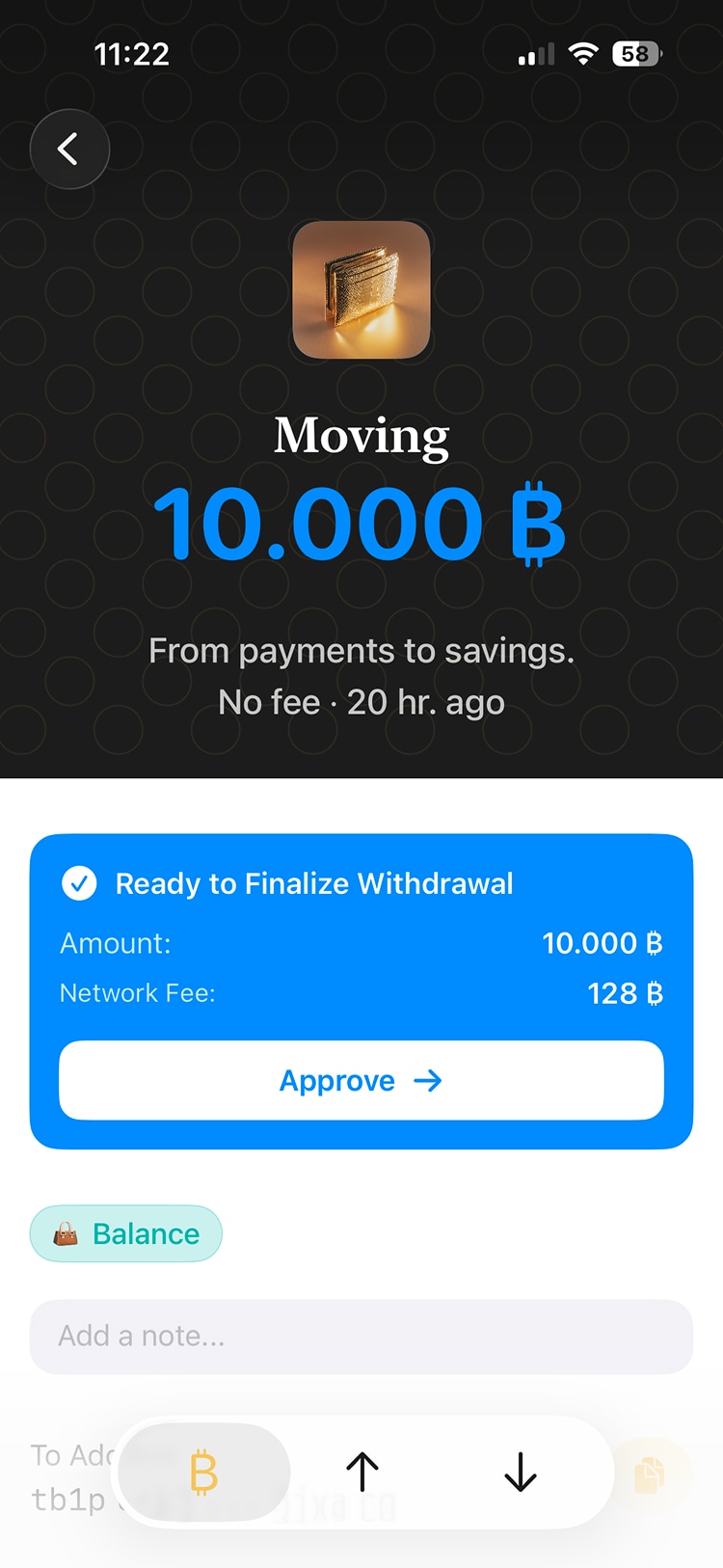
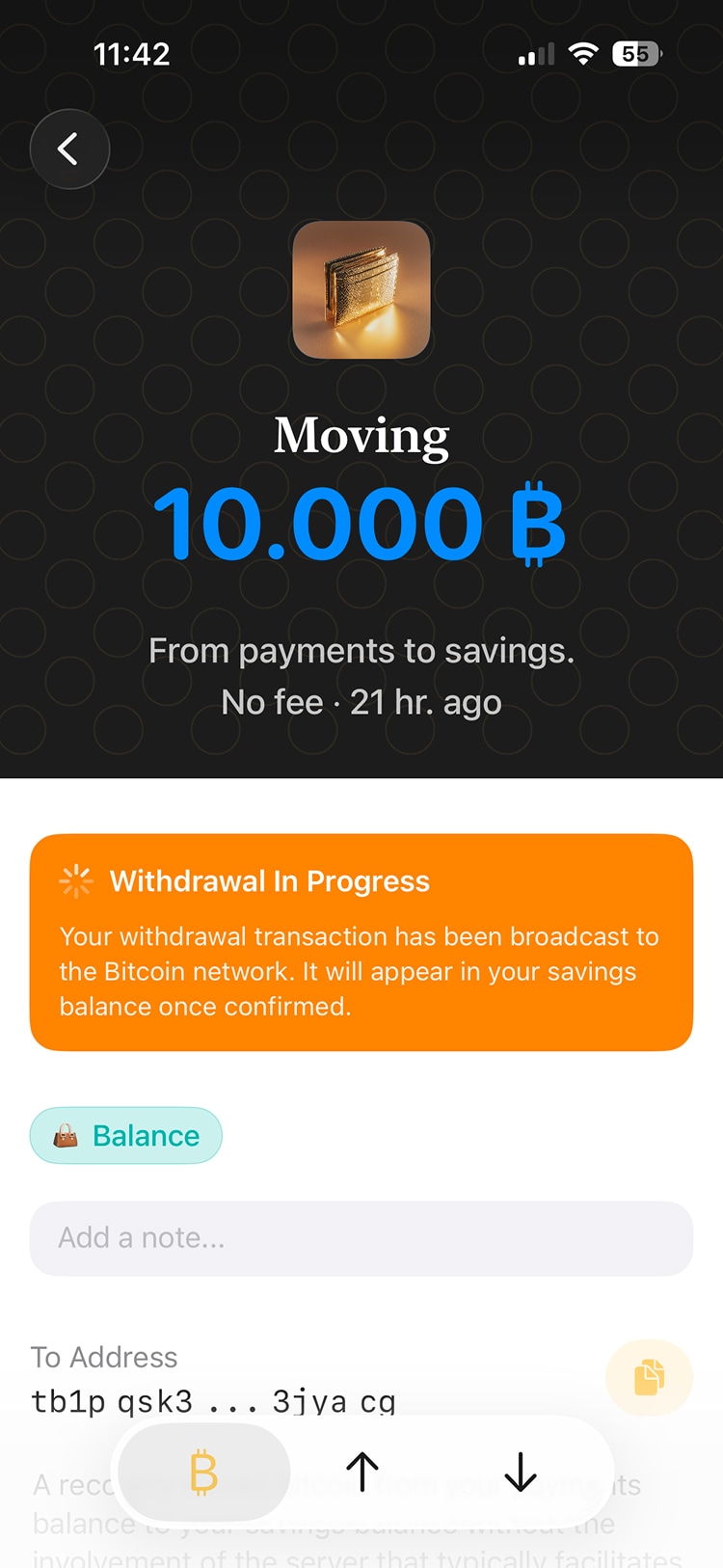
8.1: Start a force move
In Settings, go to "Force Move to Savings". You'll see a quick summary of how this process works. Fees can be on the high side. This is real bitcoin, so check the fee before you start. If the amount is very small, most of it could go to fees. Developers on signet can test this without that worry.
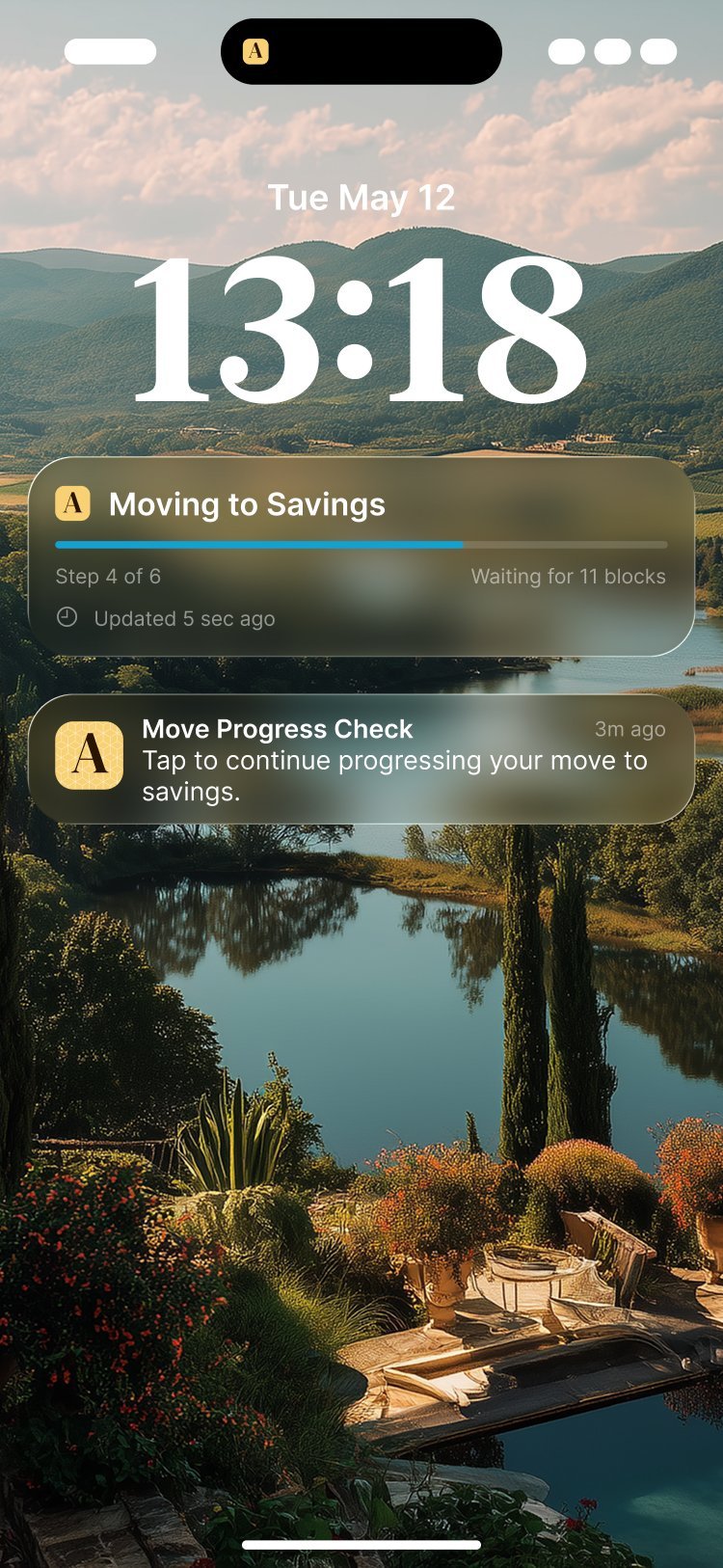
8.2: Follow the progress
A force move can take 10 hours or more, and it goes through several steps. You'll find an entry in your Activity list with the latest status. Once it's done, the entry changes to "Forced move". While the steps progress automatically, you do need to check in every 1-2 hours for the app to continue with the process. Arké will add a Live Activity to your lock screen showing the progress, and also schedule notifications to let you know when you need to check in. A check-in simply means opening the app.